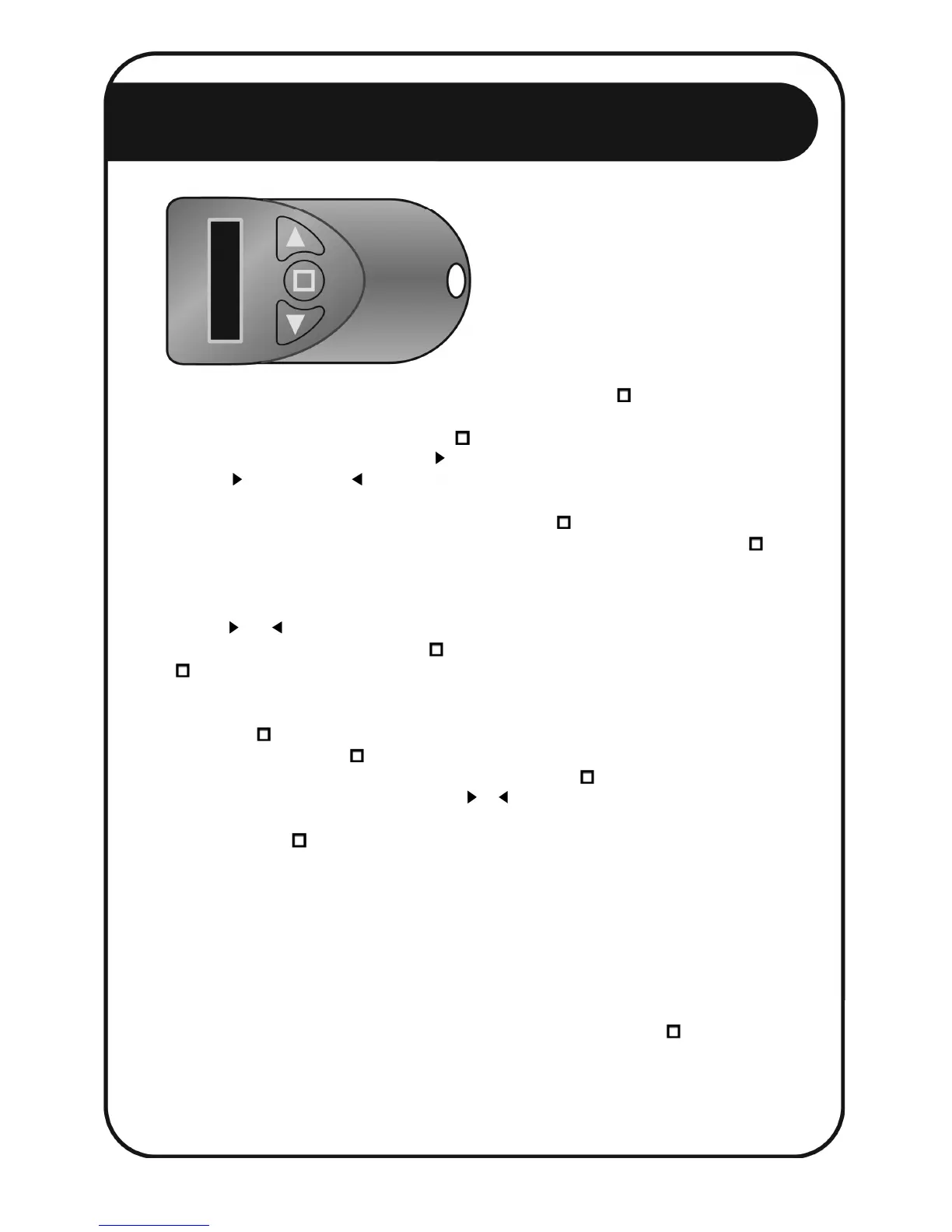
he Nemtek key-chain remote
functions as either a handy torch,
an interface to the Agri range of
energizers, or as an activation key
to the energizer when the Nemtek
Security Lock is active.
The torch can be activated in two ways. By either holding down the button until the torch
activates, or by switching the remote on, navigating through the menu to the item TORCH,
and selecting that function by pressing the button again. With the torch activated, you
can increase brightness by pressing the button. To increase brightness quickly, press and
hold the button. Use the button to decrease brightness.
To activate the Nemtek key-chain remote menu, press the button firmly, and release it.
Don’t press it so long that the torch is activated. To preserve the remote’s batteries, the
button is designed such that very short presses or bumps of the button will not activate the
remote. Additionally, the remote will automatically switch of after 30s of inactivity.
Use the and buttons to navigate back and forth through the remote’s internal menu.
To select the displayed item, press the key briefly. Some items, such as PIN, require the
button to be pressed for an extended period, so as to prevent unintentional changes.
The user PIN is used in the security function of the energizer. To set the user PIN, long
press of the button while the item PIN is displayed. Step through the digits by repeatedly
pressing and releasing the button. The flashing cursor beneath the digit to be edited will
move one digit to the right with each press and release of the button. Increase or
decrease the value of a digit by pressing the or buttons. Once the desired PIN is set by
repeating this process for each digit in the PIN, commit the pin to the remote’s memory by
holding down the button until you are returned to the NEMTEK display. The PIN is stored
in the remote even when the batteries are removed, so the PIN need only be set once.
You need to remember or make a note of this PIN for later referral so that you can re-enter
this same PIN into a new remote, should your existing remote be lost or destroyed. If you
have locked an energizer using a remote, and no longer have access to that remote, and do
not know what PIN was programmed into the remote, then you will have to return with the
energizer to Nemtek or an authorized outlet for unlocking.
To turn the remote off, navigate back to the NEMTEK display and press the button.
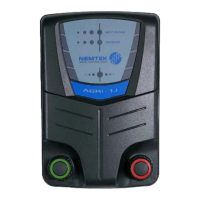
AGRI
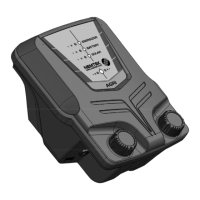
AGRI Solar


 To Next Page