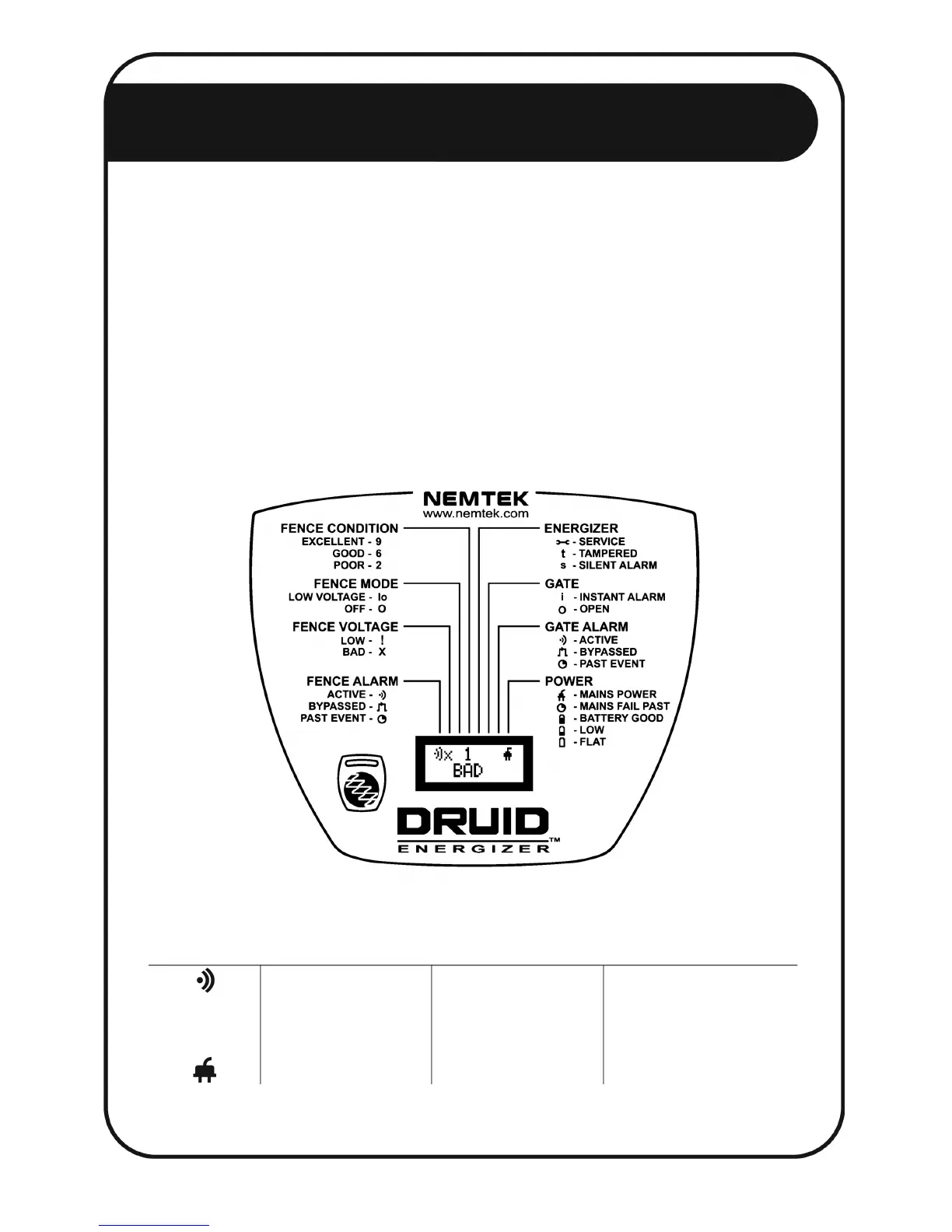
through one of the eight linking lines above the LCD to one of eight descriptive labels.
A brief interpretation of the symbol displayed on the LCD is to be found under the
descriptive label it is linked to.
Example: An O symbol on the top line of the LCD, depending on its position will either
indicate that the gate is open, or that the fence is off. If the O symbol is positioned on the
left of the display under the third linking line, the symbol is linked to the FENCE MODE
label and is interpreted to mean that the fence is off. If however the O symbol is
positioned on the right of the display under the sixth linking line, the symbol is linked to
the GATE label and is interpreted to mean that the gate is open.
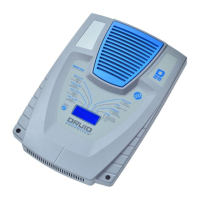
The interpretations of the symbols shown on the LCD depicted above are:
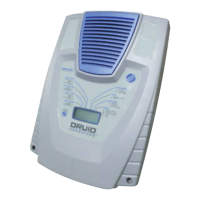
*Pictured above is the DRUID 13/15, the DRUID 18/114A/2x fascia looks a little different but is still applicable.


 To Next Page