8
5. DOWN/MIC
Short press in Video mode turns the microphone on / off. In the
Settings menu the button is used to move through the menu items
(down). In Play mode pressing the button allows you to select a
video or photo for playing / viewing. While a video is being played,
pressing the button starts to fast forward.
6. MODE
Pause the video recording before pressing this button. In Standby
mode a short press switches between the operating modes: Video /
Photo / Play.
7. SWITCH
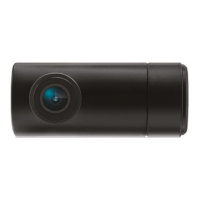
Short press switches between the main and rear camera.
8. RESET
Press to force the device to restart, in case the DVR does not respond
to pressing the buttons.
9. Memory card slot
The slot is designed to install a micro SD card in the DVR. Turn off the
device before inserting the memory card.


 To Next Page