9
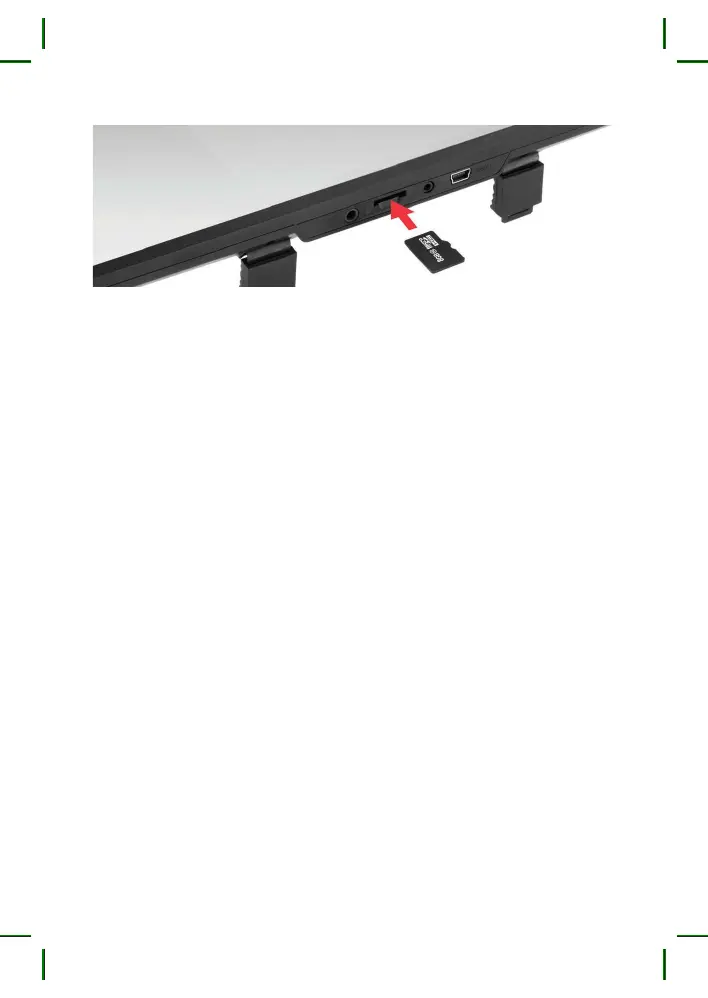
CAUTION: Attempting to insert a memory card with the wrong side
may damage the device and the memory card itself. Make sure that
the memory card is in the correct position.
Warning: do not use excessive force when inserting a memory card
to avoid damaging the device. Insert the micro SD card into the slot
until it locks (until it clicks). Use a needle to push the card if necessary.
To remove the memory card, press it until it clicks and remove the
card from the slot. Use a needle if necessary.
10. USB Connector
The USB connector is designed to connect the power and charge the
battery. Connect the dashcam to the vehicle’s electric net through
the supplied charger.
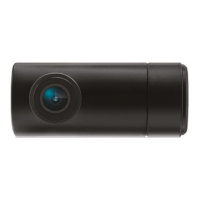
11. AV Input
The AV connector is designed to connect the rear-view camera.


 To Next Page