EN
Description of the Buttons
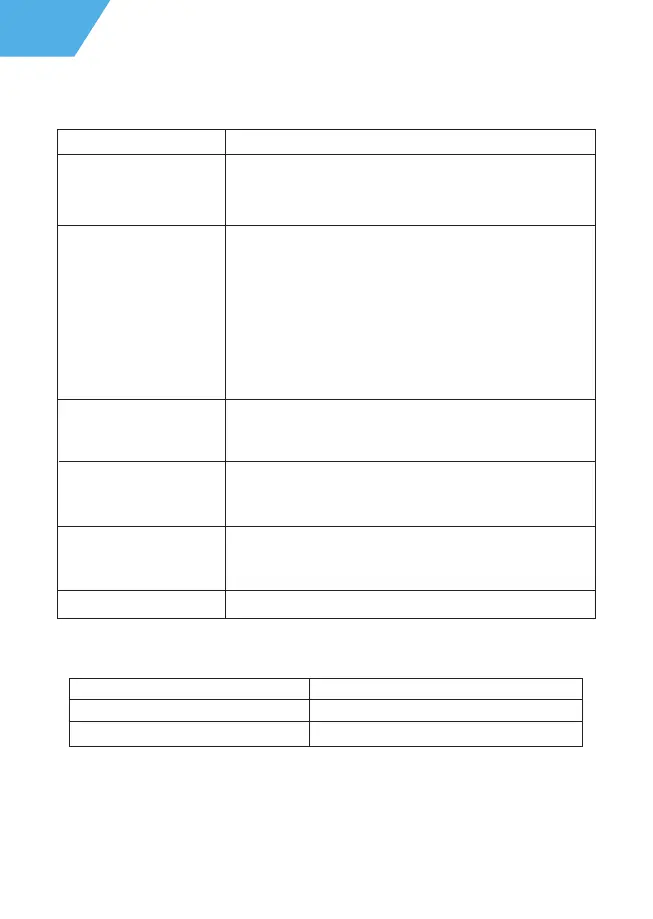
Operation description
Button Description
ON/OFF
(The button is active only
when external power is
connected)
Status Description
Red
Flashing blue
Power on, no recording
Recording
Press and hold to turn the device on/off. When the device is on, press
once to turn the display off.
Меnu Press to go to the device Settings menu when in Standby mode. In
Playback mode, press to go to the submenu for file management.
This button is also used to change the mode of the device. You need
to stop recording, then press the button for more than 2 seconds and
select Photo/View Photo/Video Recording mode.
Press to lock the current file from being overwritten in Playback
mode.
Press to go to the device Settings menu when in standby mode.
When navigating the menu and changing settings or viewing
available settings, press to go to the Main Menu or to exit the
Settings.
Up Press to navigate up through menus or files in
Playback mode. Press to lock the current file from being overwritten in
Video Recording mode.
Down Press to navigate down through menus or files in Playback mode.
Press to enable or disable audio recording when in Video Recording
mode.
OK Press to start/stop recording in Video Recording/Standby mode.
Press to confirm the setting in the Menu. Press to start playback of the
file in Playback mode.
Reset Press this button if no other button responds.
8


 To Next Page
 Loading...