14
Parking mode
To activate the parking mode, press and hold the Hot-key button (if Parking
mode is assigned as an additional function in Settings).
If you use the original accessory to connect the DVR to the fuse box, turn on
Parking Mode in the menu.
When an original accessory is used to connect to the fuse box and the Parking
mode is on, the device activates the parking mode when the ignition turns o.
Videos recorded in Parking Mode are 30 seconds long.
To access the parking mode settings, select Parking mode, then On, and then
press OK to access the submenu.
Settings available:
- Resolution: 1080p30fps/720fps30fps/720p25fps (XXXXp is the resolution, and
XXfps is the frame rate of recording in Parking mode)
- G-sensor sensitivity: 1 to 10 (where 10 is the maximum, and 1 is 1 means the
minimum levels of sensitivity of the shock sensor)
- Parking Mode duration: O / 6 hours / 12 hours / 24 hours / 36 hours / 48 hours
(once a specied period expires, the device turns o)
- Interval recording: O / 125ms / 200ms / 250ms / 500ms / 1000ms
- Trigger Mode: By motion sensor * / By shock sensor / Both
ATTENTION! When the motion sensor is on, the device consumes the car
battery more actively.
* Every time a motion is detected in front of the DVR, the DVR starts recording
automatically. All les recorded in the Parking Mode are stored in the Parking
folder.
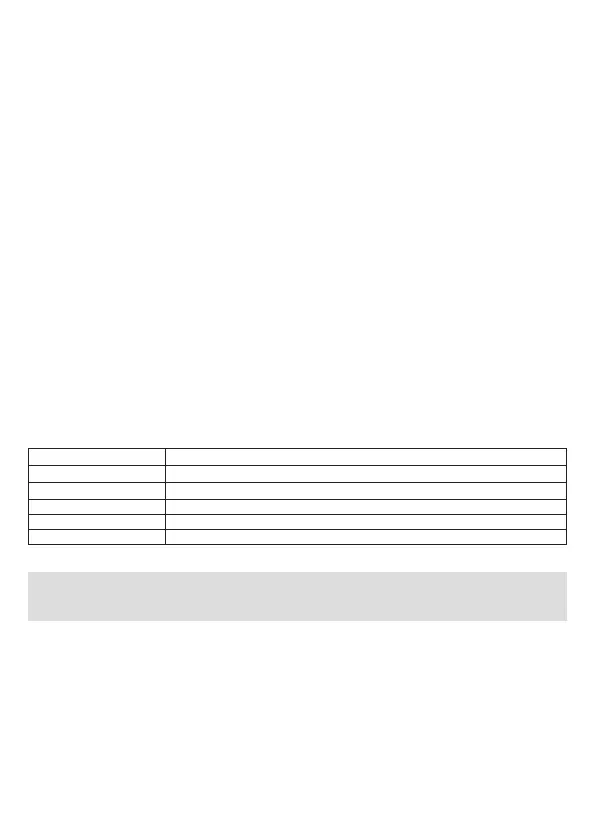
Setting value Real time within a 30 second video when recording a 30 fps (25 fps) video
112,5 s (93,75 s)
180 s (150 s)
225 s (187,5 s)
450 s (375 s)
900 s (750 s)
125 ms
200 ms
250 ms
500 ms
1000 ms



 To Next Page