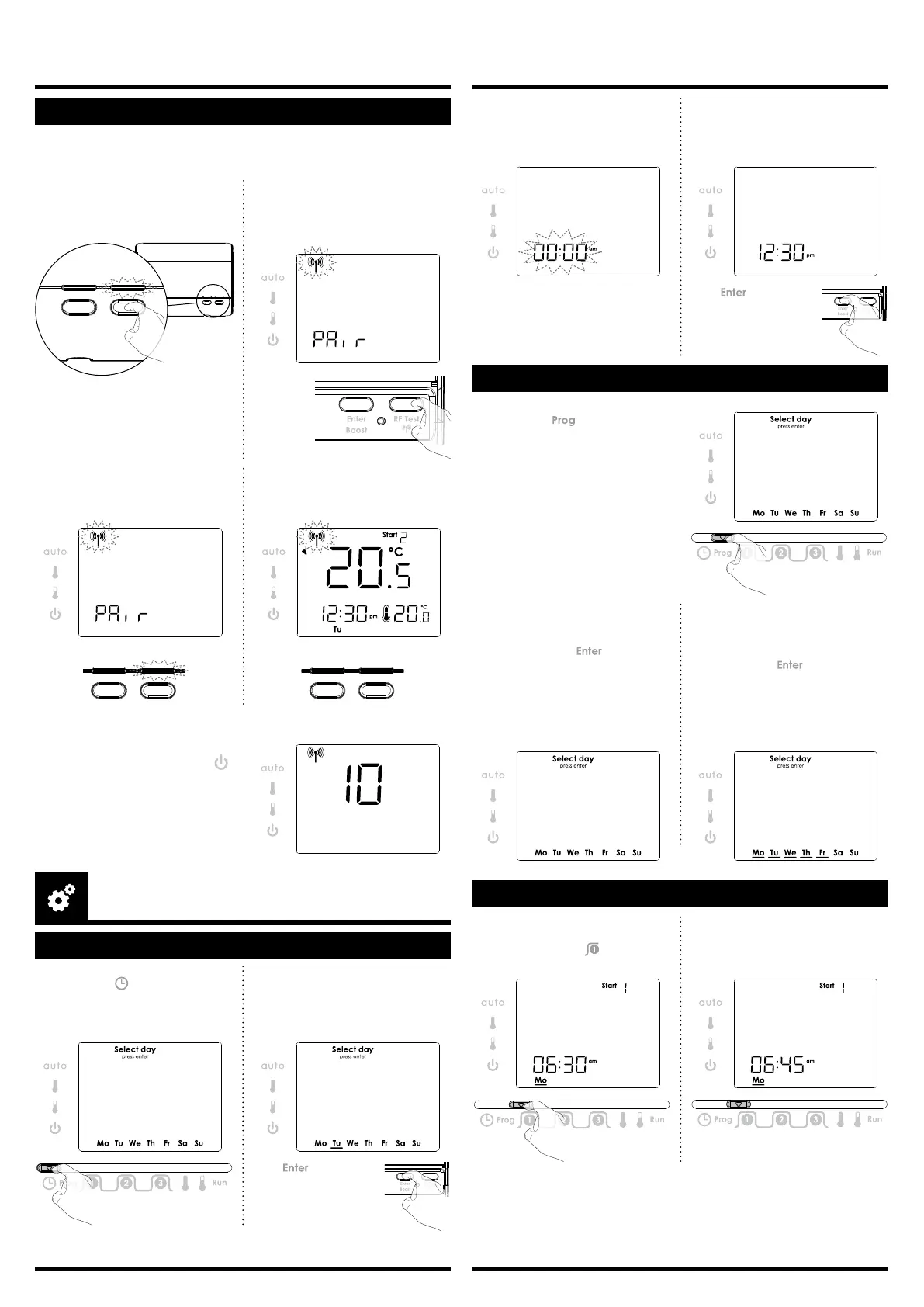
SET THE PROGRAM COMFORT PERIOD
2- Turnthedialtosetthetime.
MovetheProgramslidertothe
nextpositiontoconrm/nish
this setting.
1- TosettherstComfortstart
time, move the Programming
slidertoposition .
Thedefaulttimeis6:30am.
2
Option 2:Multidayprogramming.
Selectrstdaybypressingenter
thenturnthedialtoright,toadd
additionaldaystobeprogram-
med and press toconrm
eachadditionalday.
MovetheProgramslidertoany
otherpositiontoconrm/nishthis
setting.
2- Option 1:Singledayprogram-
ming.
Rotatedialtodayrequired,eg
Monday, press . Under-
scorewillbecomesolid.
MovetheProgramslidertoany
otherpositiontoconrm/nish
this setting.
SET THE PROGRAM DAY
1- MovetheProgrammingslider
to position . The current day
settingisashing.Thedefaultday
is Monday.
1- MovetheProgrammingslider
to position . Underscoring of
Mondayisashing.
Mo = Monday ; Tu = Tuesday ; We = Wednesday ;
Th = Thursday ; Fr = Friday ; Sa = Saturday ; Su = Sunday
2- Toselectthecurrentday,turn
thedialclockwise,toincrement
the day.
Turnthedialcounter-clockwise,
to decrement the day.
Press toconrm.
4- To set the current time, turn the
dialclockwise,toincrementthe
time,turnthedialcounter-clo-
ckwise, to decrement the time.
3- Thetimesettingisashing.
Press toconrm.
PROGRAMMING
SET DAY AND CLOCK
PAIRING PROCEDURE
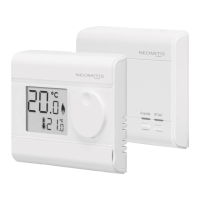
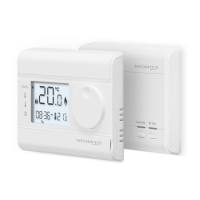
The thermostat and the receiver are not bonded together at the facto-
ry.
Tobondthetransmitterandthereceivertogether,proceedasbelow:
2- Within1minute,pressandhold
for 5 seconds the RF test button
on the thermostat. Pairing icon
isashing.
1- Pressandholdfor5 seconds
the RF test button on the
receiver.RFtestgreenlightis
blinking.
5 sec
Override RF Test
5 sec
Note:thereceiverisusuallylocatednearyourboiler.
Ifyou wanttocheck thesignalstren-
gth, move the mode slider to po-
sitionand then press andreleasethe
RF test button. RF icon blinks for 10
secondsthensignalstrengthappears.
10isthebestsignalstrength.
4- Thermostat RF icon and re-
ceivergreenlightwillbesolid
whenpairingiscomplete.
3- Thermostat RF icon and recei-
vergreenlightareblinking.
Override RF Test Override RF Test


 To Next Page
 Loading...