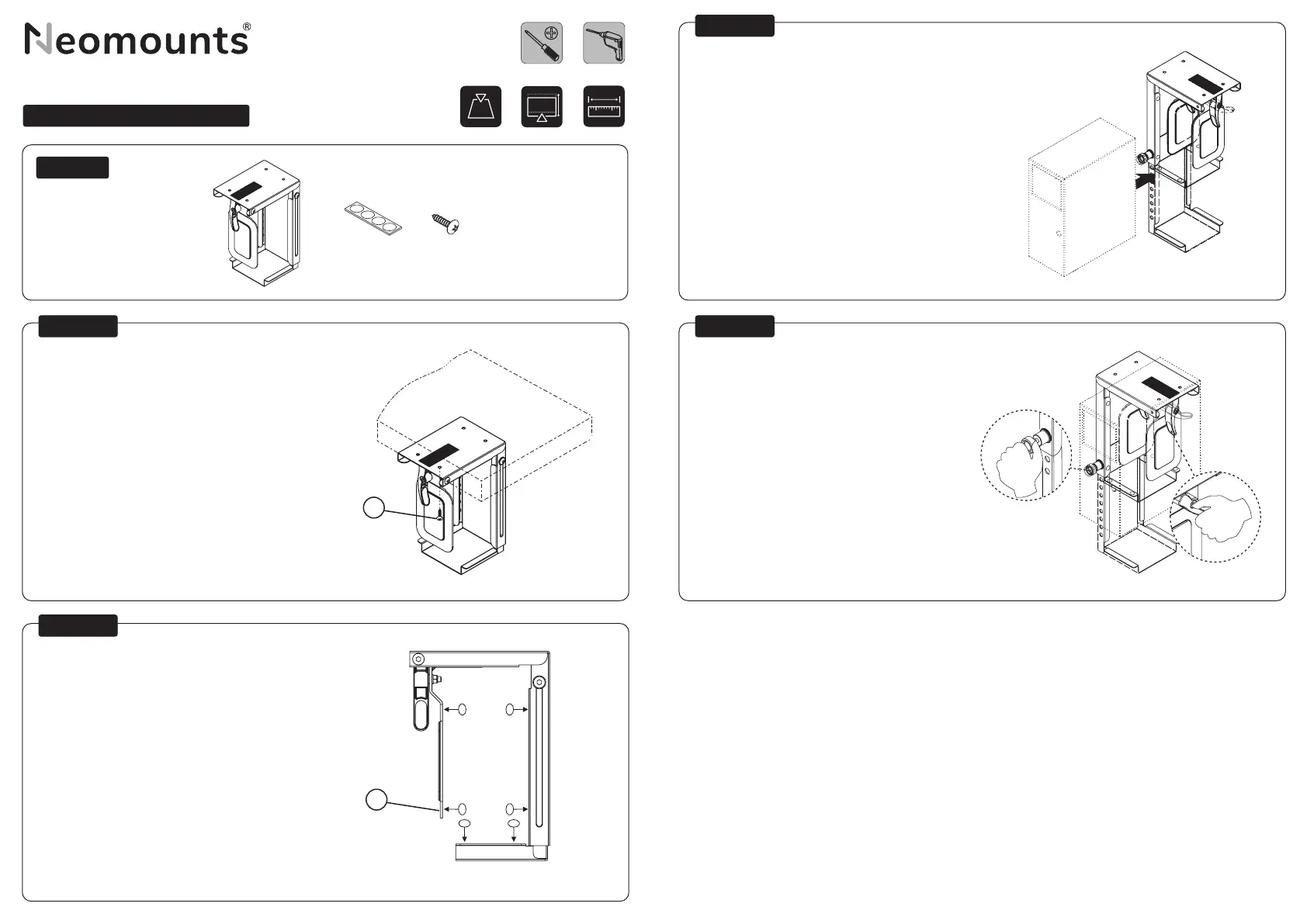
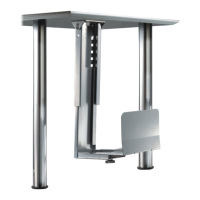
Install the PC holder under the desk
Installeer de PC-houder onder een bureau
Installieren Sie den PC-Halter unter dem Schreibtisch
Vissez le support sous le bureau à l’endroit choisi
Installare il supporto PC sotto la scrivania
Instale el soporte del ordenador debajo del escritorio
Instale o suporte do computador debaixo da mesa
Zainstaluj uchwyt do PC pod biurkiem
Place the protective strips
Plaats de beschermstrips
Bringen Sie die Schutzstreifen an
Placer les bandes de protection
Posizionare le strisce protettive
Coloque las tiras protectoras
Coloque as tiras de proteção
Umieść paski ochronne
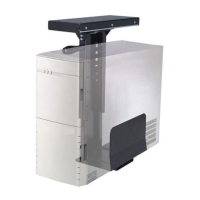
Place the PC and adjust the depth if necessary
Plaats de PC en pas indien nodig de breedte aan
Platzieren Sie den PC und passen Sie die Breite an,
falls erforderlich
Placer le PC et ajuster la largeur si nécessaire
Posizionare il PC e regolare la larghezza se necessario
Coloque el PC y ajustar la anchura es necesario
Colocar o PC e ajustar a largura, se necessário
Umieść komputer i w razie potrzeby dostosuj jego
szerokość
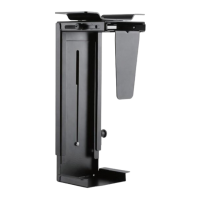
Adjust the knob to secure the PC
Stel de knop in om de PC vast te zetten
Stellen Sie den Drehknopf ein, um den PC zu sichern
Ajuster le bouton pour xer le PC
Regolare la manopola per ssare il PC
Ajuste la perilla para asegurar el PC
Ajustar o botão para xar o PC
Wyreguluj pokrętło, aby zabezpieczyć komputer
EN
NL
DE
FR
IT
ES
PT
PL
PARTS
EN
NL
DE
FR
IT
ES
PT
PL
EN
NL
DE
FR
IT
ES
PT
PL
EN
NL
DE
FR
IT
ES
PT
PL
CPU-D075BLACK
STEP 1
STEP 2
STEP 3
STEP 4
Screen size
VESA
Weight capacity
Tilt
Swivel
Rotate
Height
Depth
Gas spring
Curved screen compatible
Quick-release VESA
Top-x clamp
180° lock system
Handlebar
Crossbar
Cable management
Screen size
VESA
Weight capacity
Tilt
Swivel
Rotate
Height
Depth
Gas spring
Curved screen compatible
Quick-release VESA
Top-x clamp
180° lock system
Handlebar
Crossbar
Cable management
0-10 kg
Tool
Pencil Drill Tape measure
Drill
C
B
Screen size
VESA
Weight capacity
Tilt
Swivel
Rotate
Height
Depth
Gas spring
Curved screen compatible
Quick-release VESA
Top-x clamp
180° lock system
Handlebar
Crossbar
Cable management
Screen size
VESA
Weight capacity
Tilt
Swivel
Rotate
Height
Depth
Gas spring
Curved screen compatible
Quick-release VESA
Top-x clamp
180° lock system
Handlebar
Crossbar
Cable management
20-36 cm
Cable management
Capacity
Width
Length
Clasp / velcro
Clasp / zip
Cable management
Capacity
Width
Length
Clasp / velcro
Clasp / zip
5-10 cm
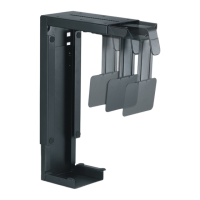
A. (x1) B. (x3) C. (x4)



 To Next Page