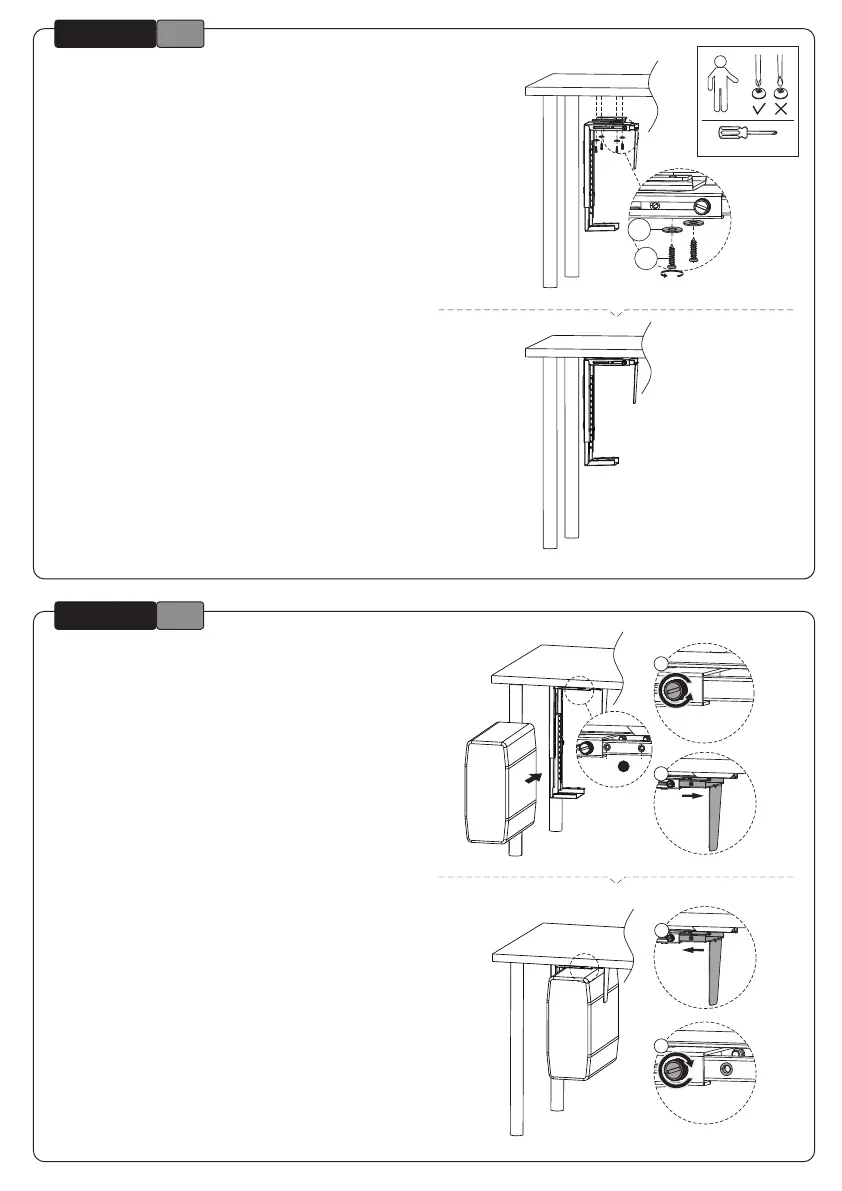
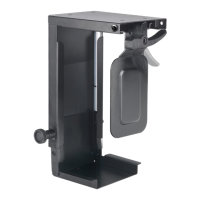
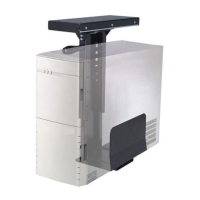
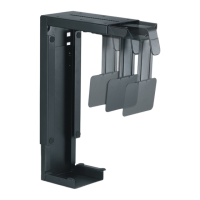
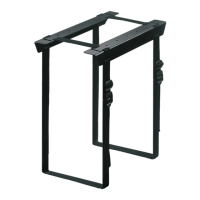
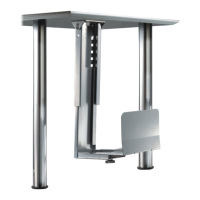
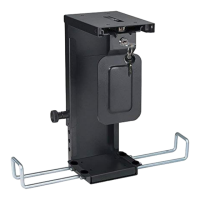
Install the PC holder under the desk
Installeer de PC-houder onder het bureau
Installation des PC-Halters unter dem Schreibtisch
Vissez le support sous le bureau à l'endroit choisi
Installare il supporto PC sotto la scrivania
Instale el soporte del ordenador debajo del escritorio
Instale o suporte do computador debaixo da mesa
Zainstaluj uchwyt do PC pod biurkiem
EN
NL
DE
FR
IT
ES
PT
PL
Place the PC and adjust the depth if necessary
Plaats de PC en pas de diepte zo nodig aan
Platzieren Sie den PC und passen Sie die Tiefe an, falls
erforderlich
Insérrez le PC et ajustez la largeur en fonction du PC
Posizionare il PC e regolare la profondità se necessario
Coloque el ordenador y ajuste la profundidad si es
necesario
Coloque o computador e ajuste a profundidade se
necessário
Umieść uchwyt do PC i w razie potrzeby dostosuj
głębokość
EN
NL
DE
FR
IT
ES
PT
PL
* Not Included
A-1
OPTION
A-2
OPTION
F
B
A
B
or
1
2
1
2



 To Next Page