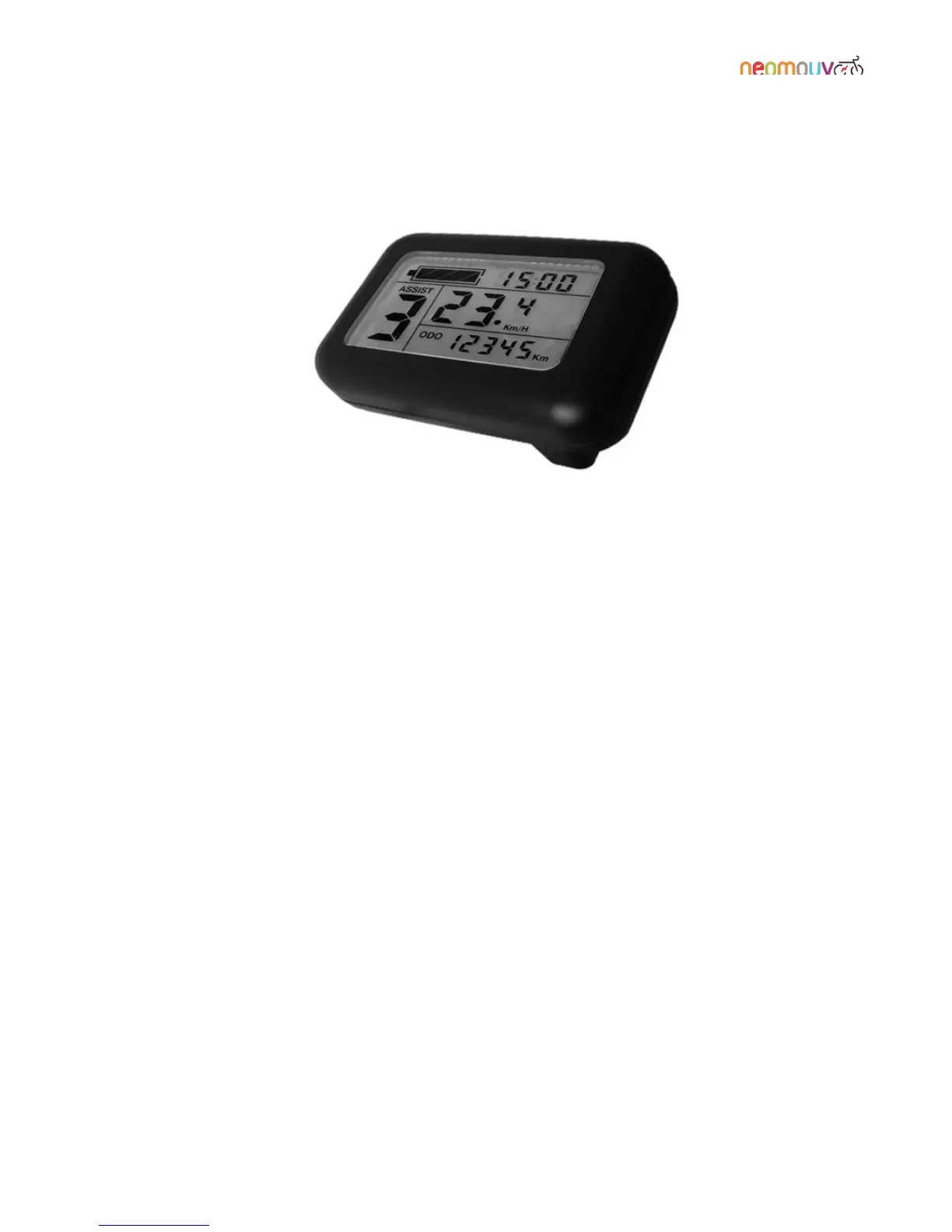
Switching from ODO info to TRIP info: One quick press on the MODE button allows you to switch
between the two. ODO shows the total number of kilometres travelled since the bike was first used. TRIP
shows the number of kilometres travelled on your current journey.
Setting the clock: After selecting the ODO mode, press and hold Down and MODE simultaneously
until you are able to access the clock settings.
Set the hour using the UP and DOWN buttons.
Press briefly on the MODE button to move to the minutes setting.
Set the minutes using the UP and DOWN buttons.
Press and hold the MODE button to accept your changes and return to normal mode.
Reset trip information (km travelled, average speed, maximum speed): After selecting the TRIP mode,
press and hold Down and MODE simultaneously to reset the trip data to zero.



 To Next Page