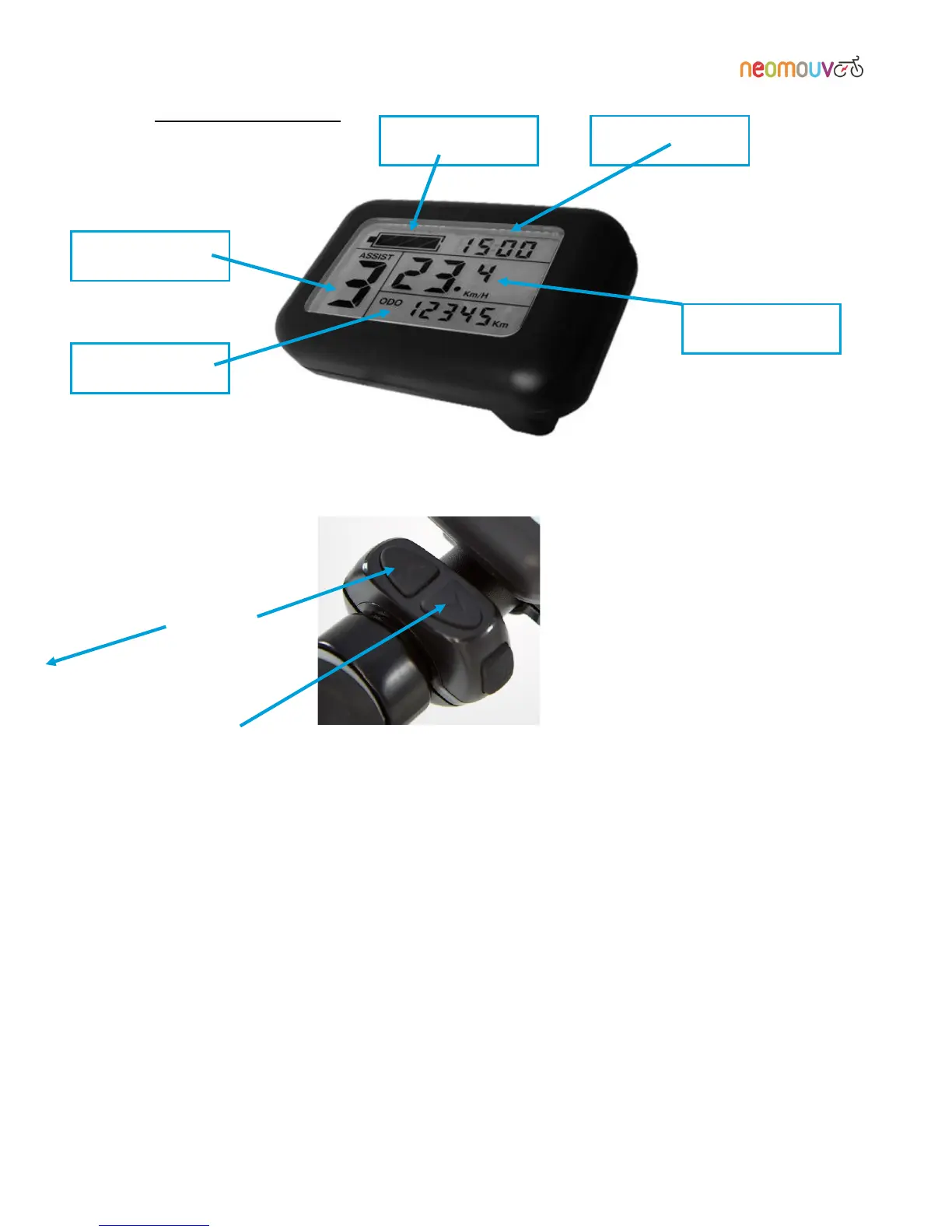
3.3 Display and controls:
Start-up aid : Pressing and holding the DOWN button (located under the control) will initiate a start-up,
which enables the e-bike to start without pedalling.
Speed information: Pressing and holding the UP button allows you to select the desired speed
information: instantaneous, average (avg) or maximum (max).
Night mode: Pressing and holding the UP and MODE buttons simultaneously will switch the backlighting
on the display on and off.



 To Next Page