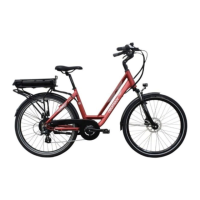
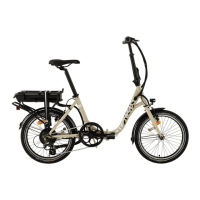
Mounting the rear wheel:
Remove the piece of plastic from the calliper.
Take the wheel and place the chain on the small pinion on the right-hand side, then place the wheel between
the brake pads.
Moving backwards, insert the wheel axle into the housing on the left and right of the frame. Attach the
washers and the wheel nuts. Tighten the nuts by hand initially until they make contact with the frame.
Checking the wheel alignment:
- Centre the wheel in relation to the frame.
- Check the centring and positioning in line with the front wheel, as well as the positioning of the chain.
- Screw on the wheel nuts on both sides without tightening them.
- Check the positioning, centring, and position of the chain again.
Checking the brake adjustment:
- Operate the brake handle 3-4 times. This allows the pads to settle correctly.
- Check that the brake disc is properly centred and rotates without friction.
- Finally, check that the wheel brakes are working properly.
Alternately and progressively tighten the wheel nuts on each side (max. tightening torque 25 Nm)
Replace the nut covers.
Reconnect the motor and replace the Colson cable tie on the frame (if necessary).
NB: the connector is equipped with a keyed connection. Place the two pins so that they are facing each other
(follow the arrows) to reconnect the motor correctly.



 To Next Page