8
ENGLISH
How to avoid out-of-range alarm
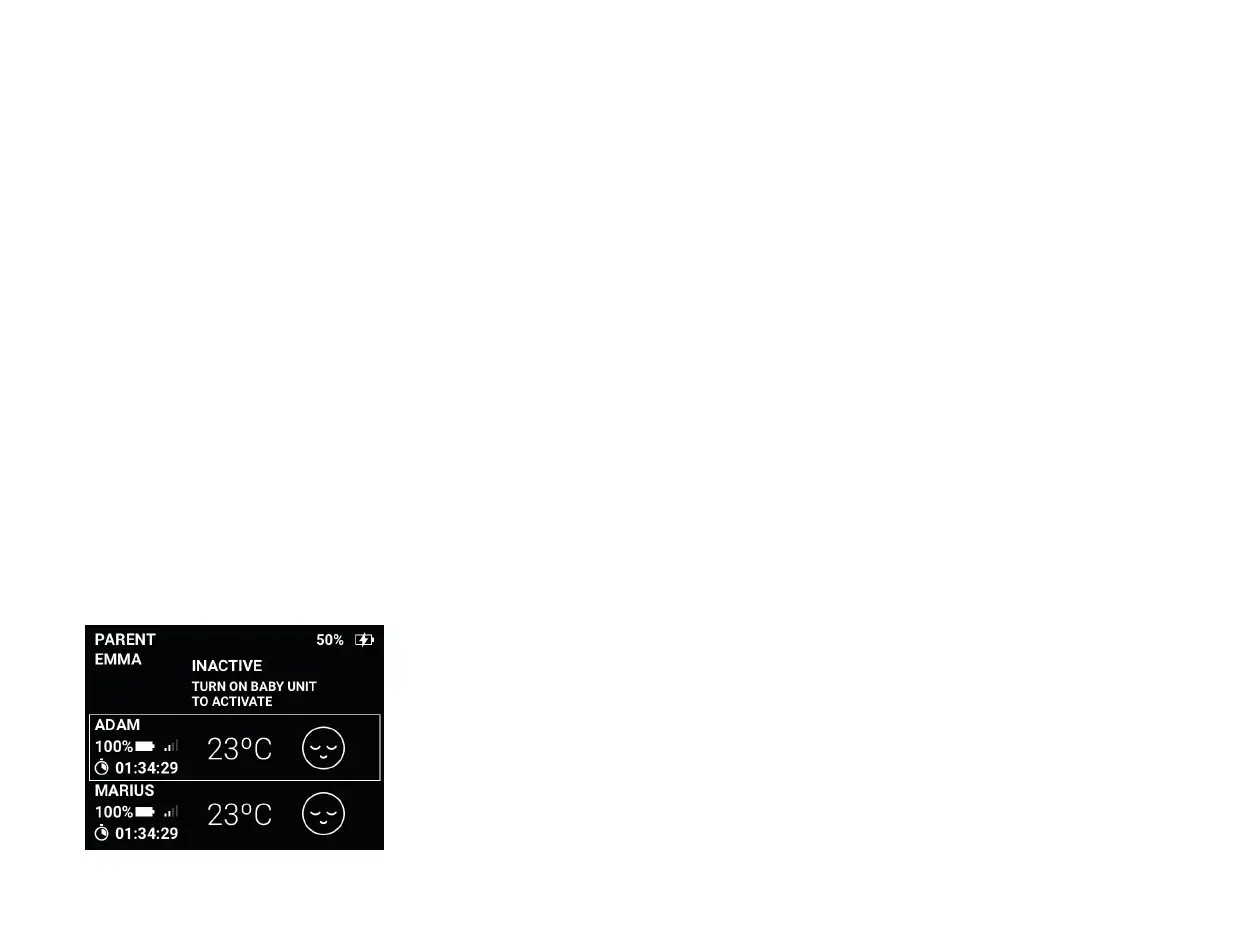
Here 3 baby units are paired, but only 2
are being used. (One baby unit is set as
inactive).
If you have more than one baby unit paired with your parent unit, but only
want to use one baby unit, you can set the other baby unit as inactive. An
inactive baby unit will be ignored until it is switched on. (It will not trigger
the out-of-range alarm).
(When more than one baby unit is connected).
The baby unit you want to set as inactive must be switched off. When the
baby unit is switched on it will automatically be re-activated.
Enter the Menu
Choose Baby unit settings
Choose the baby unit you want to set as inactive
Choose Active / Inactive
The status should change to Inactive, and the home screen will change
1
2
3
4
5
6
This is how you set a baby unit as inactive
(This only works if you have more than 1 baby unit connected)


 To Next Page