Test the system
1. Load the document feeder trays.
2. Load the envelope hopper.
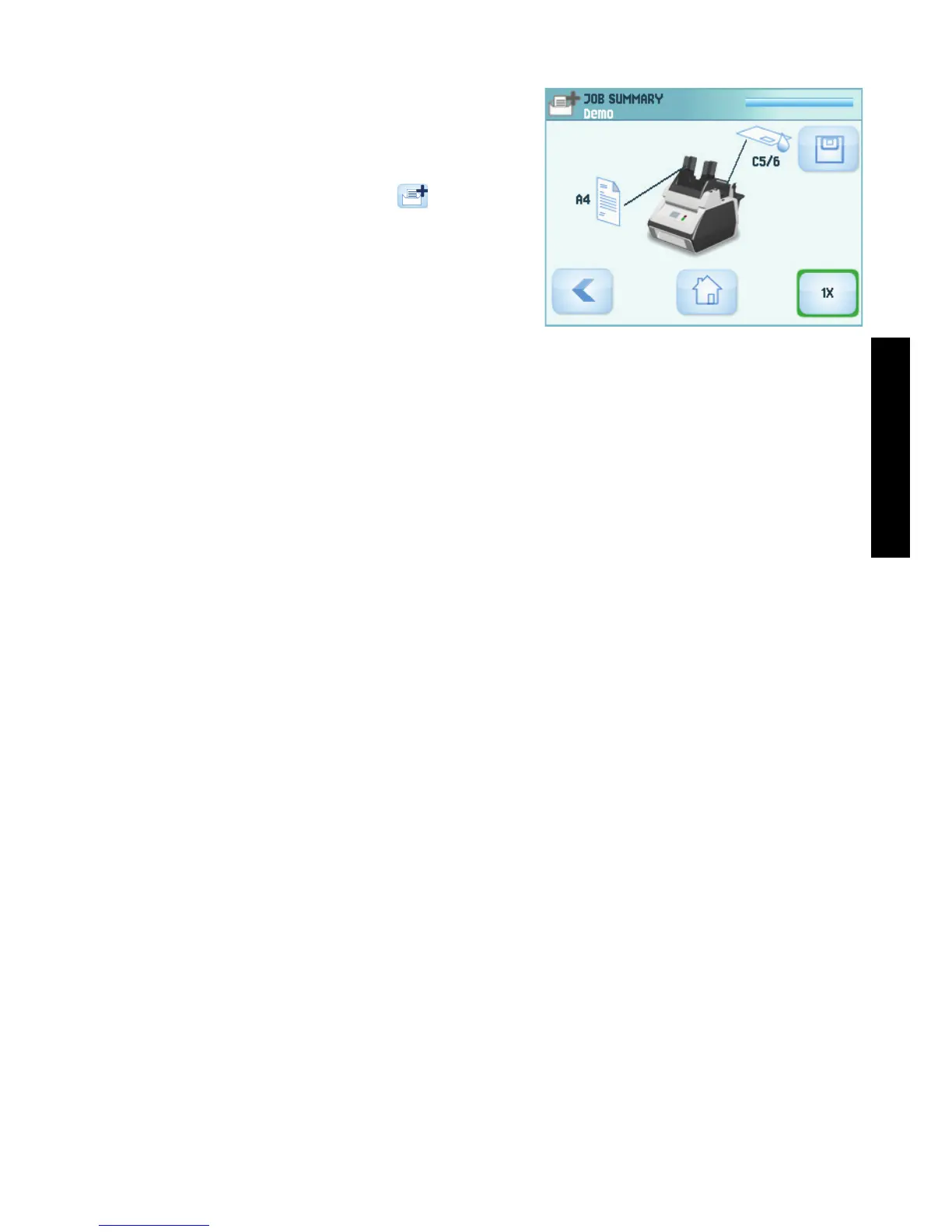
3. In the home menu, press the (new job)
button.
4. Configure the job to feed a sheet from every
feeder.
5. Press the 1x button. If necessary adjust
address position, insert position (supervisor
menu) and sealing position (supervisor
menu).
Define jobs
Define any jobs according to the customer’s wishes / applications.


 To Next Page