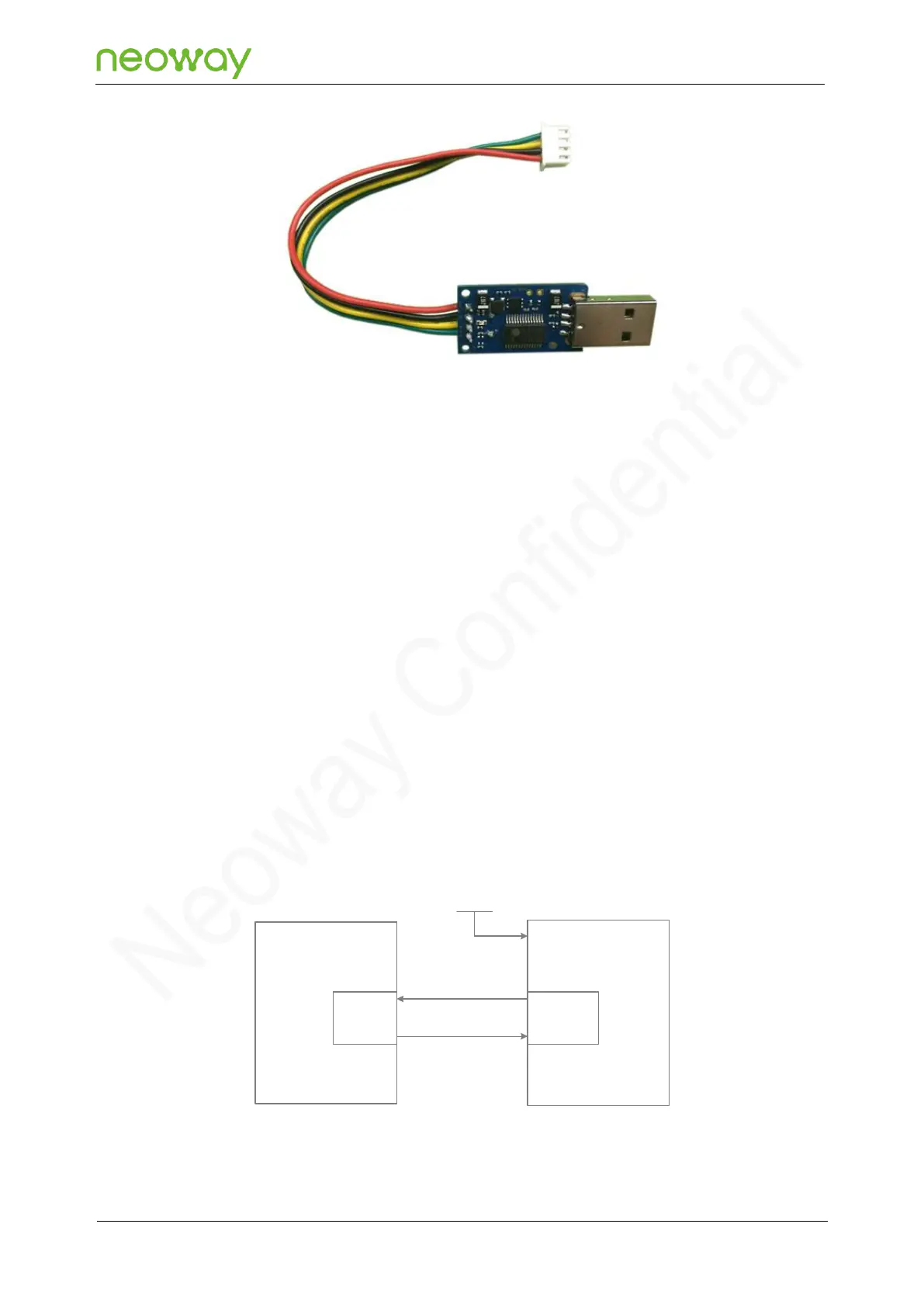
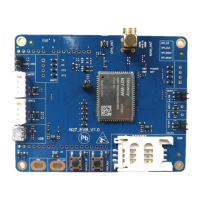
M5X0-PWR is connected to the N27 EVB through 4-pin cables, which have been soldered to the power
board in a sequence of red, black, yellow, and green at one end and should be inserted into the plug
of the EVB at the other end. Among the 4-pin cables:
⚫
Green
Module TXD, output, CMOS level
⚫
Yellow
Module RXD, input, maximum 3.3 V CMOS level
⚫
Black
Ground
⚫
Red
VBAT, main power input, 3.6V to 4.5V, 3.8 V recommended
To use the UART function, install the USB-to-UART driver (PL2303) first. If an MCU is used to control
the module, connect the as shown in the following figure:


 To Next Page