4.2 Through USB Port
Perform the following steps to commission N27 through USB port:
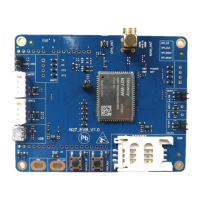
Step 1: Connect the EVB board and start it.
1. Use an external power source to supply power.
2. Connect it to the computer through the USB cable.
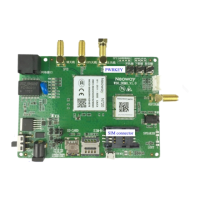
3. Insert a SIM card and install an antenna onto the EVB board.
4. Hold the PWRKEY_N button for 1 seconds, and the module starts up.
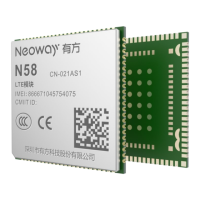
Step 2: Install the N27 USB drivers on your computer.
1. If your computer runs a Windows 8.1 or Windows 10 OS, disable the signature enforcement.
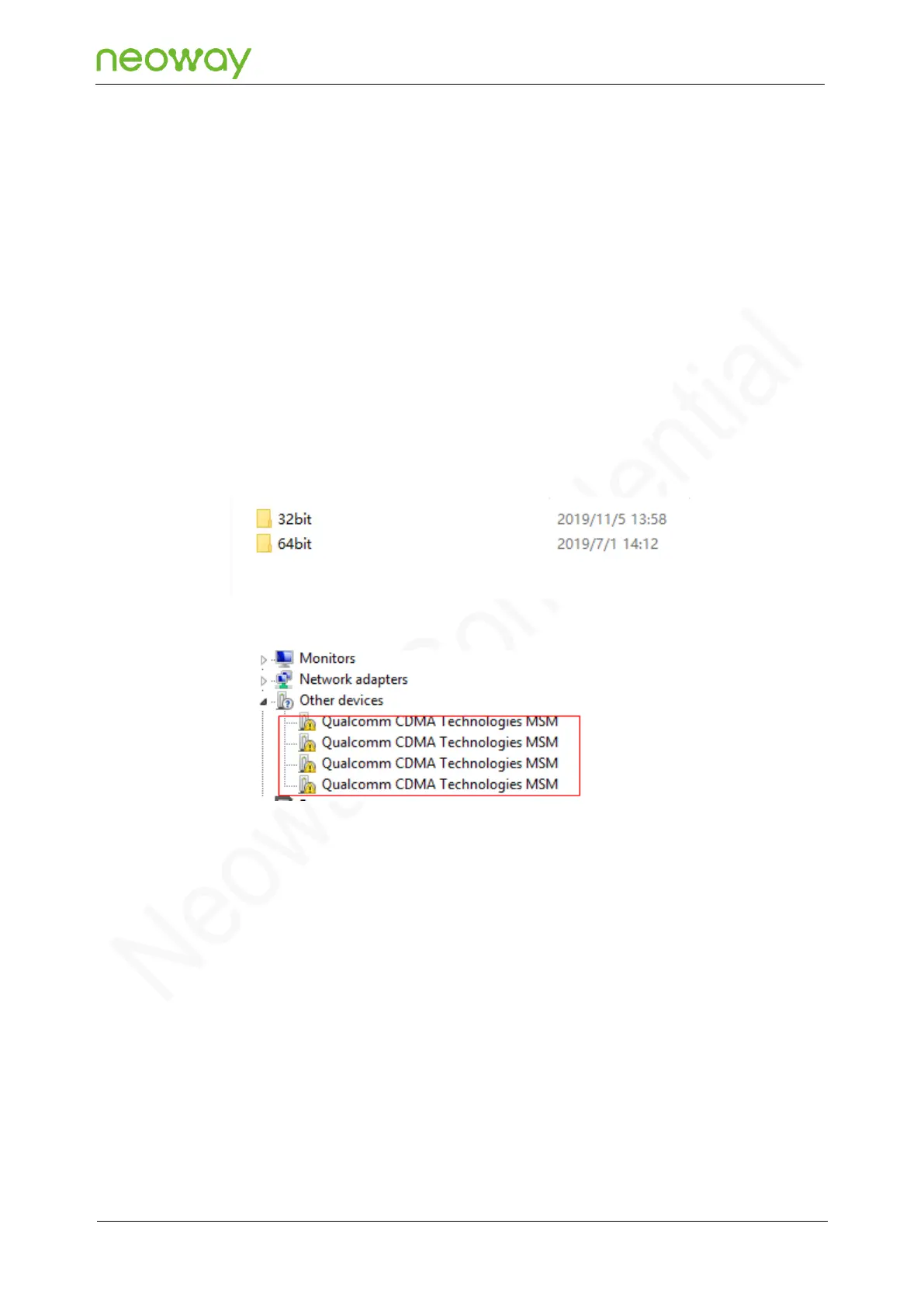
2. Decompress the N27 tool package that Neoway provides.
3. In Device Manager, right-click one device and choose Update Driver Software from the menu.
4. In the Update Driver Software dialog box, click Browse my computer for driver software.


 To Next Page