Video and Slide Show
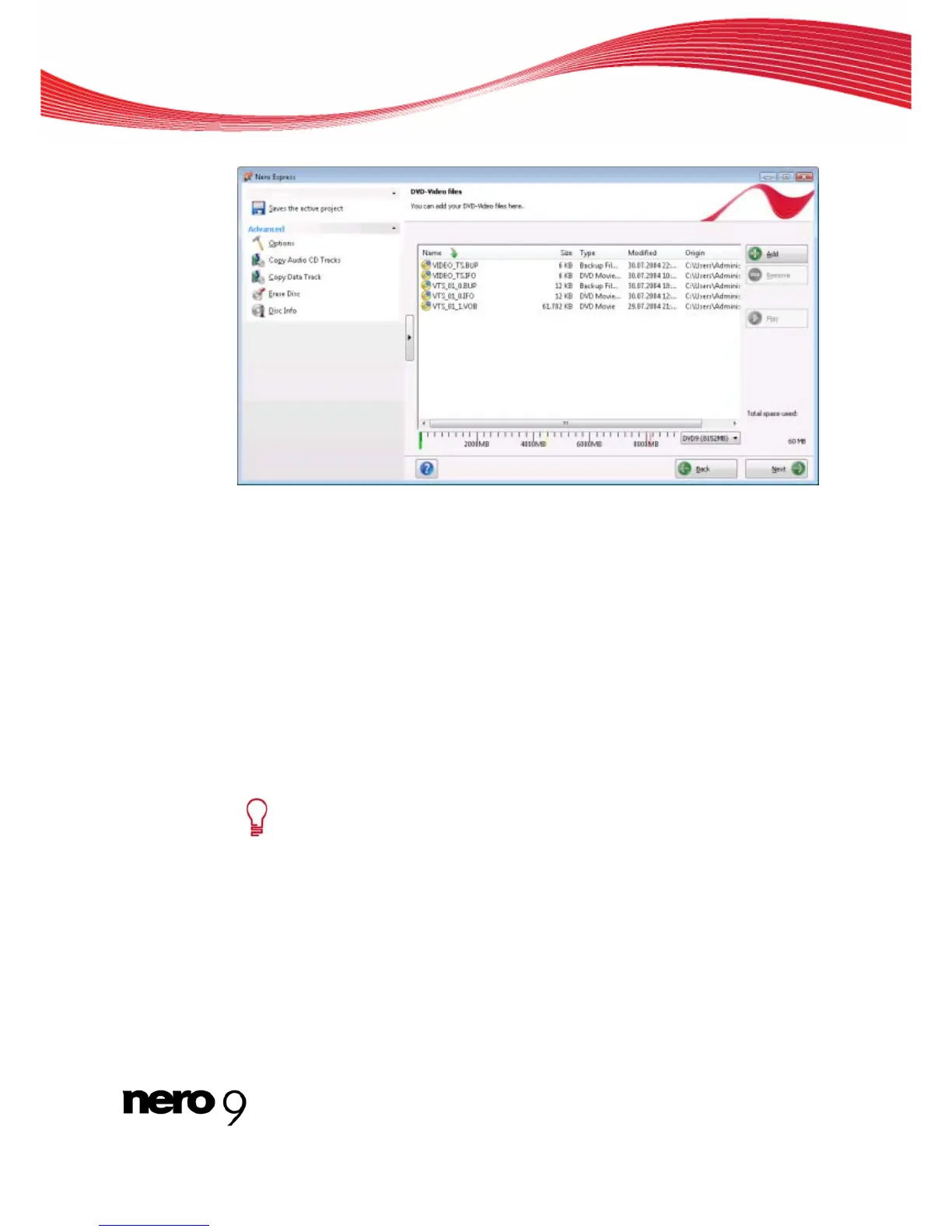
DVD-Video files compilation screen
2. Click DVD-Video.
The DVD-Video files compilation screen opens.
3. Click the Add button.
The Add files and folders window opens.
4. Select the DVD-Video files that you would like to add to the compilation and click the Add
button.
5. Repeat the two previous steps for all DVD-Video files that you want to add to the compila-
-Video files are added to the compilation and are displayed in the compilation
sc
reen.
tion.
6. Click the Close button.
The DVD
r
stalled, you can select the
MB) option in the drop-down menu.
ccessfully compiled a DVD-Video and can now burn this compilation.
Compilation screen 11
If the DVD-Vi
deo files selected are larger than 4483 MB and if a DVD recorde
which can burn DVDs with 2 layers (DVD DL) is in
DVD9 (8152
7. Click the Next button.
You have su
See also:
Nero Express 37



 To Next Page