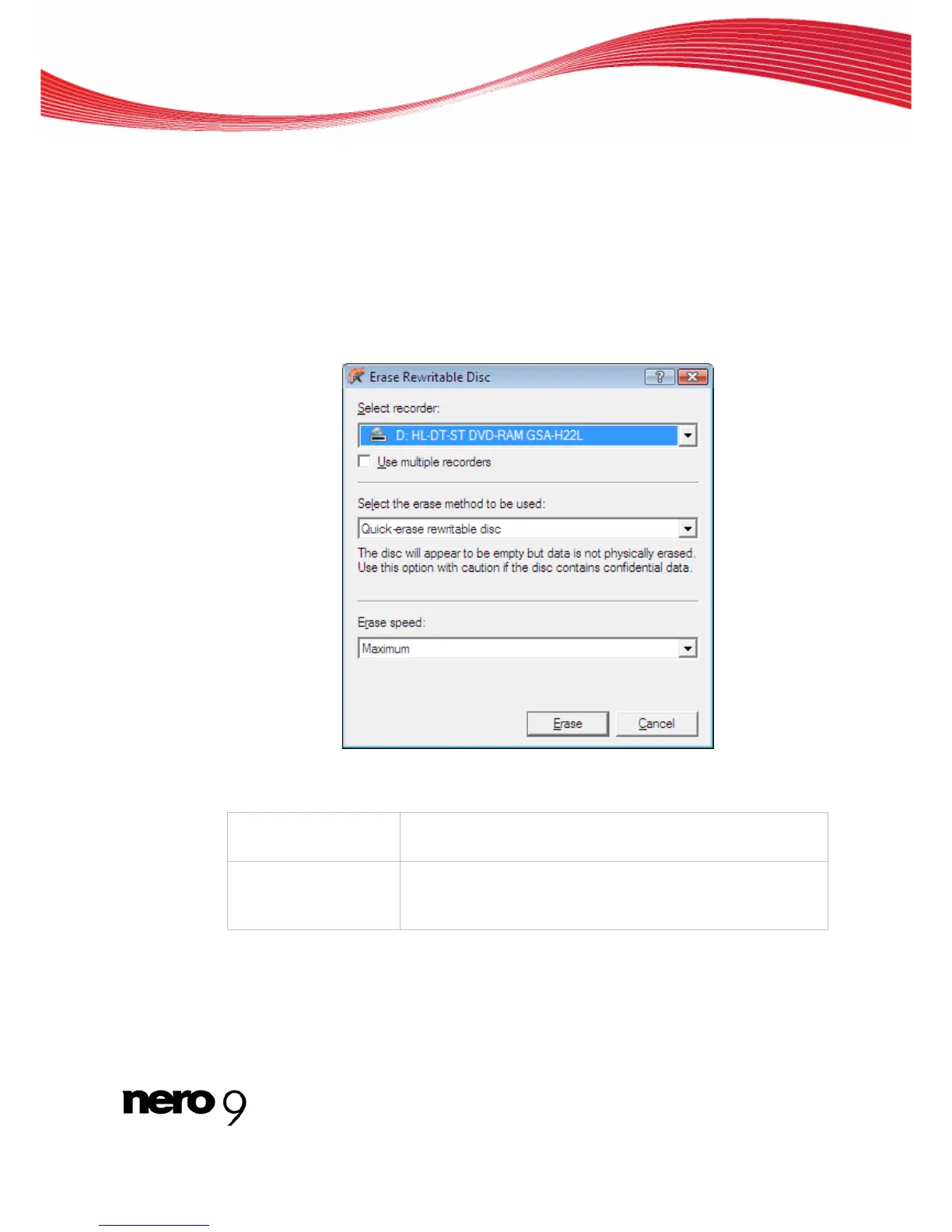
Erase Rewritable Disc window
13 Erase Rewritable Disc window
Nero Express can be used to erase rewritable discs, i.e. discs with the RW specification, as
long as your recorder supports this feature. Two erase methods are available for this pur-
pose:
Quick erasing does not remove the data physically from the disc, but instead only makes it
inaccessible by erasing the references to existing content. The data can be restored!
Full erasing removes the data from the disc by overwriting it with zeroes. The contents can-
not be restored with conventional methods. Repeated full erasing increases the probability
that third parties will not be able to reconstruct the contents.
Erase Rewritable Disc window
The following configuration options are available in the Erase Rewritable Disc window :
Selection list
Select recorder
Defines the desired recorder.
Check box
Use multiple record-
ers
Simultaneously erases CDs/DVDs in multiple recorders.
Nero Express 59



 To Next Page