Launching the program
2 Launching the program
To start Nero Express via Nero StartSmart, proceed as follows:
1. Click the StartSmart icon.
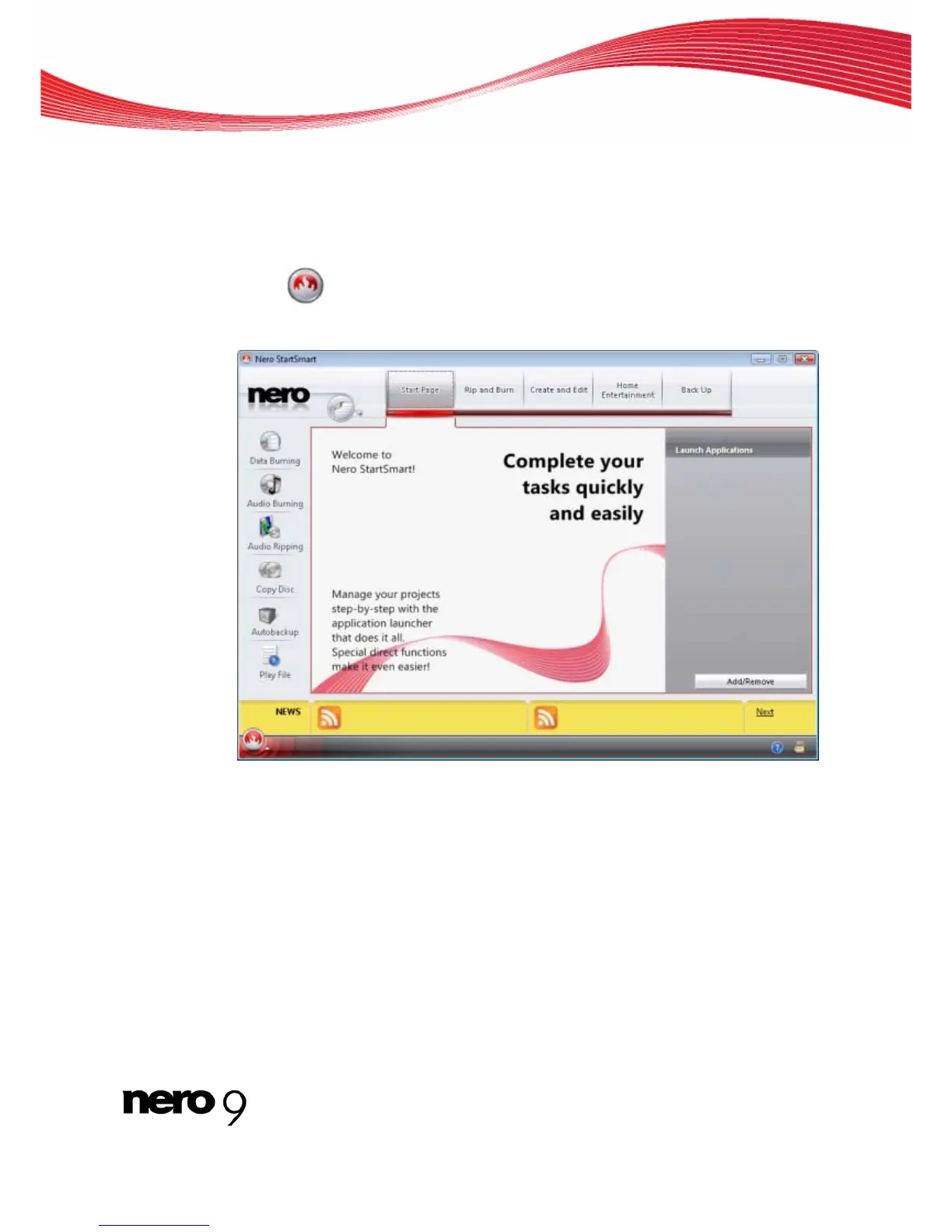
The Nero StartSmart window opens.
2. Click the button.
The list of Nero applications appears.
Nero StartSmart window
3. Select the Nero Express entry in the selection list.
4. The Nero Express window opens.
You have launched Nero Express via Nero StartSmart.
Nero Express 7



 To Next Page