2
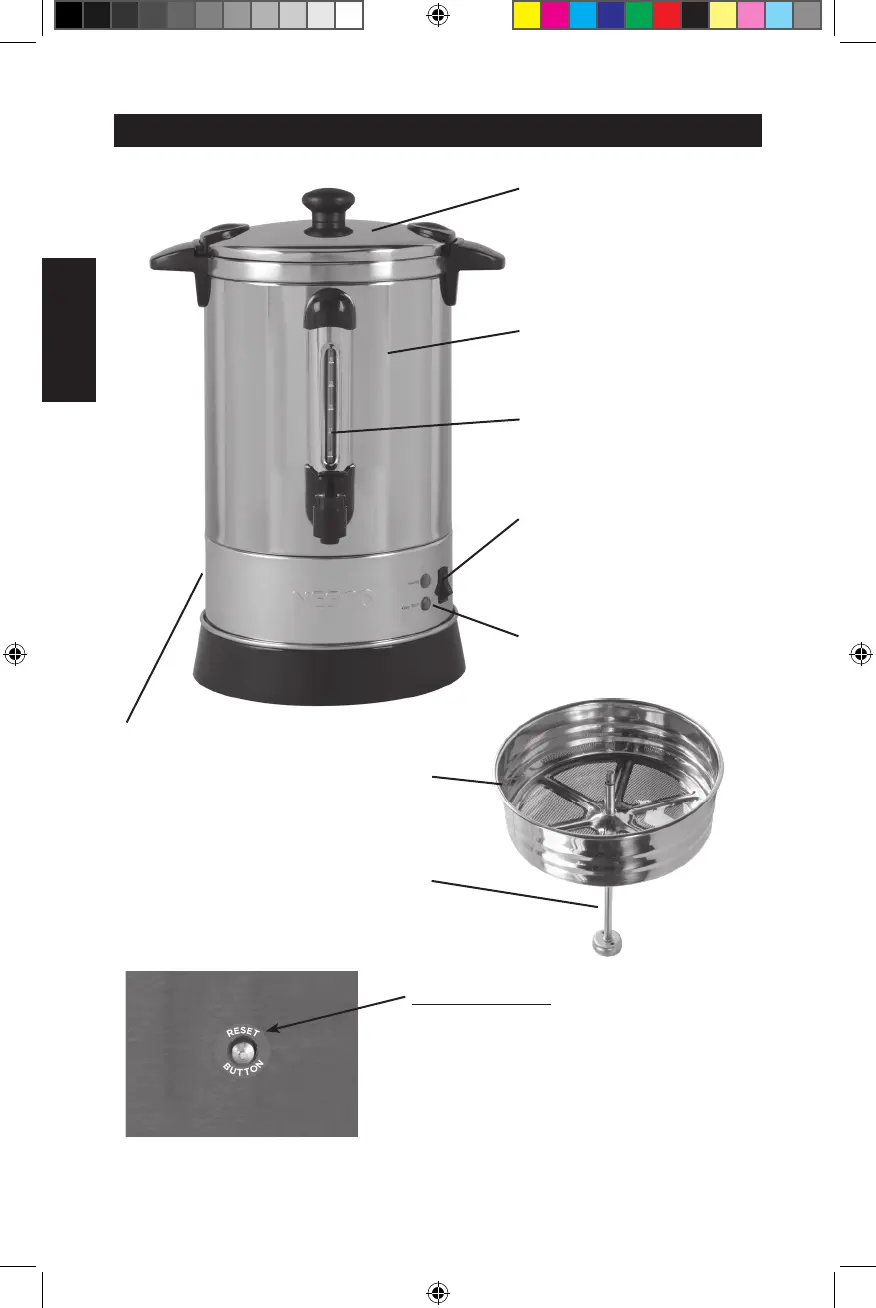
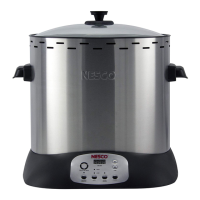
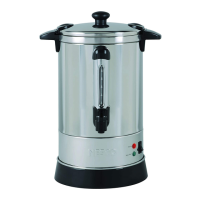
PARTS
Twist-Lock Lid
Urn Body
Power Switch
Filter Basket
Pump Tube
Water Gauge
RESET BUTTON:
1. Remove plug from electrical outlet.
Allow appliance to cool.
2. Press button lightly to reset.
3. Your unit is ready to use. If it does
not work properly please contact
NESCO
®
Customer Satisfaction
1-800-288-4545 / www.nesco.com
Indicator Lights
Reset Button
NESCO_CU-30-50_CUG 2022.indd 2NESCO_CU-30-50_CUG 2022.indd 2 6/30/22 9:20 AM6/30/22 9:20 AM


 To Next Page