EasyManua.ls Logo

Nesco VS-09HH - User Manual

Nesco VS-09HH
28 pages
Print Icon
To Next Page IconTo Next Page
Loading...
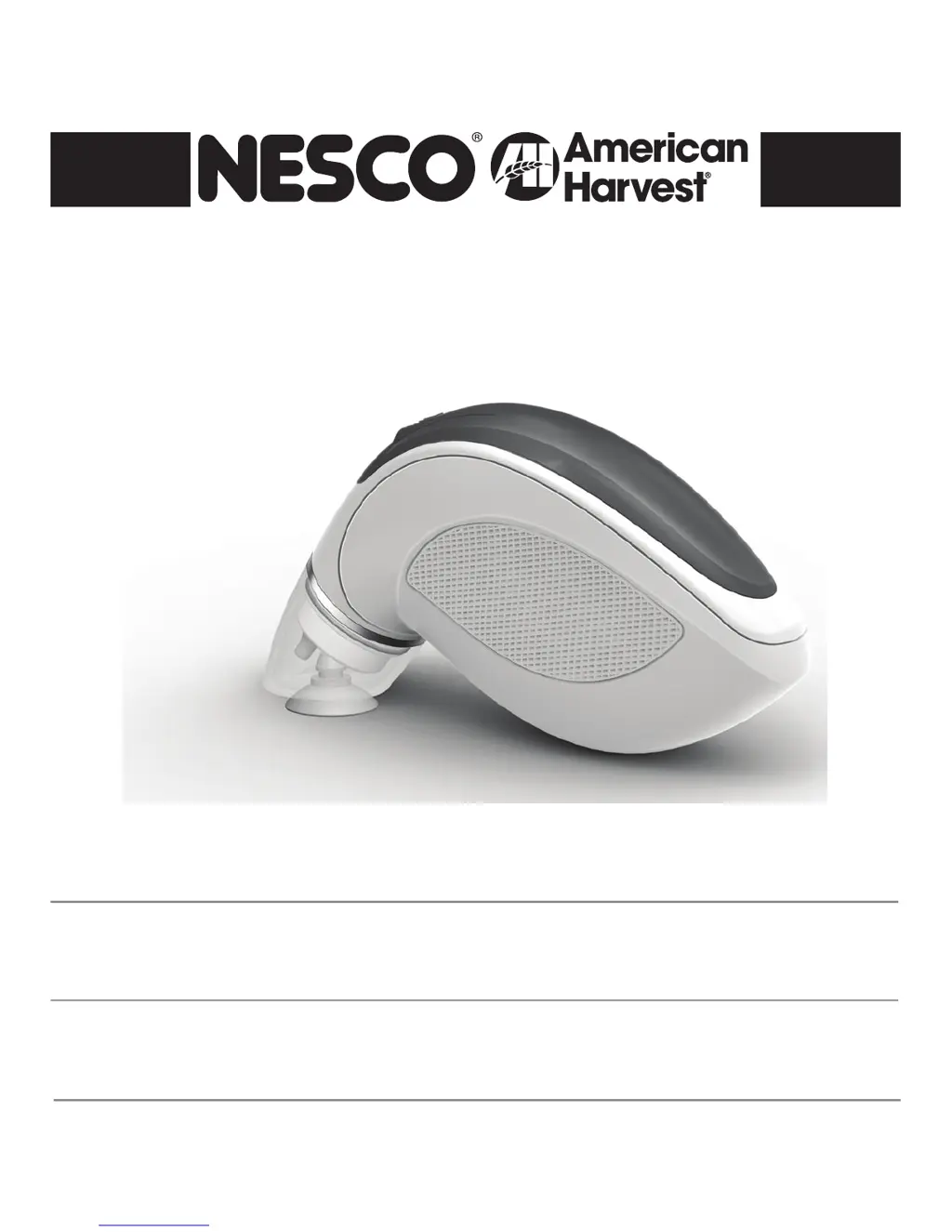
Handheld Vacuum Sealer model VS-09HH
Care/Use Guide
Guide d’entretien et d’utilisation
Électrique Vacuum Sealer modèle VS-09HH
Guía del cuidado/del uso
Electricidad Sellador al Vacío modelo VS-09HH

Questions and Answers

  • W
    William DavisJul 27, 2025
    Why is my Nesco VS-09HH canister not vacuuming?
    • E
      Erin BowmanJul 27, 2025
      Several factors can prevent your Nesco Handhelds canister from vacuuming: * Ensure the adapter is securely connected to both the vacuum sealer and the canister. * Verify that the canister button is set to the “seal” position. * Press down on the lid at the start of vacuuming to ensure a good seal between the canister and lid. * Inspect the lid and canister for any damage; discontinue use if damage is found. * Confirm that the vacuum sealer is functioning correctly and able to pull a vacuum. * Check the outer suction for deformation, fractures, or blockages; replace it if necessary.
  • M
    mmurphyAug 3, 2025
    What to do if my Nesco VS-09HH air is not removed from the bag completely?
    • A
      Anthony BonillaAug 4, 2025
      If air is not being fully removed from the bag with your Nesco Handhelds, consider the following: * Ensure bags are properly sealed by resealing the zipper and running your finger along its entire length. * Try replacing the zip bag, ensuring the valve is clean. * Adjust the position of items inside the bag to ensure they aren't blocking the valve; avoid overfilling the bag. * Extend the vacuuming time and manually press out excess air before sealing the zipper.
  • T
    Timothy CunninghamAug 10, 2025
    Why does my Nesco VS-09HH Handhelds stop working soon after being charged?
    • A
      Amanda BuckleyAug 10, 2025
      If your Nesco Handhelds stops working shortly after charging, check these points: * Confirm that the indicator LED lights illuminate during charging, ensuring good contact between the vacuum sealer and charger. * If the LED lights are on, ensure the device is charged for a sufficient amount of time, waiting until the indicator LED turns green to signal a full charge. * If problems persist, please contact NESCO customer support at 1-800-288-4545.
  • B
    Briana HallAug 18, 2025
    How to fix Nesco Handhelds charger that does not charge?
    • C
      charles23Aug 18, 2025
      If your Nesco Handhelds charger isn't working, here's what to check: * First, see if the indicator LED is lit. If not, ensure the charger and outlet are properly connected. If it still doesn't light up, try a different electrical outlet. * If the indicator LED is on but the device isn't charging, check the connection between the charger and the vacuum sealer, making sure they are correctly seated. Adjust if needed.

Summary

Important Safety Precautions

Product Features

Operating Instructions

Vacuum Sealing with Zipper Bags

Instructions for sealing items using NESCO zipper valve bags, including bag preparation and vacuum process.

Vacuum Sealing with Canisters

Guide for sealing items within NESCO canisters, focusing on component assembly and vacuuming process.

Recharging the Unit

Care and Cleaning

Vacuum Sealing Tips

Food Storage and Safety Information

General Rules for Food Safety

Troubleshooting

Charger Not Charging

Checks for indicator light, proper connections, and suggests trying a new outlet if the charger doesn't work.

Unit Stops Working After Charging

Verifies charging time, indicator lights, and advises contacting customer support for persistent issues.

Air Not Removed Completely from Bag

Solutions include resealing bags, cleaning valves, ensuring proper item positioning, and extending vacuum time.

Canister Will Not Vacuum

Checks connections, canister position, lid seal, and physical condition of the vacuum sealer or canister parts.

One Year Limited Warranty

Nesco VS-09HH Specifications

General IconGeneral
AC input voltage120 V
Product colorGreen, White
Quantity1