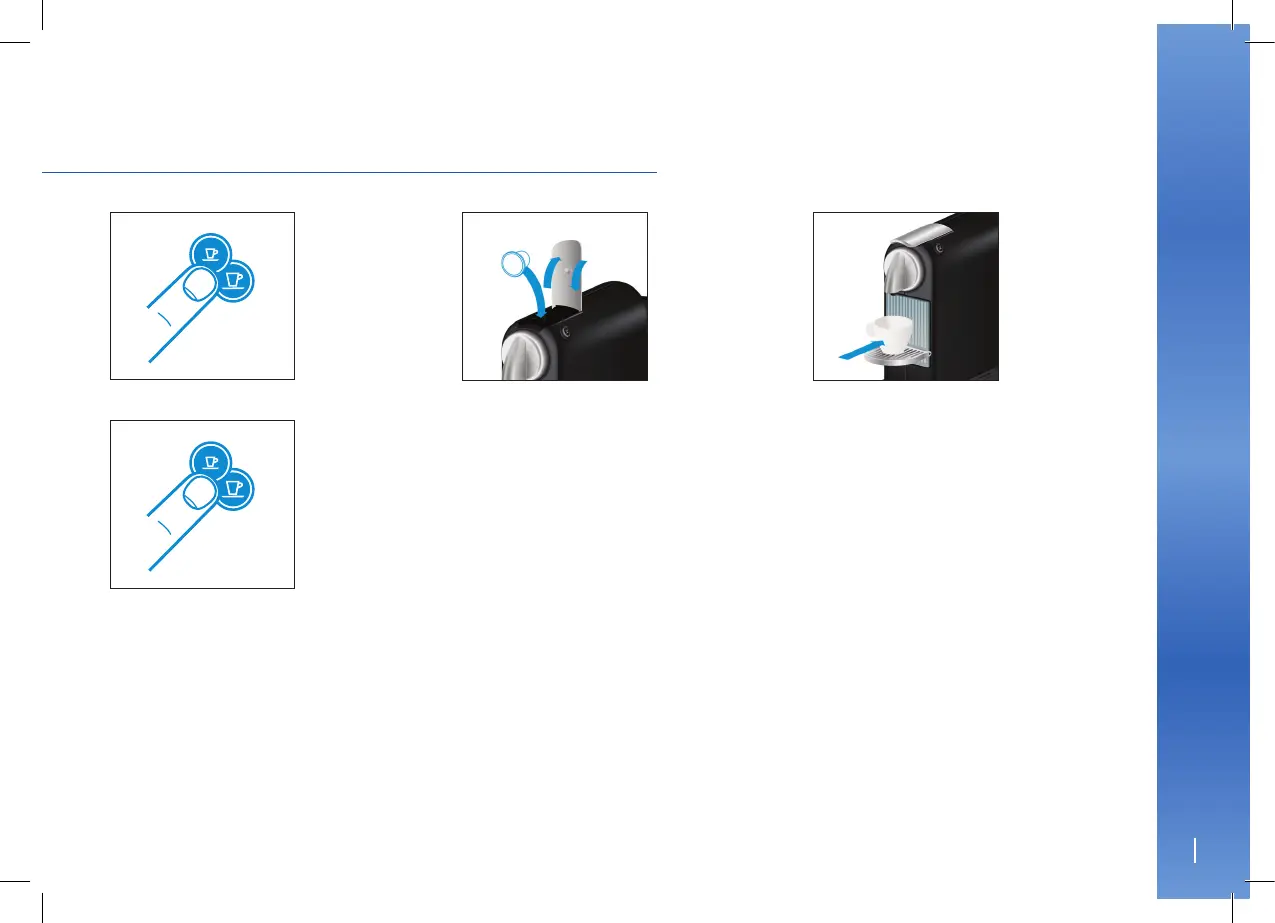
1. Turn the machine on and
wait for it to be in ready
mode (steady lights).
4. Press and hold the
Espresso or Lungo button.
5. Release button once the desired
volume is served.
6. Water volume level is now stored.
2. Fill the water tank with
potable water and insert a
Nespresso capsule.
PROGRAMMING THE WATER VOLUME
3. Place a cup under
the coee outlet.
EN
10
11
5870_UM_CITIZ-D_Z2_MASTER_2012_NESP_CLUB_IL_PROD.indd 11 05.05.12 04:58





 To Next Page