EasyManua.ls Logo

Nespresso CITIZ PLATINUM - User Manual

Nespresso CITIZ PLATINUM
63 pages
Print Icon
To Next Page IconTo Next Page
Loading...
2 
/ 
3
CITIZ
PLATINUM
ESSENZA
PLUS
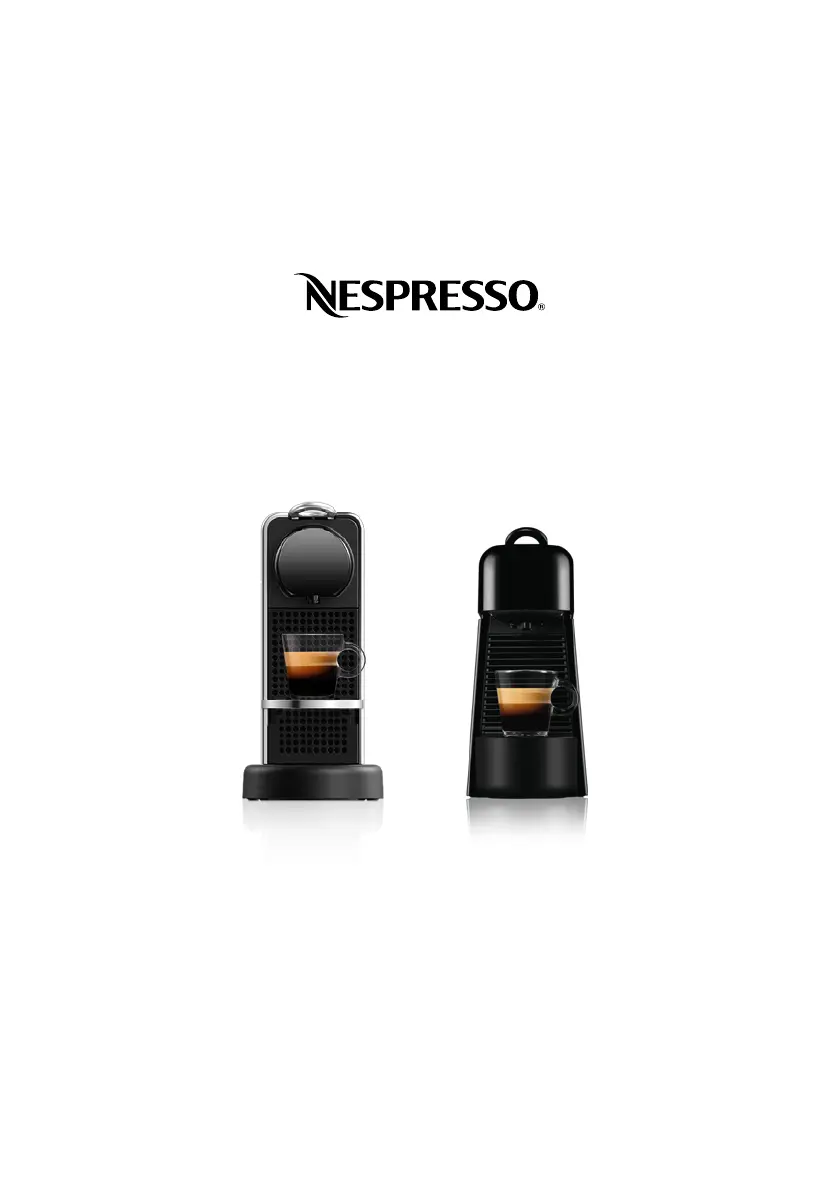
USER MANUAL OF CITIZ PLATINUM AND ESSENZA PLUS NESPRESSO COFFEE
MACHINES

Other manuals for Nespresso CITIZ PLATINUM

Questions and Answers

  • M
    Mark HayesSep 8, 2025
    Why is the descaling alert light steady on my Nespresso CITIZ PLATINUM Coffee Maker?
    • N
      nelsonjessicaSep 8, 2025
      The steady descaling alert light on your Nespresso Coffee Maker (descaling alert level 2) indicates that the machine has triggered a descaling alert based on beverage consumption. Descale the machine immediately to avoid performance and quality degradation.
  • C
    Cynthia OwensSep 10, 2025
    What to do if coffee drips when preparing hot water on Nespresso Coffee Maker?
    • G
      garrettbellSep 10, 2025
      If coffee is dripping when preparing hot water, eject the remaining used capsule into the used capsule container. Prepare hot water with the lever in the upper position.
  • U
    uvanceSep 12, 2025
    What to do if my Nespresso CITIZ PLATINUM Coffee Maker has no coffee and no water?
    • J
      John MullinsSep 12, 2025
      If your Nespresso Coffee Maker isn't dispensing coffee or water, try these steps: * Fill the water tank with warm water (maximum 55 °C / 130 °F) and run the machine according to the instructions. * Ensure the water tank is adequately filled. * Descale the machine if necessary.
  • V
    Victoria MorrisonSep 14, 2025
    Why are all the buttons blinking fast on my Nespresso CITIZ PLATINUM Coffee Maker?
    • B
      bobby64Sep 14, 2025
      If all the buttons on your Nespresso machine are blinking rapidly, it indicates that the machine is in error, overheating, or exposed to an environment below 0°C / 32°F. Wait for the blinking to stop, which may take a few minutes. If the blinking continues after a few minutes, unplug the machine and then plug it back in.
  • M
    Marcus AdamsSep 15, 2025
    Why does my Nespresso CITIZ PLATINUM Coffee Maker drip coffee during hot water preparation?
    • R
      Renee GravesSep 15, 2025
      If your Nespresso machine drips coffee during hot water preparation: * Eject any remaining used capsule into the used capsule container. * Perform hot water preparation with the lever in the upward position.
  • R
    robin91Sep 18, 2025
    How to fix Nespresso CITIZ PLATINUM Coffee Maker with no light indicator?
    • J
      joel83Sep 18, 2025
      Check the power outlet, plug, voltage, and fuse. If there are still problems, call Nespresso.

Summary

SAFETY

MACHINE OVERVIEW

FIRST STEPS

3. Fill with fresh potable water and place a container

Procedure for filling the water tank and preparing to brew.

4. Turn on your machine by pressing any button

Instructions on how to power on the Nespresso machine.

5. Rinse your machine: Press the Lungo button (repeat 3 x). Then press the hot water button (repeat 2 x).

Initial rinsing procedure for the machine using Lungo and hot water buttons.

COFFEE PREPARATION

1. Turn on your machine by pressing any button

Instructions on how to power on the Nespresso machine.

2. Fill the water tank with fresh potable water

Procedure for filling the water tank with fresh water.

3. Insert a capsule

How to correctly insert a Nespresso capsule into the machine.

5. Start brewing the desired recipe

How to start brewing coffee using the machine's buttons.

DESCALING

1. Descale when descaling alert blinks in ready mode (alert level 1)

Procedure for descaling when the alert indicator blinks.

4. Add water (up to half level) + Nespresso descaling agent

Instructions for adding water and descaling agent to the machine.

7. Start descaling

Initiates the descaling process for the Nespresso machine.

WATER HARDNESS SETTING

1. With machine OFF - press and hold the hot water button

Procedure to set water hardness by pressing the hot water button.

3. Press hot water button as many times until the appropriate level is reached

How to adjust water hardness level using the hot water button.

TROUBLESHOOTING

PERSONALIZE YOUR COFFEE SIZE

2. For Espresso, Lungo and Hot water, press and hold the chosen button

How to select and initiate brewing for Espresso, Lungo, or hot water.

3. Release the button when desired quantity is reached

How to stop brewing when the desired coffee volume is reached.

Programmable volumes per recipe

RESET TO FACTORY SETTINGS

1. With machine OFF - press and hold the Espresso button

Procedure to initiate factory reset by holding the Espresso button.

FACTORY SETTINGS

EMPTYING THE SYSTEM

3. Press and hold both buttons simultaneously

How to press and hold both buttons simultaneously to empty the system.

Nespresso CITIZ PLATINUM Specifications

General IconGeneral
ModelCITIZ PLATINUM
TypeEspresso Machine
BrandNespresso
Pump Pressure19 bar
Power1260 W
Used Capsule Container Capacity9-11 capsules
Heat-up Time25 seconds
ColorPlatinum
Voltage220-240 V
Cup SizeEspresso and Lungo
Water Tank Capacity1 liter
Automatic Shut Off9 minutes

Related product manuals