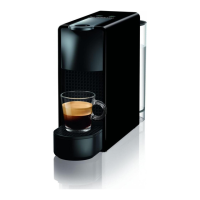
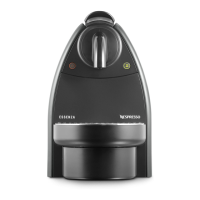
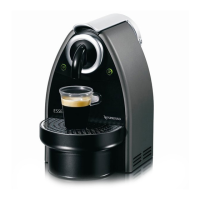
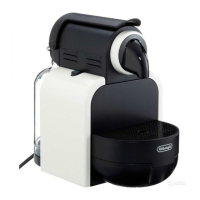
This machine is equipped with an energy saving feature. The machine will automatically enter power o mode after 9 minutes.
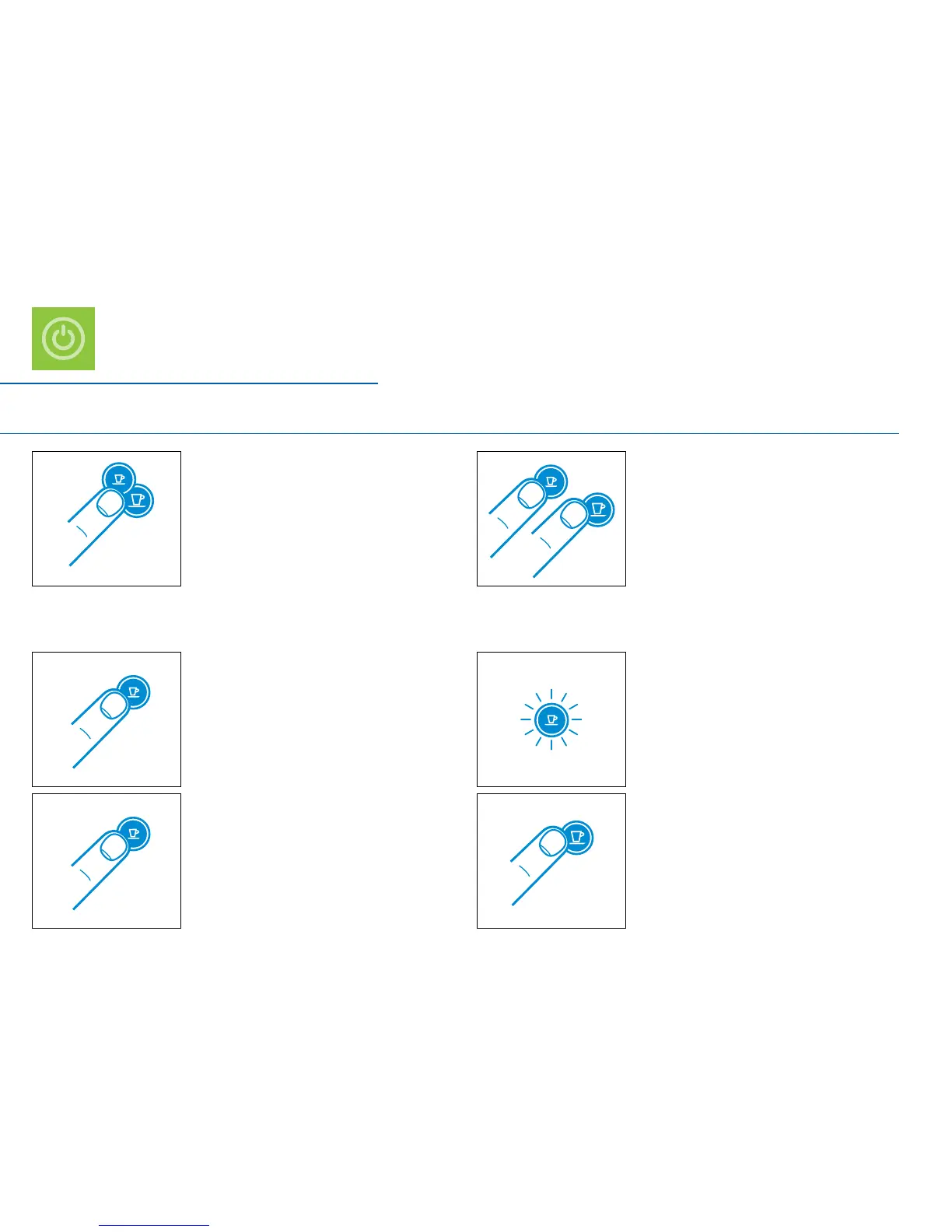
To turn the machine on either press
hold the Espresso button for 3 seconds.
3. To change this setting press the Espresso button:
One time for power o mode after 9 minutes
One more time for power o mode after 30 minutes
One more time to deactivate
2. The Espresso button will blink to indicate
the current setting.
4. To exit the energy saving mode press the
To turn the machine o before automatic
Power O mode, press both the Espresso
To change this setting:


 To Next Page
 Loading...