pg. 9 TQM_057 Effective: September 2016
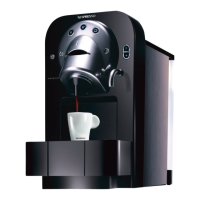
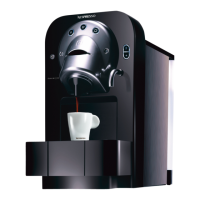
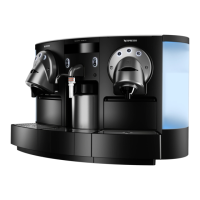
DESCALING INSTRUCTIONS FOR ZENIUS ZN100
IMPORTANT NOTE- Before starting the descaling process ensure that you
have read the safety instructions on the box and have the following items
available:
Descaling Kit:
ZN100 – DKB2C2/B2B (use 1 x 100ml pouch of descaling liquid each time)
Empty Container (min. 1.5L Capacity)
Clockwise rotating red lights indicate that the machine needs to be
descaled.
To start the descaling process switch the machine "OFF"
*Please ensure the lever is closed.
Fill tank with 1 litre of water and 2 x 100ml pouches of Nespresso
descaling solution.
NOTE: The water capacity for the machine is listed below:
Attach water tank to the machine.
Place an empty container (1.5L) under the coffee outlet.
Press and hold the Ristretto/Short Black button and switch the machine
"ON"
Ristretto/Short Black button will light up red.



 To Next Page
 Loading...