EasyManua.ls Logo

Net2Phone MAX 420 - User Manual

Default Icon
53 pages
Print Icon
To Next Page IconTo Next Page
Loading...
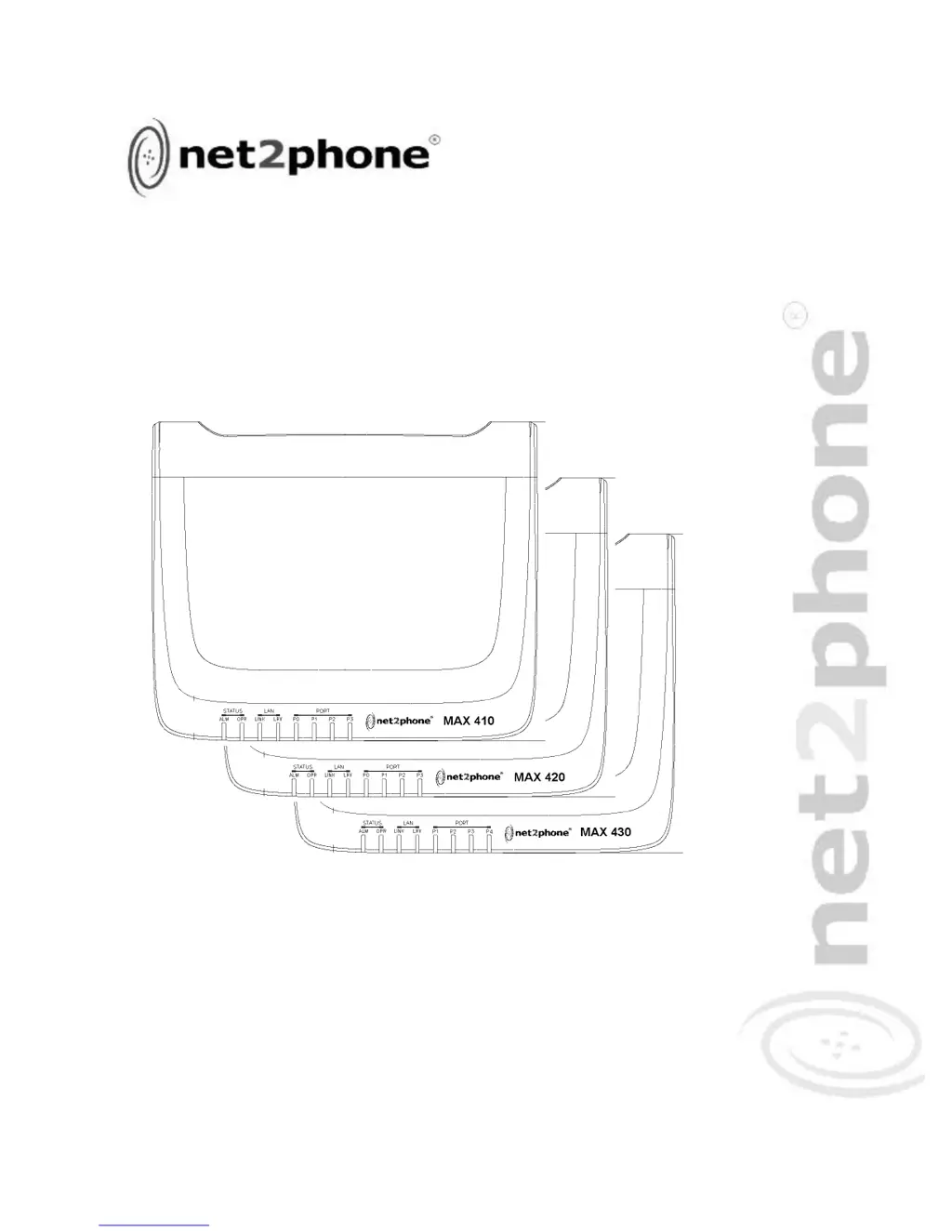
MAX 410
TM
User
Guide
Version 1.0
VoIP Gateway
MAX 420
TM
MAX 430
TM

Table of Contents

Other manuals for Net2Phone MAX 420

Questions and Answers

  • R
    Rebecca BaileyAug 28, 2025
    What to do if Net2Phone VoIP console screen freezes?
    • D
      Daniel EvansAug 29, 2025
      If the console screen display freezes on your Net2Phone Max 410/420/430 VoIP, the console might be at fault, so try resetting or replacing it. A software error could also be the cause, so repeat the power-up procedure. If the issue persists, the device itself may be faulty, and you should contact the Technical Service Center or your reseller.
  • A
    Alicia RodriguezAug 27, 2025
    Why does my Net2Phone VoIP disconnect immediately when calling from FXS or FXO port?
    • W
      William RiceAug 27, 2025
      If you're immediately disconnected when attempting to make a call from either an FXS or FXO port on your Net2Phone VoIP device, use the ping command to verify that the device's connection to the LAN is functioning. Also, ensure that an account number has been entered for the port from which you are calling and that there are funds in the account.
  • P
    Patrick MartinAug 27, 2025
    What to do if Net2Phone VoIP gives a busy signal when calling via *72?
    • A
      ashley65Aug 27, 2025
      If you receive a busy signal when calling into your Net2Phone Max 410/420/430 VoIP from another unit via *72, verify the following: * The account number you're calling from is valid and has a correct PIN. * The account you're calling from has sufficient funds. * You entered the correct number to be dialed. * You entered *72 before the number. * If the port you are calling is sharing an account number with other ports, make sure that only the port you dialed is set to Login in the Account Information table.
  • V
    vdoughertyAug 25, 2025
    Why does my Net2Phone VoIP unit shut off after some time?
    • M
      mcooperAug 26, 2025
      If your Net2Phone Max 410/420/430 VoIP unit shuts off after operating for some time, it may be overheating. Check the ventilation around the unit to ensure it's properly ventilated. If overheating is not the issue, the device may be faulty, and you should contact the Technical Service Center or your reseller.
  • M
    Mary HansenAug 25, 2025
    What to do if Net2Phone VoIP Max 410/420/430 cannot obtain correct network settings with DHCP?
    • J
      Jerry RodriguezAug 25, 2025
      If your Net2Phone Max 410/420/430 VoIP device isn't obtaining correct network settings via DHCP, ensure that DHCP is enabled. Also, verify that the RJ-45 LAN cable is securely connected to your Max 410/420/430 and the LAN, hub, or router. Finally, check that all network ports, routers, and hubs are active.

Net2Phone MAX 420 Specifications

General IconGeneral
Power Supply12V DC, 1A
Weight0.5 kg
Operating Temperature0°C to 40°C
Humidity10% to 90% non-condensing
Ports1 LAN Port, 1 WAN Port
ProtocolsSIP

Related product manuals