EasyManua.ls Logo

Net2Phone MAX 410 - User Manual

Default Icon
53 pages
Print Icon
To Next Page IconTo Next Page
Loading...
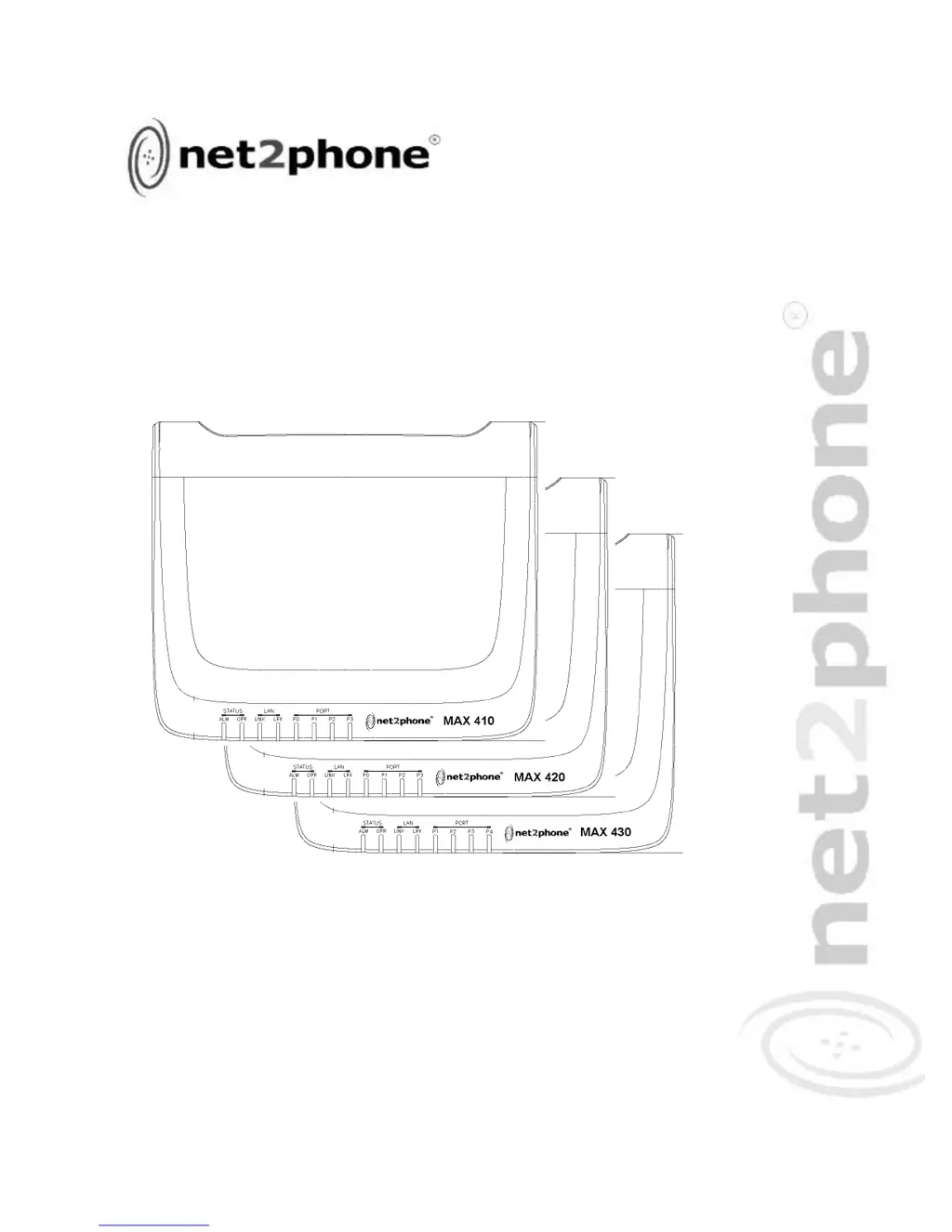
MAX 410
TM
User
Guide
Version 1.0
VoIP Gateway
MAX 420
TM
MAX 430
TM

Table of Contents

Questions and Answers

  • C
    Christopher HortonSep 23, 2025
    What to do if no initialization response from Net2Phone Gateway?
    • D
      David LopezSep 23, 2025
      If there is no initialization response from your Net2Phone MAX 410/420/430 Gateway, it could be due to a faulty console terminal (check/replace terminal), faulty cabling to the terminal (check/replace cable), or a faulty unit (contact Net2Phone Technical Service Center or your Net2Phone reseller).
  • A
    Amy MurrayAug 25, 2025
    What to do if Net2Phone VoIP Max 410/420/430 cannot obtain correct network settings with DHCP?
    • A
      andrea99Aug 25, 2025
      If your Net2Phone Max 410/420/430 VoIP device isn't obtaining correct network settings via DHCP, ensure that DHCP is enabled. Also, verify that the RJ-45 LAN cable is securely connected to your Max 410/420/430 and the LAN, hub, or router. Finally, check that all network ports, routers, and hubs are active.
  • D
    David BrooksAug 25, 2025
    Why does my Net2Phone VoIP unit shut off after some time?
    • J
      Joseph McleanAug 26, 2025
      If your Net2Phone Max 410/420/430 VoIP unit shuts off after operating for some time, it may be overheating. Check the ventilation around the unit to ensure it's properly ventilated. If overheating is not the issue, the device may be faulty, and you should contact the Technical Service Center or your reseller.
  • C
    Casey MooreAug 27, 2025
    What to do if Net2Phone VoIP gives a busy signal when calling via *72?
    • T
      Teresa MartinezAug 27, 2025
      If you receive a busy signal when calling into your Net2Phone Max 410/420/430 VoIP from another unit via *72, verify the following: * The account number you're calling from is valid and has a correct PIN. * The account you're calling from has sufficient funds. * You entered the correct number to be dialed. * You entered *72 before the number. * If the port you are calling is sharing an account number with other ports, make sure that only the port you dialed is set to Login in the Account Information table.
  • J
    Jennifer CareyAug 27, 2025
    Why does my Net2Phone VoIP disconnect immediately when calling from FXS or FXO port?
    • K
      Kevin SanchezAug 27, 2025
      If you're immediately disconnected when attempting to make a call from either an FXS or FXO port on your Net2Phone VoIP device, use the ping command to verify that the device's connection to the LAN is functioning. Also, ensure that an account number has been entered for the port from which you are calling and that there are funds in the account.
  • P
    Peter HillSep 14, 2025
    What to do if my Net2Phone Gateway console screen freezes?
    • D
      dennisdanielSep 14, 2025
      If the console screen display freezes on your Net2Phone MAX 410/420/430 Gateway, it may be due to a console fault (reset or replace the console), a software error (repeat the power-up procedure), or a faulty unit (contact Net2Phone Technical Service Center or your Net2Phone reseller).
  • A
    Amber LongSep 12, 2025
    What to do if Net2Phone MAX 410 doesn't obtain network settings with DHCP?
    • R
      Roberto GarrettSep 12, 2025
      If your Net2Phone MAX 410/420/430 Gateway cannot obtain correct network settings with DHCP set to ON, ensure that your network supports DHCP, your RJ-45 LAN cable is securely connected to both the MAX 410/420/430 and to the LAN, hub, or router, and that all network ports, routers, or hubs are live.
  • A
    Alexandria ScottSep 13, 2025
    Why isn't my static IP saved on my Net2Phone MAX 410?
    • T
      Teresa HollandSep 13, 2025
      If the static IP address you entered into your Net2Phone MAX 410/420/430 Gateway isn't saved after restarting, make sure that DHCP is set to OFF. If you entered the IP address through an analog phone, ensure you press the # key before hanging up.
  • S
    Sarah GarnerSep 5, 2025
    Why is Net2Phone VoIP ringing the wrong port?
    • A
      Andrew RiceSep 5, 2025
      If dialing an extension routed to a specific port on your Net2Phone VoIP results in a different port ringing, ensure that in the Routing Table Configuration page, you routed each extension to the logical port number of the desired port, not the labeled or physical port number.
  • B
    Brittany Ware PhDSep 2, 2025
    What does a fast busy signal mean on Net2Phone VoIP?
    • P
      Philip BarnettSep 2, 2025
      If you hear a fast busy signal when attempting to make a call with your Net2Phone VoIP, click the Show Log Messages link to access the Current System Log Messages page. Then check to see if 00 REL DM_NOT_SPECIFIED is displayed.

Net2Phone MAX 410 Specifications

General IconGeneral
BrandNet2Phone
ModelMAX 410
CategoryGateway
LanguageEnglish

Related product manuals