Page 35
4.7 Other Web Manager Functions
4.7.1 Load Default Config
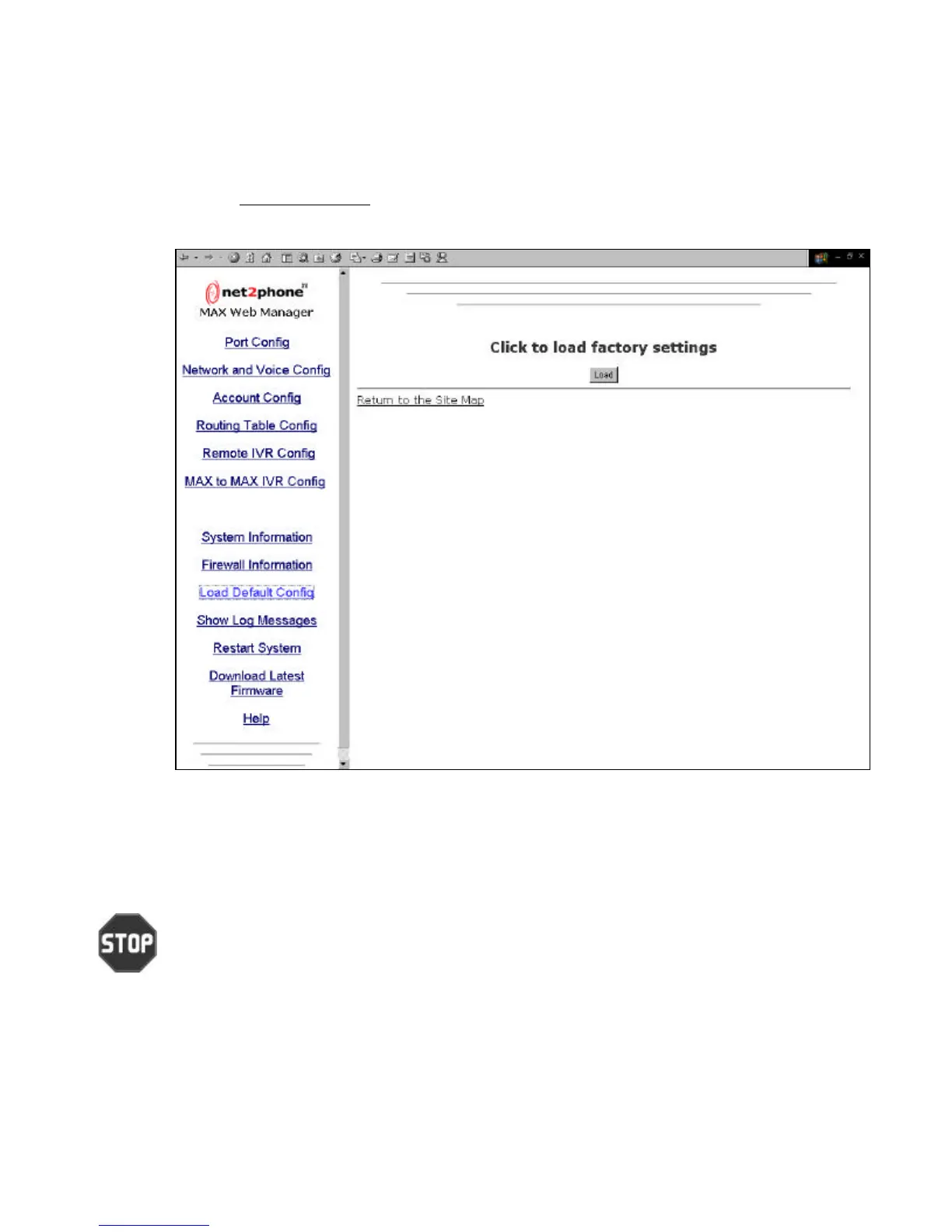
Click the Load Default Config link to access the Click to load factory settings page, illustrated
below.
Click the Load button to restore the Net2Phone MAX 410/420/430’s default factory configuration.
(Refer to the Net2Phone MAX 410/420/430 Command Reference Guide for system default
settings.)
Caution: This command causes all of your configuration settings and parameter values to be
deleted.
Figure 24



 To Next Page