Page 13
The telephone keypad configuration parameter codes are as follows:
Read IP address ***1 DHCP disable ***5
Assign static IP address ***2 DHCP enable ***4
Assign netmask ***3
2.2.2 Entering Static IP Addresses via HyperTerminal (MAX 410)
Although many of the Net2Phone MAX 410’s IP parameters can be set manually through the
serial connection, if desired, this section will only show you how to set the IP address and
netmask parameters. The procedure is as follows.
NOTE: For MAX 410, its LAN settings can be configured only by this method.
2.2.2.1 Turning DHCP On (or Off) from HyperTerminal
The MAX’s default DHCP setting is DCHP enabled. Before you can enter a static IP address,
you must first disable DHCP. (The same procedure is used to re-enable it, if necessary.)
1. Follow the procedures in Section 2.1.2.1 and 2.1.2.2, above, to start your
HyperTerminal connection.
2. After logging in:
a. From the root directory, type NETUTIL R to move to the network utility directory.
b. From the n2p:/netutil> prompt, type dhcpd disable R.
2.2.2.2 Entering an IP Address
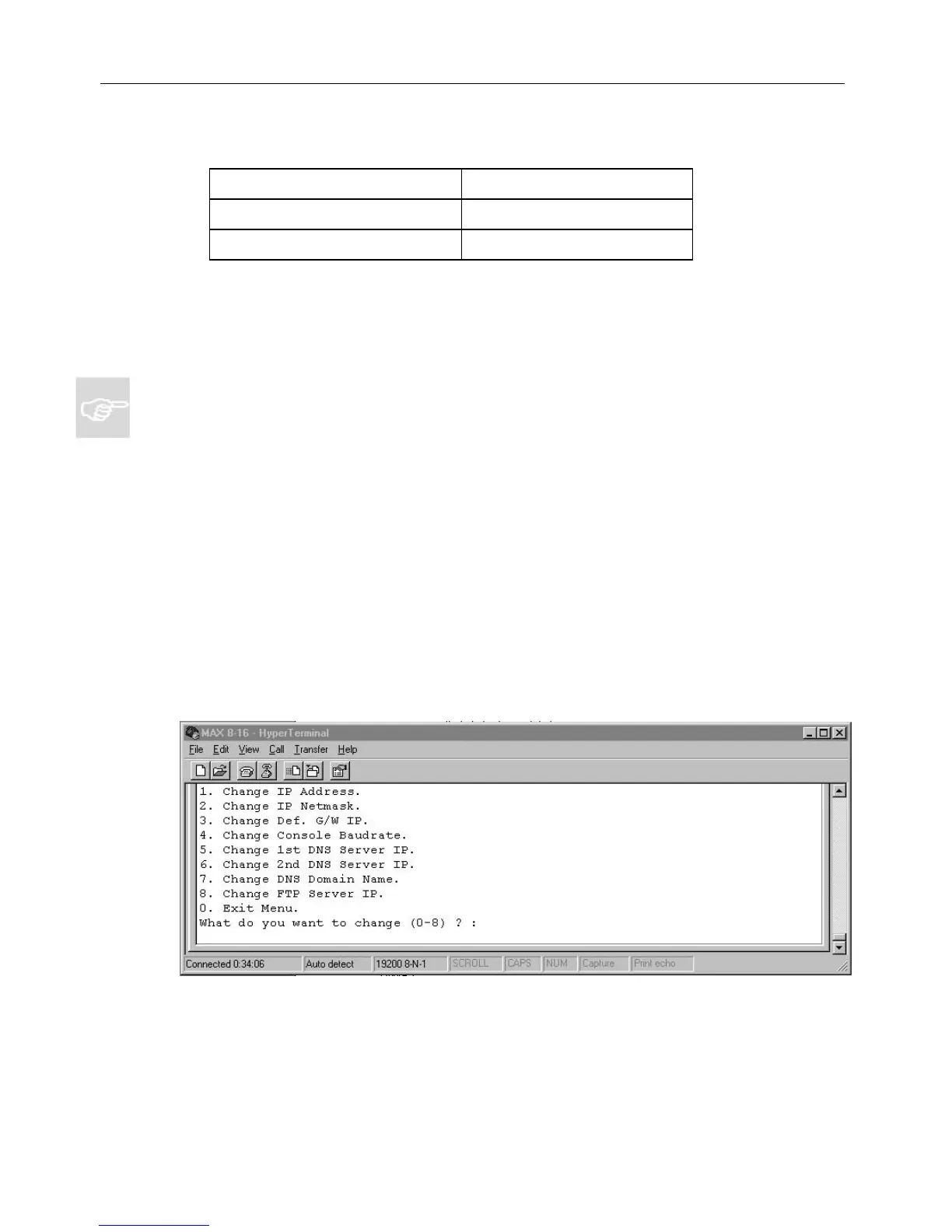
In step 3 of Section 2.1.2.2, the menu illustrated in Figure 7 appear:
Figure 7
Net2Phone MAX 410/420/430 User GuideSection 2.2 –
Connecting to a LAN with Static IP Addresses
Net2Phone MAX 410/420/430 User Guide



 To Next Page