Page 19
4. Using the MAX Web Manager
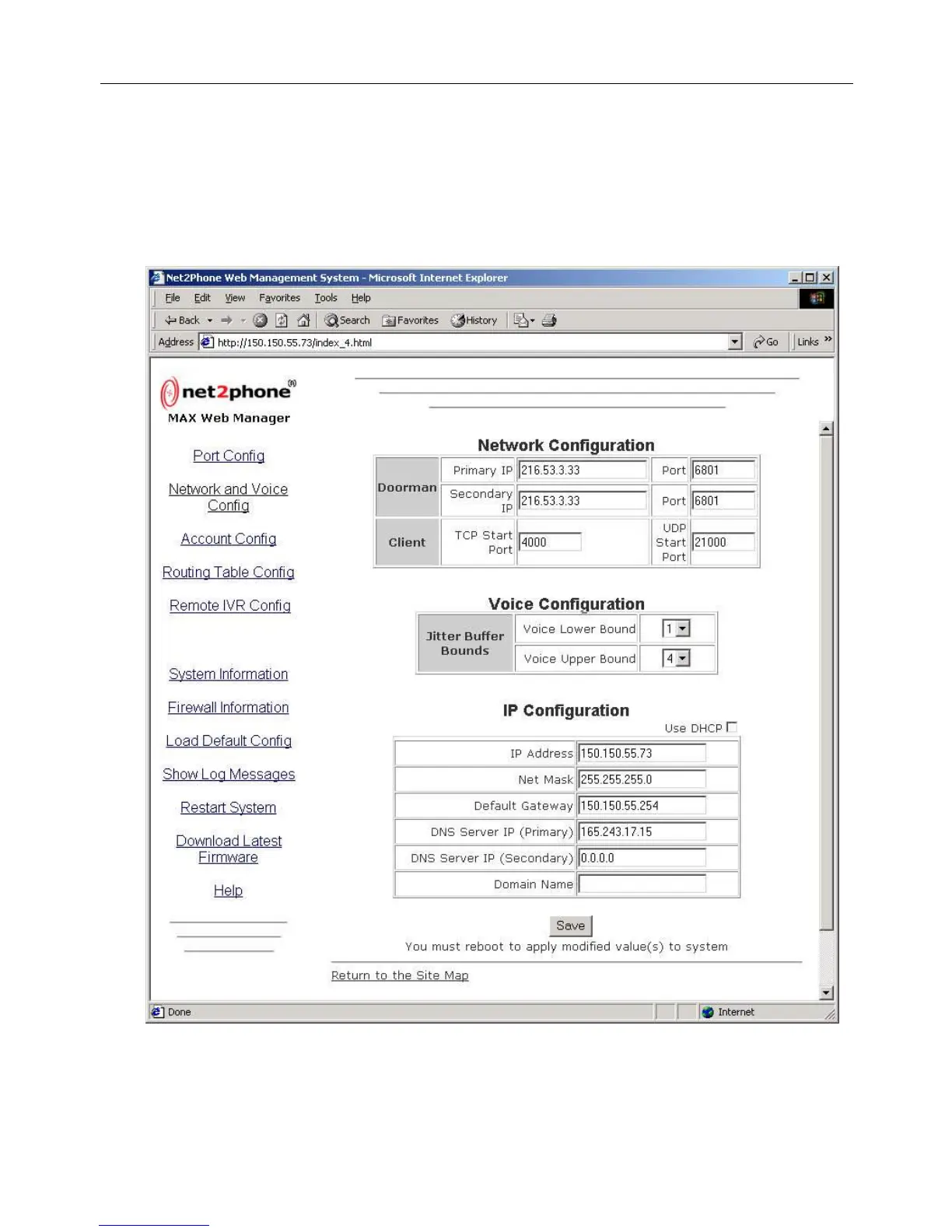
Each of the various configuration pages is accessed by clicking its link on the Site Map. For example,
click the Network and Voice Config link on the Site Map to access the Network and Voice
Configuration page, illustrated below.
4.1 Network and Voice Configuration
Any of the parameters on the Network and Voice Configuration page can be modified by simply
entering the desired values into the respective boxes.
Figure 14
Net2Phone MAX 410/420/430 User Guide Section 4 – Using the MAX Web Manager



 To Next Page