Page 27
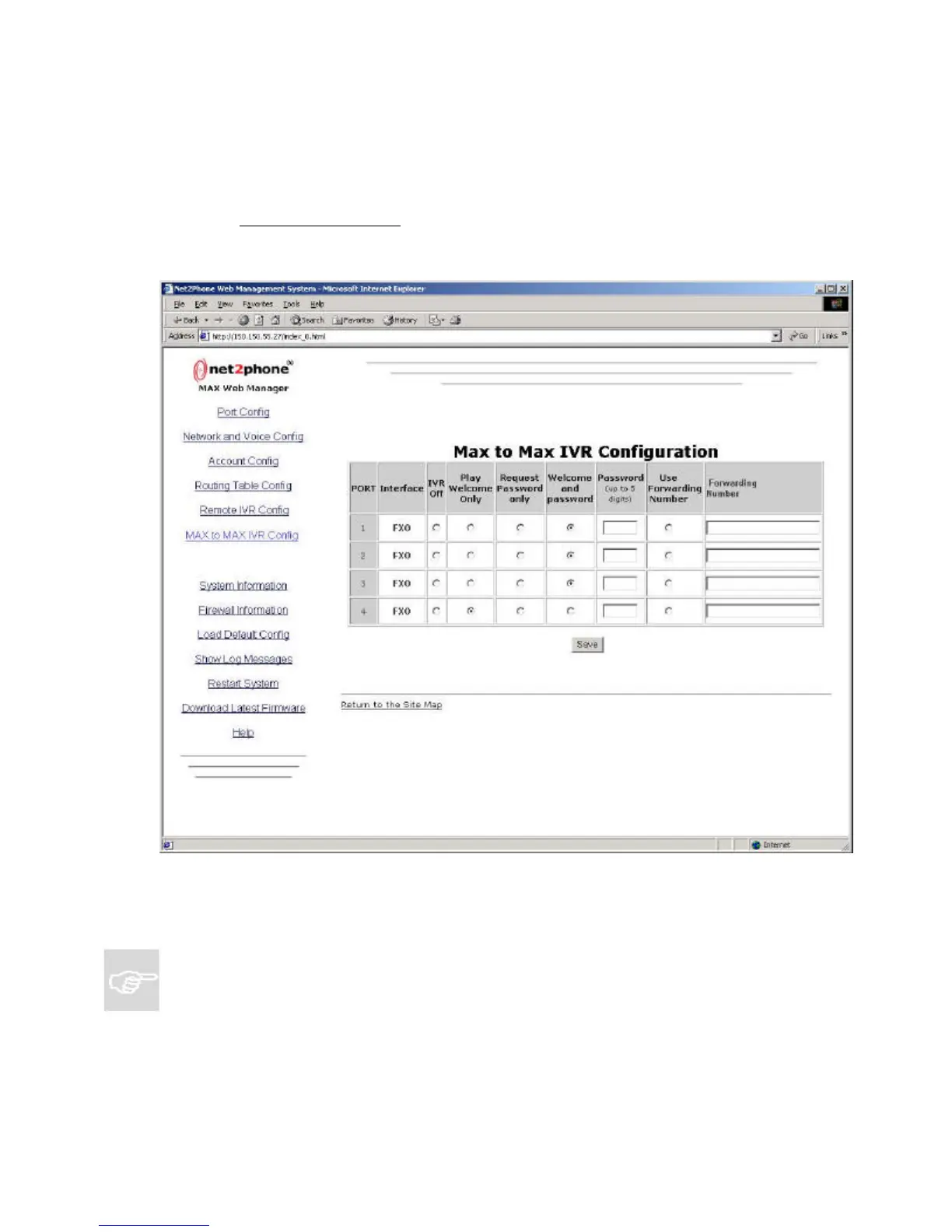
4.4.2 The MAX-to-MAX IVR Configuration Table
If your unit does not have FXO ports or will not be receiving any MAX-to-MAX calls, this section
is not applicable.
Click the MAX to MAX IVR Config link on the Site Map page to go to the MAX-to-MAX IVR
Configuration Table, illustrated below.
4.4.2.1 Configuring MAX-to-MAX Calling
NOTES:
?? If the LAN to which either MAX is connected employs a firewall, you need to configure
settings on both the MAX unit and the firewall before you can place MAX-to-MAX calls.
For information about configuring a firewall, refer to Section 4.2, Configuring a Firewall, in
this Guide.
?? In MAX-to-MAX calling, the receiving port’s Account Information table settings must be
configured to permit it to receive calls. For details, refer to Section 4.4.2.2, Receiving
MAX-to-MAX Calls in this Guide.
Figure 19



 To Next Page