Page 16
3. Logging In to the MAX Web Manager
Before you can log in to the MAX Web Manager, you need to know the MAX’s current IP address.
Refer to the procedures in Section 2 to obtain its IP address via a telephone keypad or serial
connection.
Reminder:
?? If you want to query the unit from a telephone keypad, see section 2.1.1, Obtaining the MAX
420’s DHCP IP Address via a Telephone Keypad.
?? If you want to query the unit through a serial cable, see Section 2.1.2, Connecting to the
MAX 410 through a Serial Cable.
Once you know the Net2Phone MAX 410/420/430’s IP address, you are ready to log in to the unit
through a Web browser as follows:
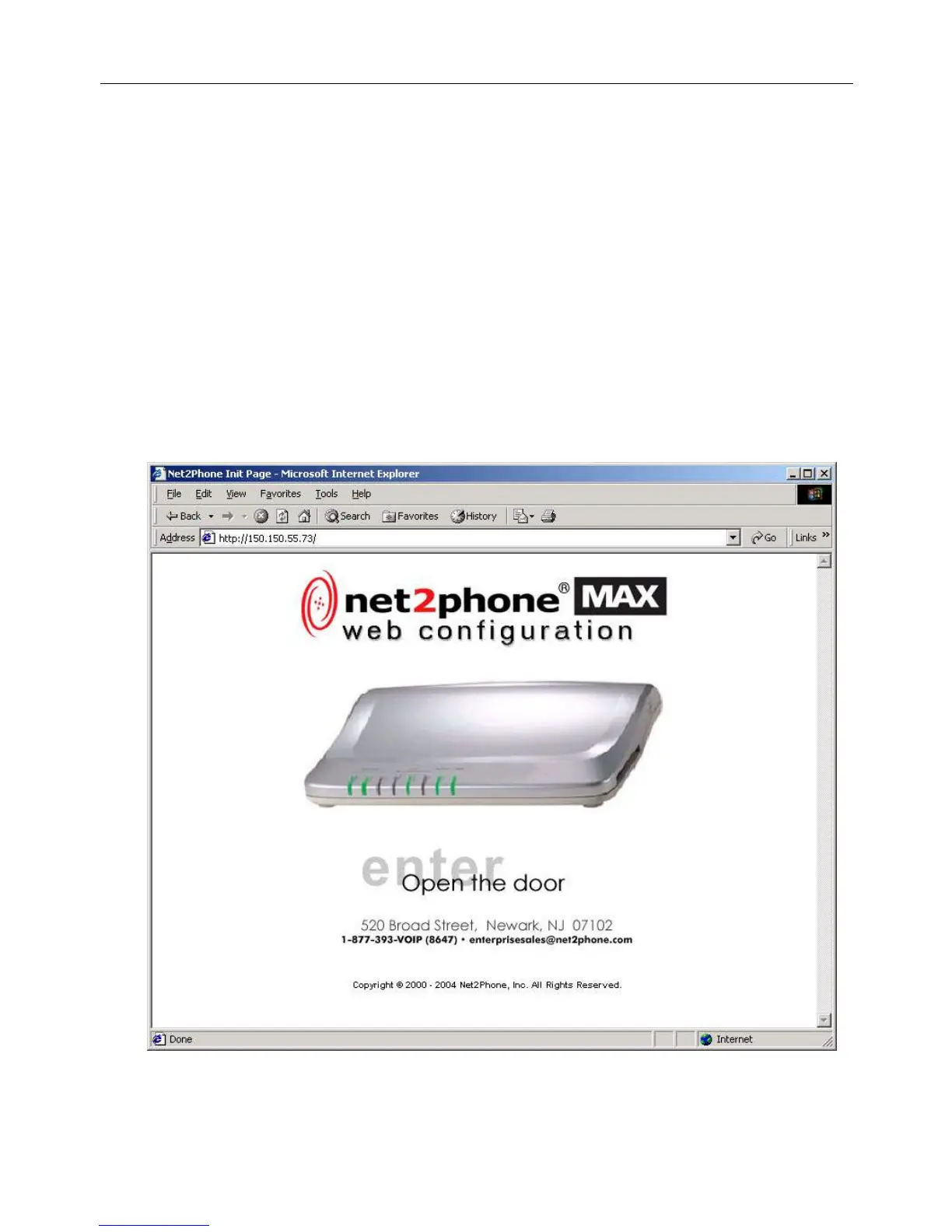
1. Open a new browser window and enter the Net2Phone MAX 410/420/430’s IP address in the
address box.
The MAX Web Manager Door page appears.
Figure 10
Net2Phone MAX 410/420/430 User Guide Section 3 – Logging In to the MAX Web Manager



 To Next Page