Page 15
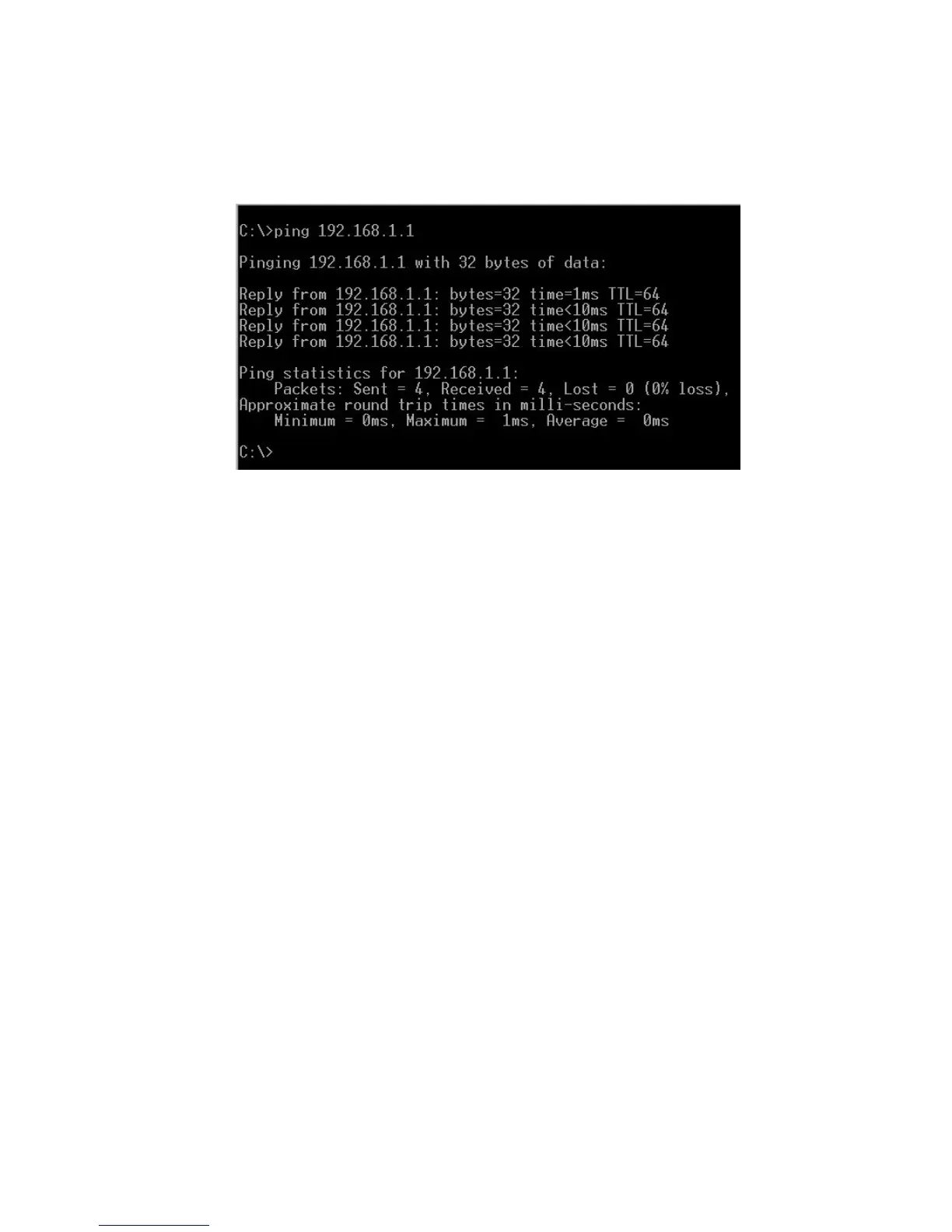
4. (Optional) Ping the MAX from a PC, as illustrated below, using the new IP address, to
confirm that the correct parameters have been entered and stored successfully.
The new IP address and netmask are now in effect. If you are using static IP addresses, you are
now ready to finish setting up the Net2Phone MAX 410 using the MAX Web Manager. Proceed to
Section 3, Logging In to the MAX Web Manager.
Figure 9
Net2Phone MAX 410/420/430 User Guide
Connecting to a LAN with Static IP



 To Next Page