Page 17
2. Click the enter - Open the door area.
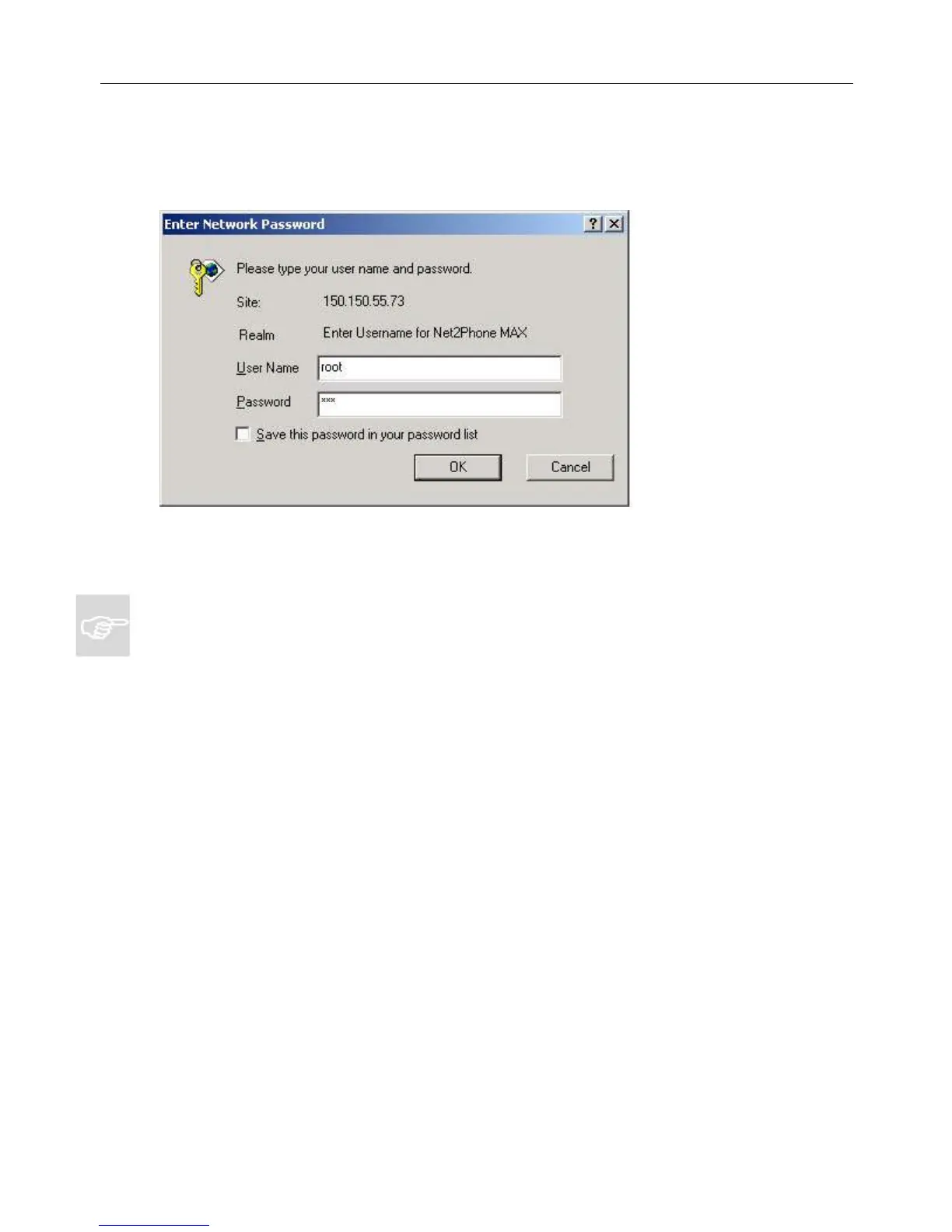
The Network Password dialog box appears.
3. Enter your user name and password.
NOTE: The default user name is root and the default password is n2p.
You are now logged in. The MAX Web Manager Site Map page appears.
Figure 11
Net2Phone MAX 410/420/430 User Guide Section 3 – Logging in to the MAX Web Manager



 To Next Page