DO NOT plug in the power cords at this point.
Option 2: Switched cluster
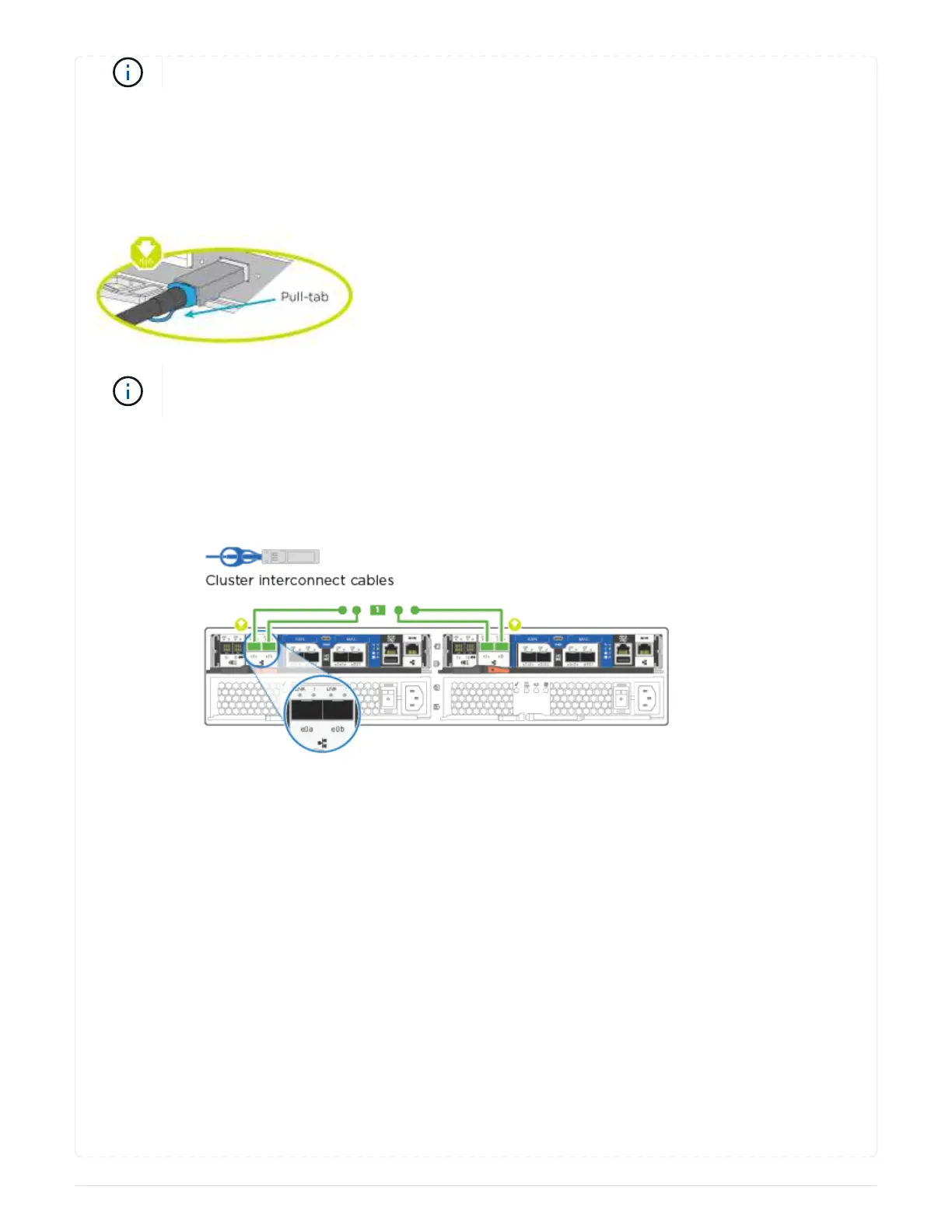
Cable your switched cluster.
About this task
Be sure to check the illustration arrow for the proper cable connector pull-tab orientation.
As you insert the connector, you should feel it click into place; if you do not feel it click,
remove it, turn it around and try again.
Steps
1. For each controller module, cable e0a and e0b to the cluster interconnect switches with the cluster
interconnect cable.
2. You can use either the UTA2 data network ports or the ethernet data network ports to connect the
controllers to your host network:
7



 To Next Page