Type of cable… Part number and length Connector type For…
Optical network
cables (order
dependent)
X6553-R6 (112-00188), 2m
X6536-R6 (112-00090), 5m
FC host network
Cat 6, RJ-45
(order
dependent)
Part numbers X6585-R6 (112-
00291), 3m
X6562-R6 (112-00196), 5m
Management network and
Ethernet data
Storage X66031A (112-00436), 1m
X66032A (112-00437), 2m
X66033A (112-00438), 3m
Storage
Micro-USB
console cable
Not applicable Console connection during
software setup on non-Windows
or Mac laptop/console
Power cables Not applicable Powering up the system
4. Review the NetApp ONTAP Confiuration Guide and collect the required information listed in that guide.
ONTAP Configuration Guide
Step 2: Install the hardware
You need to install your system in a 4-post rack or NetApp system cabinet, as applicable.
Steps
1. Install the rail kits, as needed.
2. Install and secure your system using the instructions included with the rail kit.
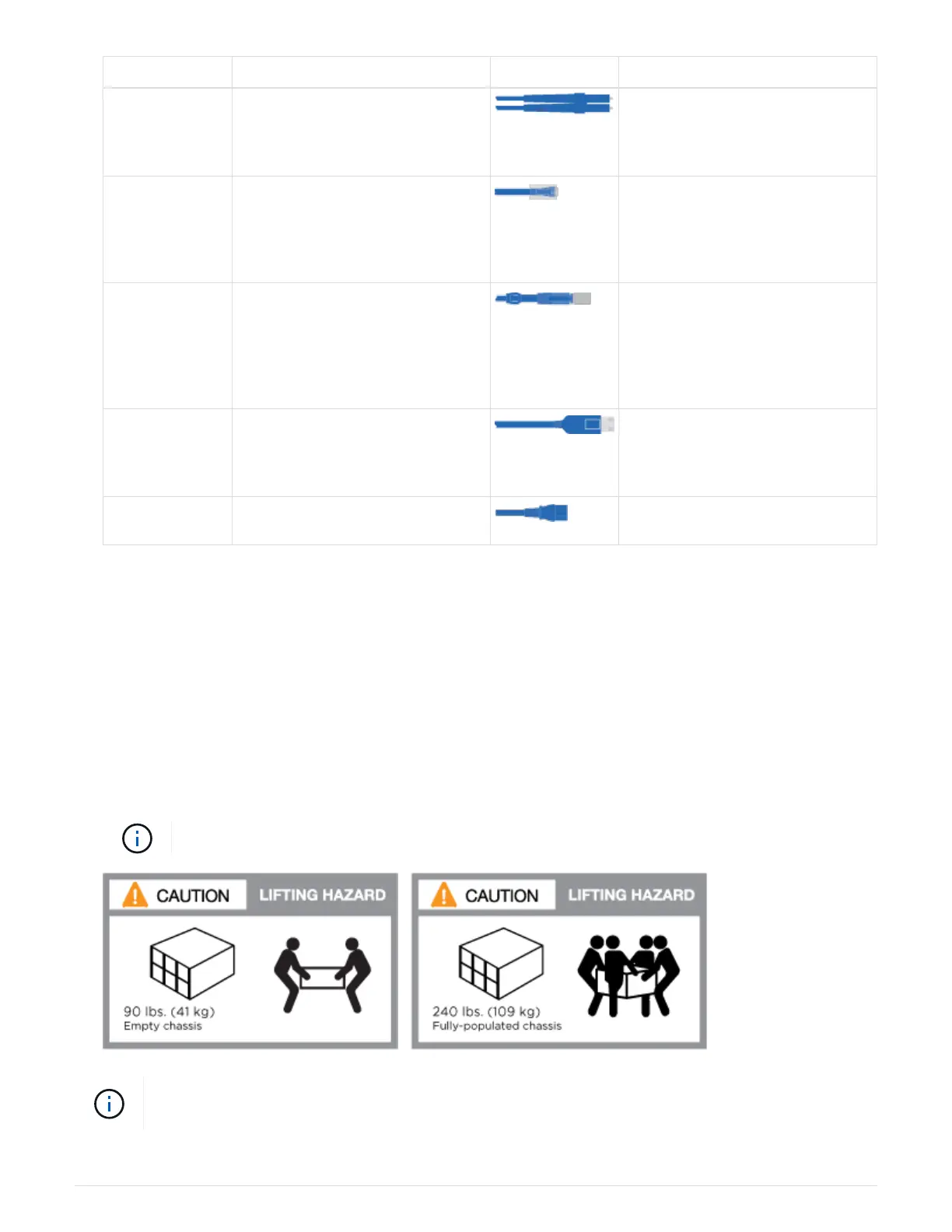
You need to be aware of the safety concerns associated with the weight of the system.
The label on the left indicates an empty chassis, while the label on the right indicates a fully-
populated system.
434



 To Next Page