Step 2: Remove the controller module
To access components inside the controller, you must first remove the controller module from the system and
then remove the cover on the controller module.
Steps
1. If you are not already grounded, properly ground yourself.
2. Unplug the cables from the impaired controller module, and keep track of where the cables were
connected.
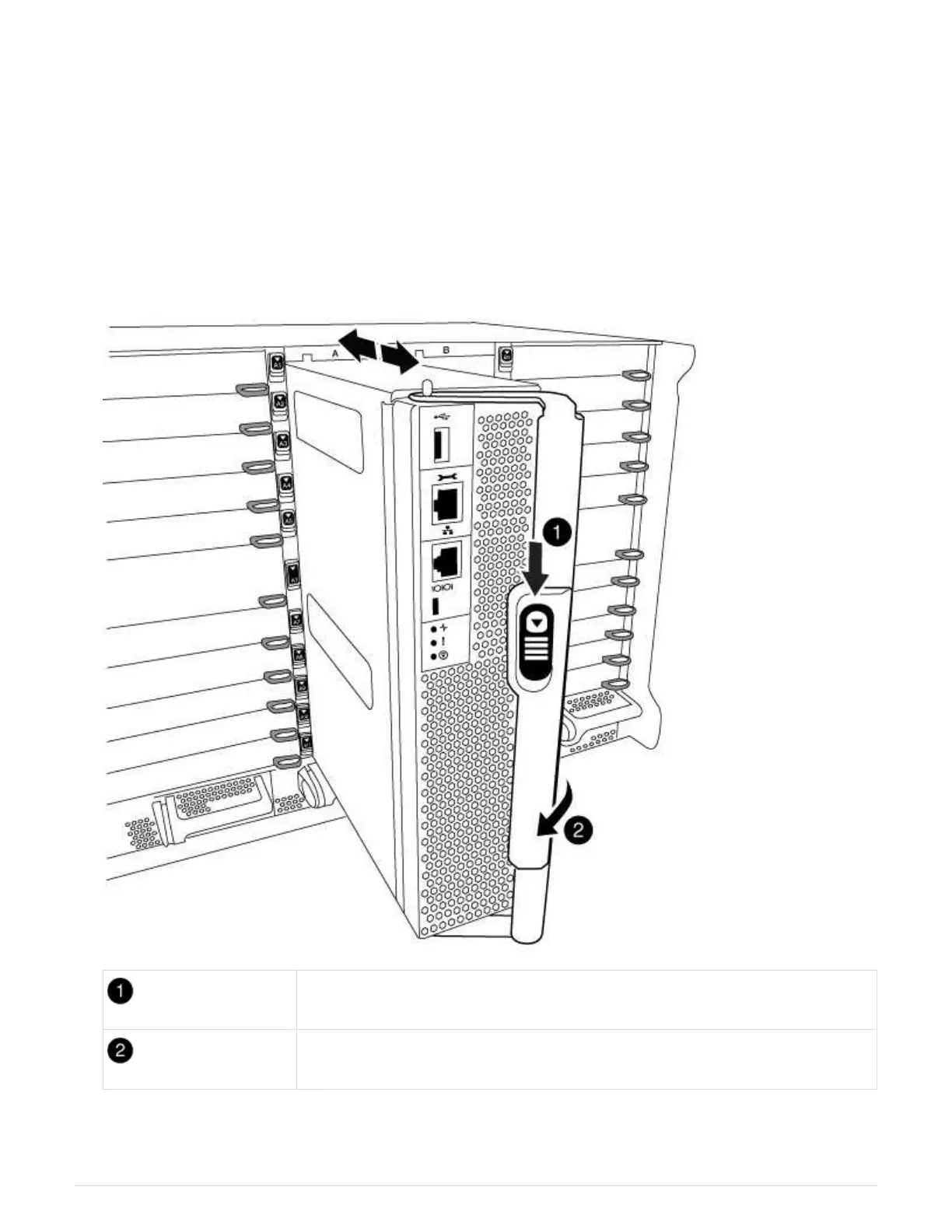
3. Slide the orange button on the cam handle downward until it unlocks.
Cam handle release button
Cam handle
4. Rotate the cam handle so that it completely disengages the controller module from the chassis, and then
slide the controller module out of the chassis.
564



 To Next Page