Make sure that you support the bottom of the controller module as you slide it out of the chassis.
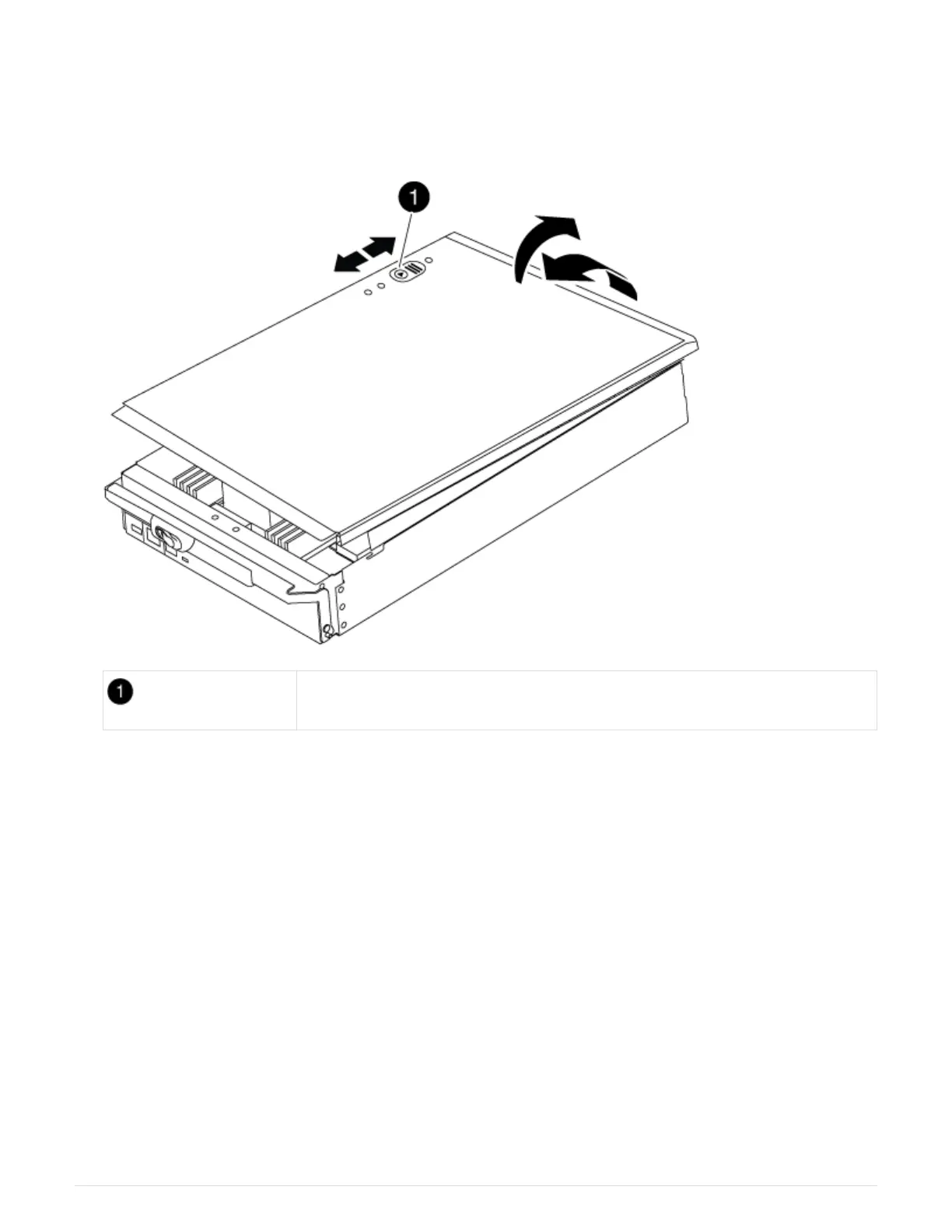
5. Place the controller module lid-side up on a stable, flat surface, press the blue button on the cover, slide
the cover to the back of the controller module, and then swing the cover up and lift it off of the controller
module.
Controller module cover locking button
Step 3: Replace the RTC battery
To replace the RTC battery, you must locate the failed battery in the controller module, remove it from the
holder, and then install the replacement battery in the holder.
Steps
1. If you are not already grounded, properly ground yourself.
2. Locate the RTC battery.
565



 To Next Page