As you insert the connector, you should feel it click into place; if you do not feel it click, remove
it, turn it around and try again.
Steps
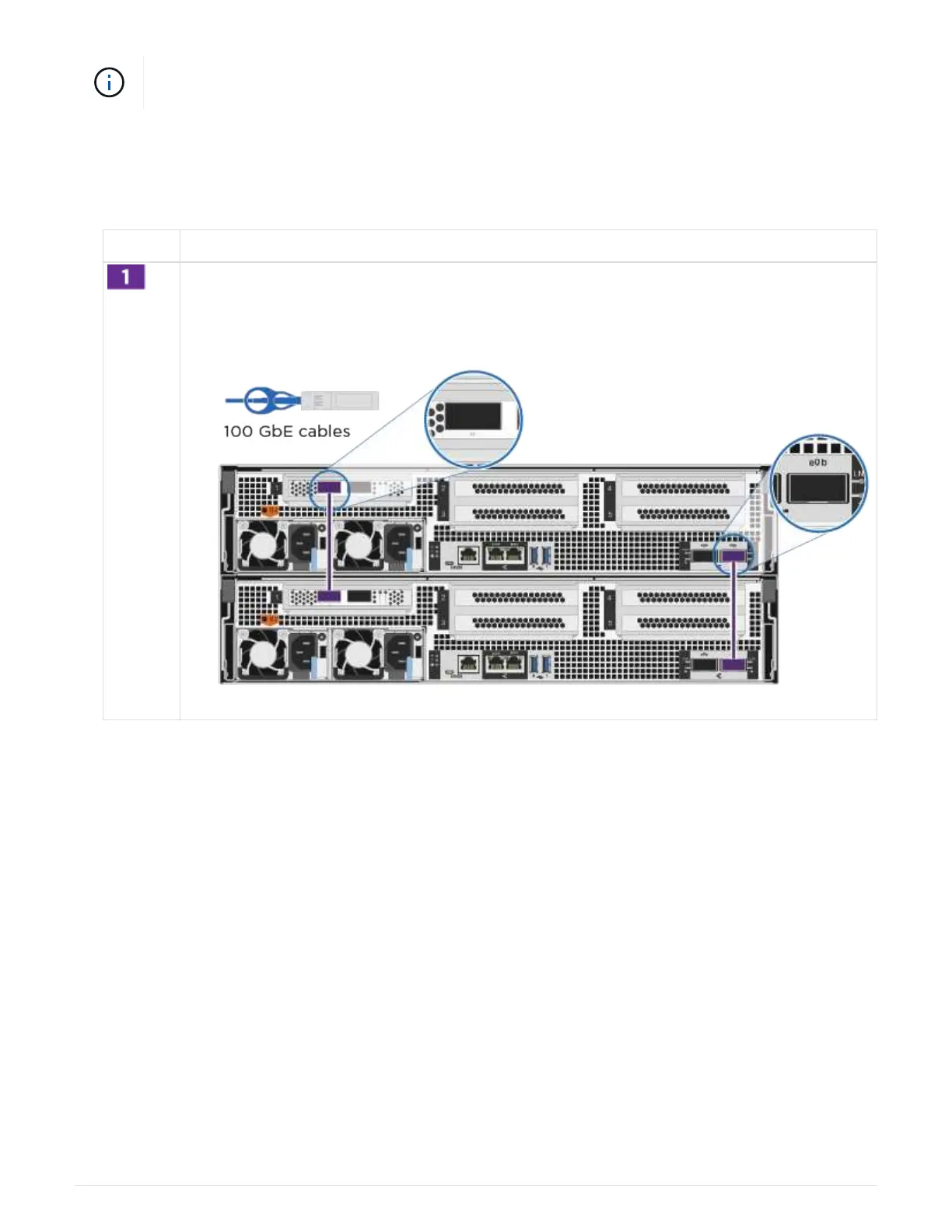
1. Use the animation or the tabulated steps to complete the cabling between the controllers and the switches:
Animation - Cable a switched cluster
Step Perform on each controller module
Cable the HA interconnect ports:
• e0b to e0b
•
e1b to e1b
582



 To Next Page