You might also want to have access to the ONTAP 9 Release Notes for your version of ONTAP for more
information about this system.
You need to provide the following at your site:
• Rack space for the storage system
• Phillips #2 screwdriver
• Additional networking cables to connect your system to your network switch and laptop or console with a
Web browser
Steps
1. Unpack the contents of all boxes.
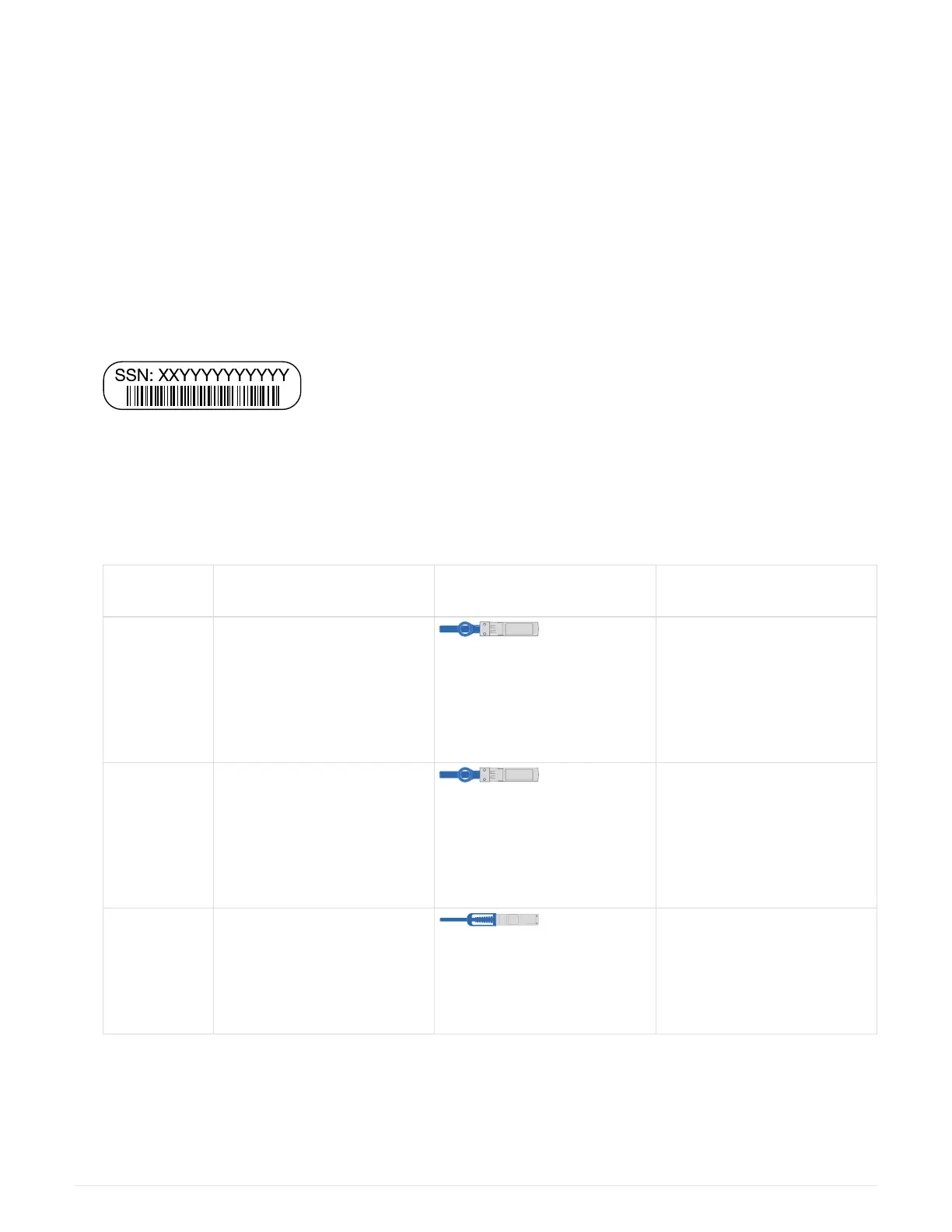
2. Record the system serial number from the controllers.
3. Inventory and make a note of the number and types of cables you received.
The following table identifies the types of cables you might receive. If you receive a cable not listed in the
table, see the Hardware Universe to locate the cable and identify its use.
NetApp Hardware Universe
Type of
cable…
Part number and length Connector type For…
25 GbE data
Cable
X66240A-05 (112-00639),
0.5m
X66240A-2 (112-00598), 2m
X66240A-5 (112-00600), 5m
Network cable
32 Gb FC
(SFP+ Op)
X66250-2 (112-00342), 2m
X66250-5 (112-00344), 5m
X66250-15 (112-00346),
15m
FC optical network cable
40 GbE
network cable
X66100-1 (112-00542), 1m
X66100-3 (112-00543), 3m
X66100-5 (112-00544), 5m
Ethernet data, cluster
network
684



 To Next Page