Step 3: Replace the RTC battery
To replace the RTC battery, locate it inside the controller and follow the specific sequence of steps.
Use the following video or the tabulated steps to replace the RTC battery:
Replacing the RTC battery
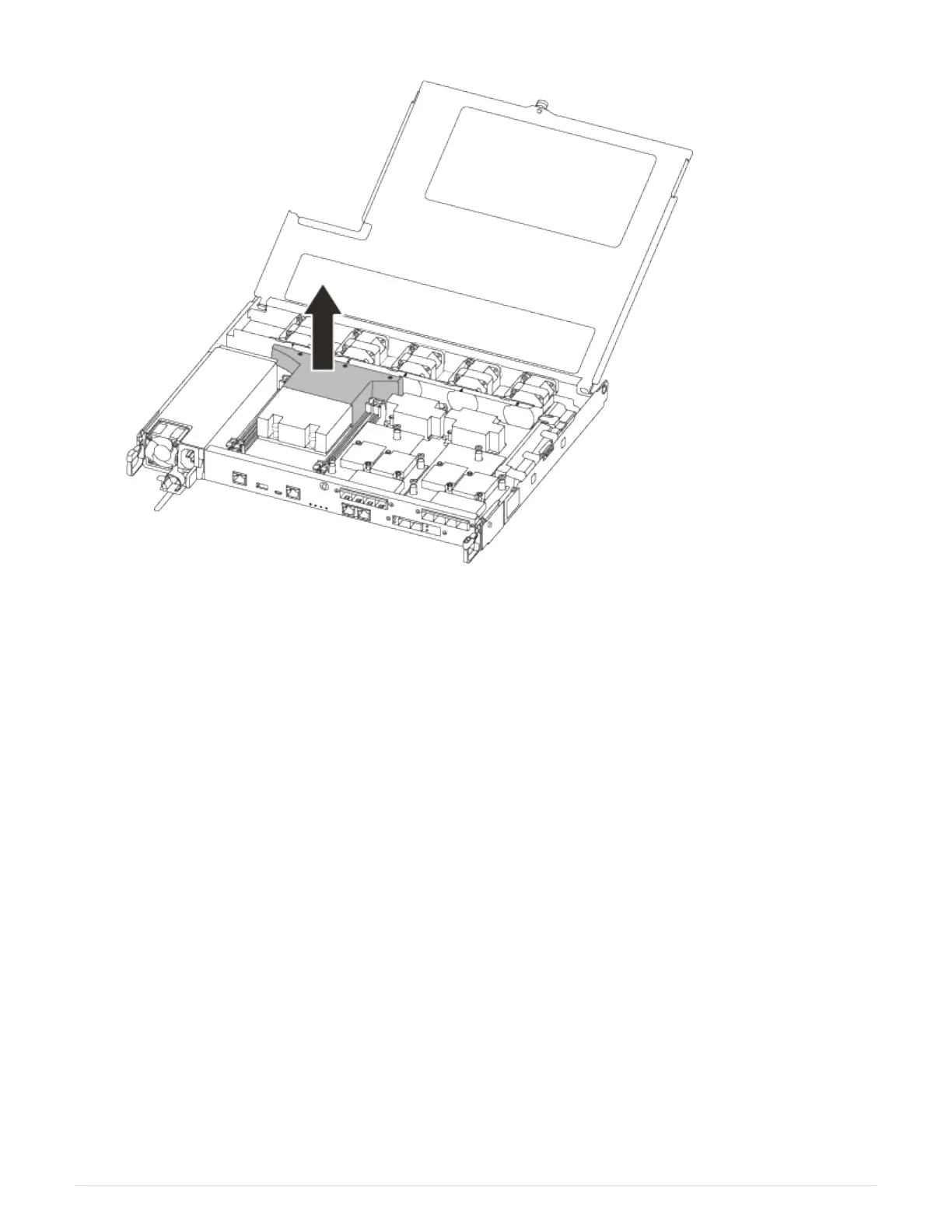
1. Locate the RTC battery between the heatsink and the midplane and remove it exactly as shown in the
graphic.
371



 To Next Page