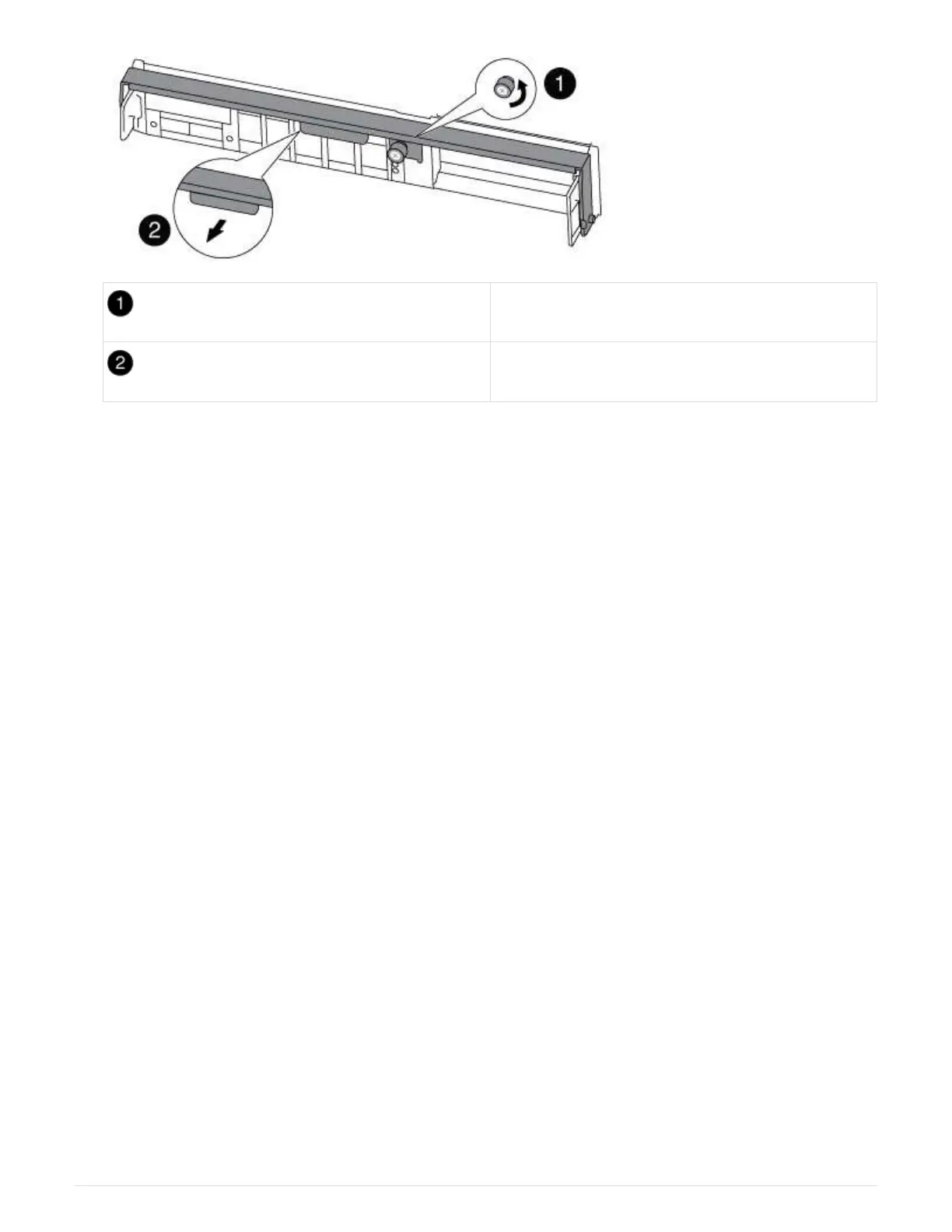
Thumbscrew
Cam handle
5. Pull the cam handle downward and begin to slide the controller module out of the chassis.
Make sure that you support the bottom of the controller module as you slide it out of the chassis.
Step 2: Replace the boot media - AFF A300
You must locate the boot media in the controller and follow the directions to replace it.
1. If you are not already grounded, properly ground yourself.
2. Locate the boot media using the following illustration or the FRU map on the controller module:
387



 To Next Page