Type of
cable…
Part number and length Connector
type
For…
Power cables Not applicable Powering up the system
5. Download and complete the Cluster configuration worksheet.
Cluster Configuration Worksheet
Install the hardware
You need to install your system in a 4-post rack or NetApp system cabinet, as applicable.
1. Install the rail kits, as needed.
2. Install and secure your system using the instructions included with the rail kit.
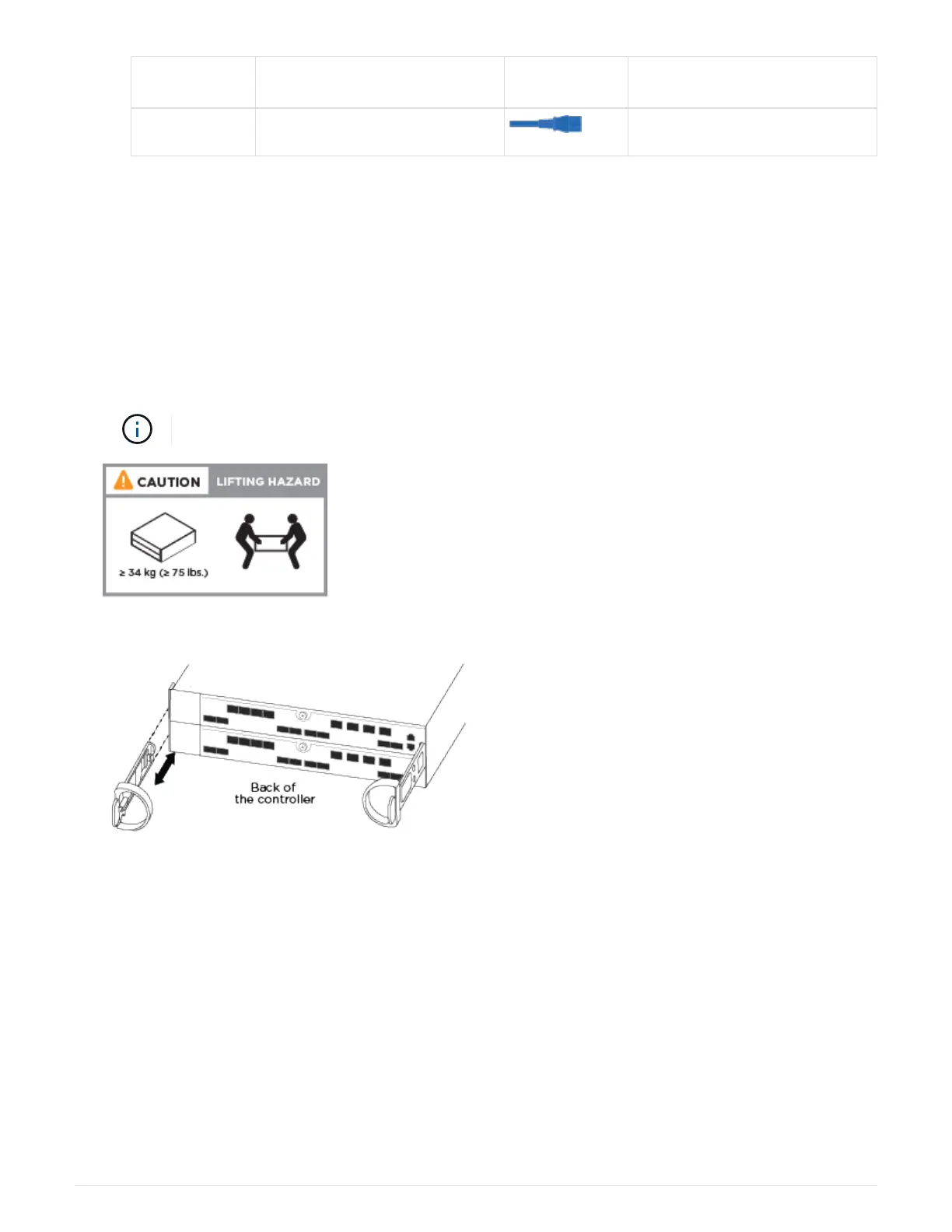
You need to be aware of the safety concerns associated with the weight of the system.
3. Attach cable management devices (as shown).
4. Place the bezel on the front of the system.
Cable controllers to your network
You can cable the controllers to your network by using the two-node switchless cluster
method or by using the cluster interconnect network.
Option 1: Cable a two-node switchless cluster
The optional data ports, optional NIC cards, and management ports on the controller
modules are connected to switches. The cluster interconnect/HA ports are cabled on both
controller modules.
489



 To Next Page