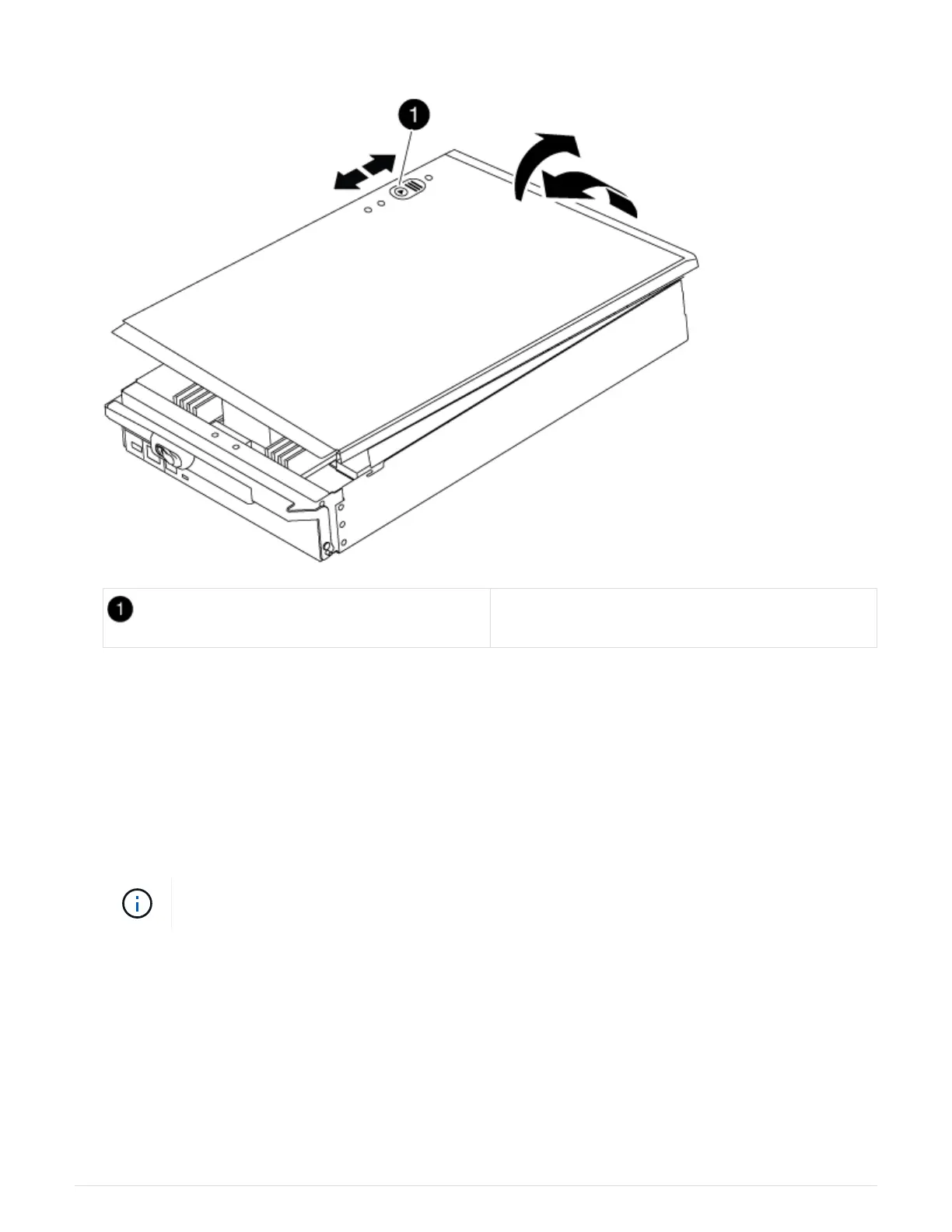
module.
Controller module cover locking button
Step 3: Replace the DIMMs
To replace the DIMMs, locate them inside the controller and follow the specific sequence
of steps.
Steps
1. If you are not already grounded, properly ground yourself.
2. Locate the DIMMs on your controller module.
Each system memory DIMM has an LED located on the board next to each DIMM slot. The
LED for the faulty blinks every two seconds.
785



 To Next Page