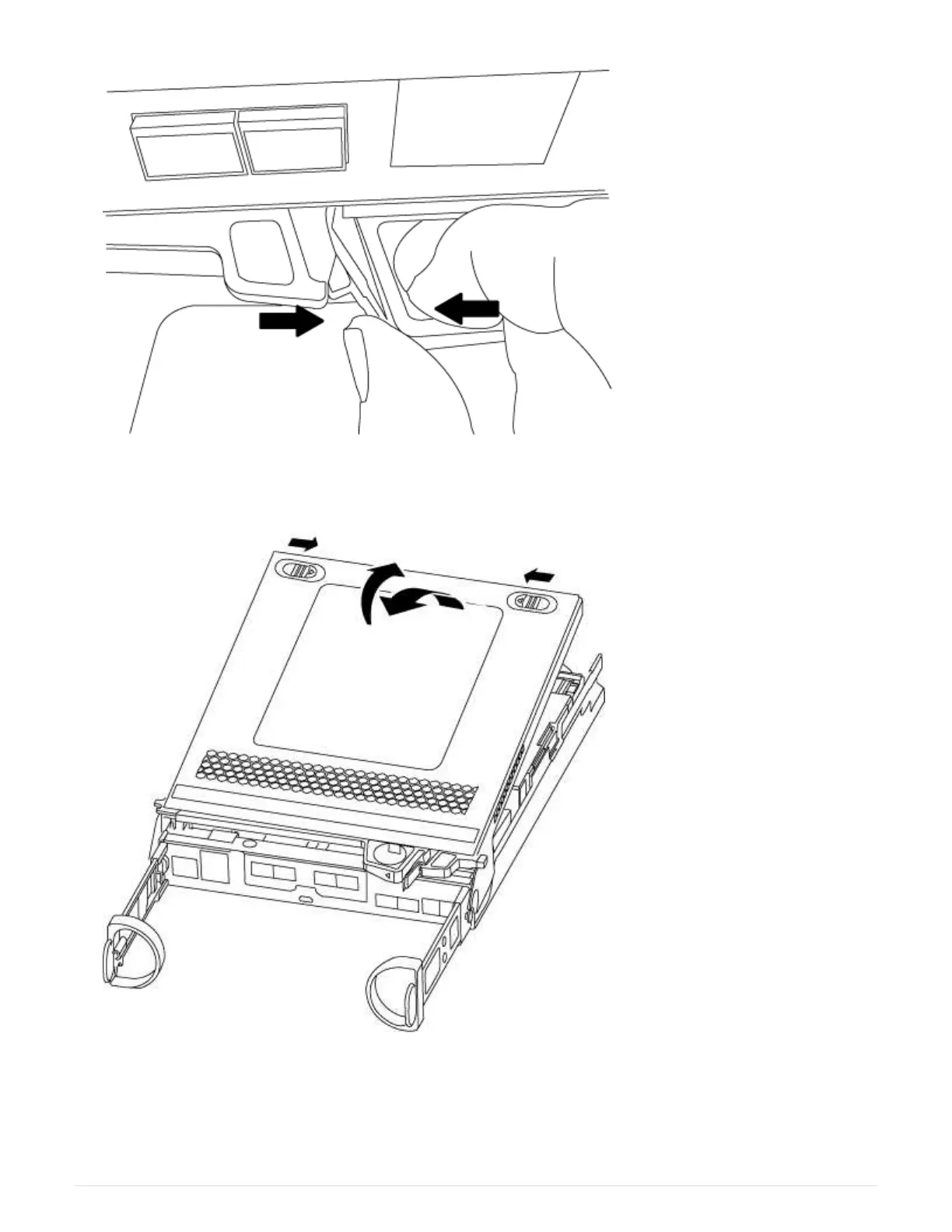
5. Turn the controller module over and place it on a flat, stable surface.
6. Open the cover by sliding in the blue tabs to release the cover, and then swing the cover up and open.
Step 3: Replace the RTC battery
To replace the RTC battery, you need to locate it inside the controller module, and then follow the specific
sequence of steps.
78



 To Next Page