As you insert the connector, you should feel it click into place; if you do not feel it click, remove
it, turn it around and try again.
Steps
1. Use the animation (
Cabling a switched cluster) or the step-by-step instructions to complete the cabling
between the controllers and to the switches:
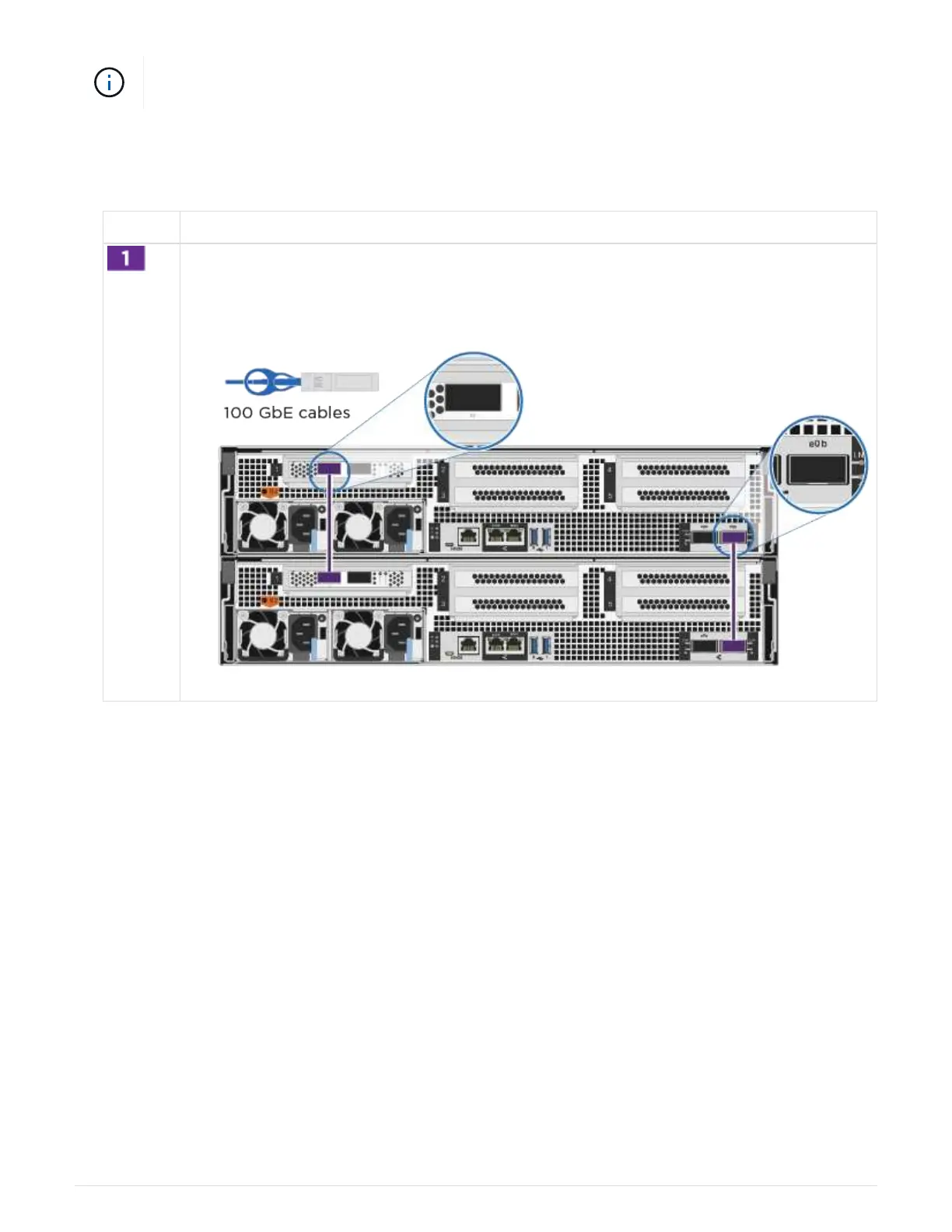
Step Perform on each controller module
Cable the HA interconnect ports:
• e0b to e0b
•
e1b to e1b
935



 To Next Page