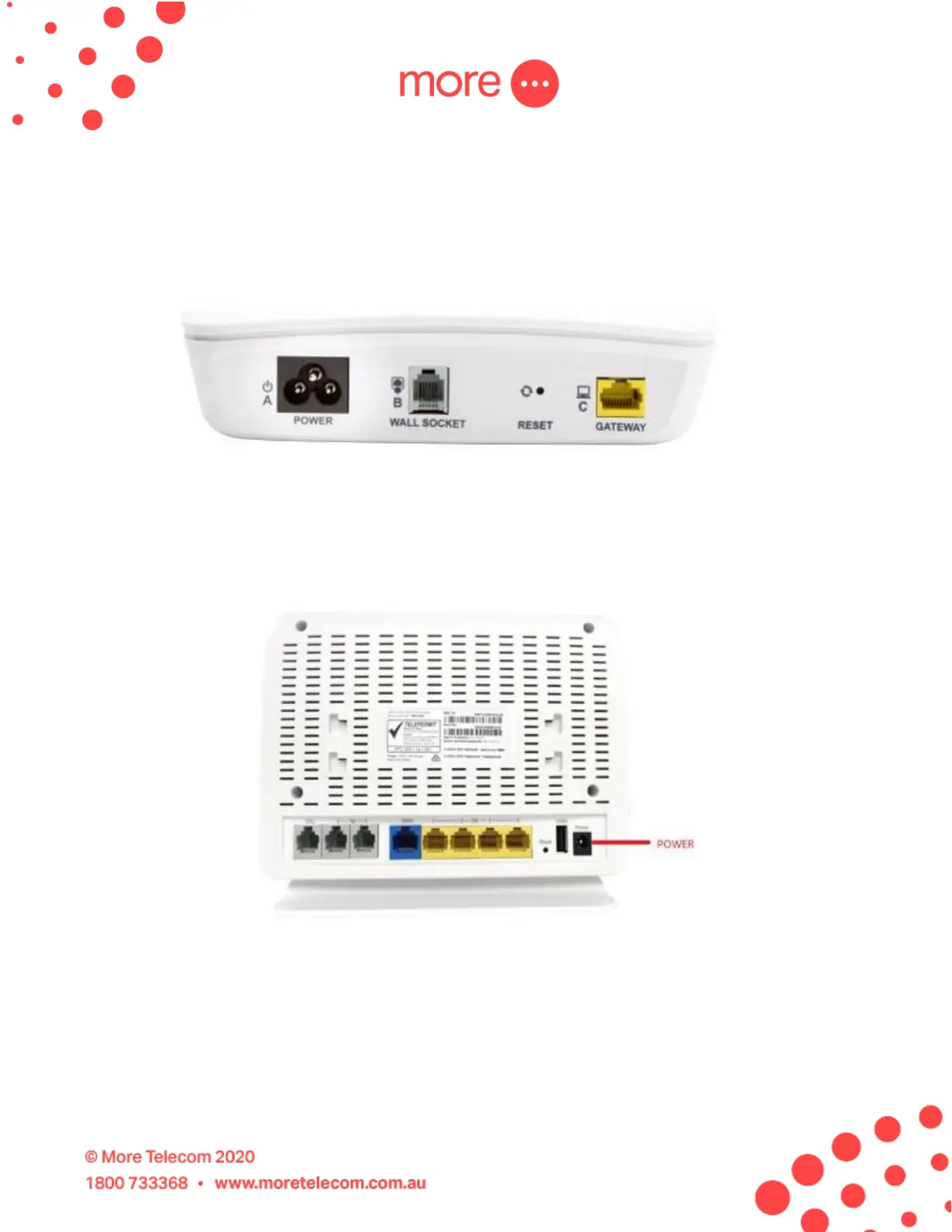
3. Connect the NCD to the mains power and your telephone wall using the
power and wait for the DSL light on the front of the NCD to turn solid
blue. If it does not turn solid blue you may need to try alternative sockets
inside your property.
4. After the NCD DSL light is solid blue, please un-box your new NBN
NF18AC modem and connect it to main power.
5. Use the yellow Ethernet cable (included with the modem) to connect the
modem to the NCD. Use the blue WAN port on the back of the modem
and connect this to the yellow GATEWAY port on the back of the NCD



 To Next Page