4.
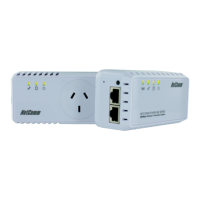
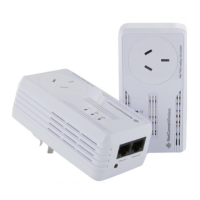
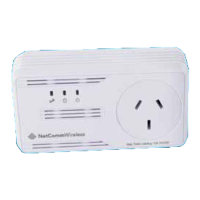
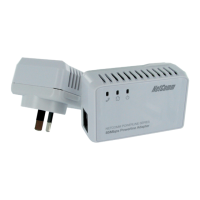
Unplug the NP204 from the power and connect only the NP202Wn directly to the
computer (for best/easy result use second computer. This is because the NP202Wn
and NP204 utilities cannot co-exist on the same computer.). Install the NP202Wn
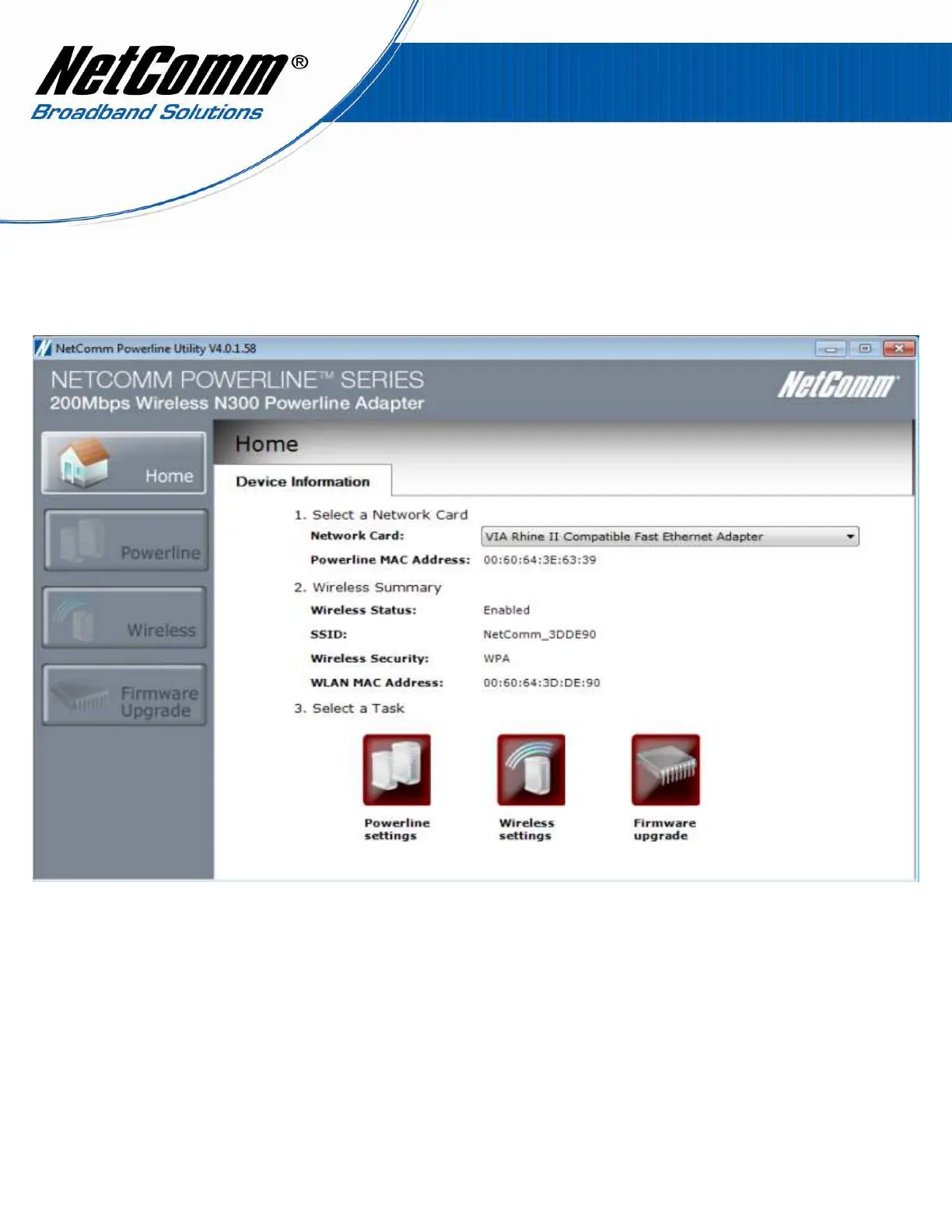
utility software and make a note of the default network name which is “HomePlugAV”
5.
By default the Network name on NP202Wn is “HomePlugAV”, as shown below.


 To Next Page