EasyManua.ls Logo

Netgar WG511 - User Manual

Default Icon
28 pages
Print Icon
To Next Page IconTo Next Page
Loading...
NETGEAR, Inc.
4401 Great America Parkway
Santa Clara, CA 95054 USA
Installation Guide for the
Model WG511 802.11g
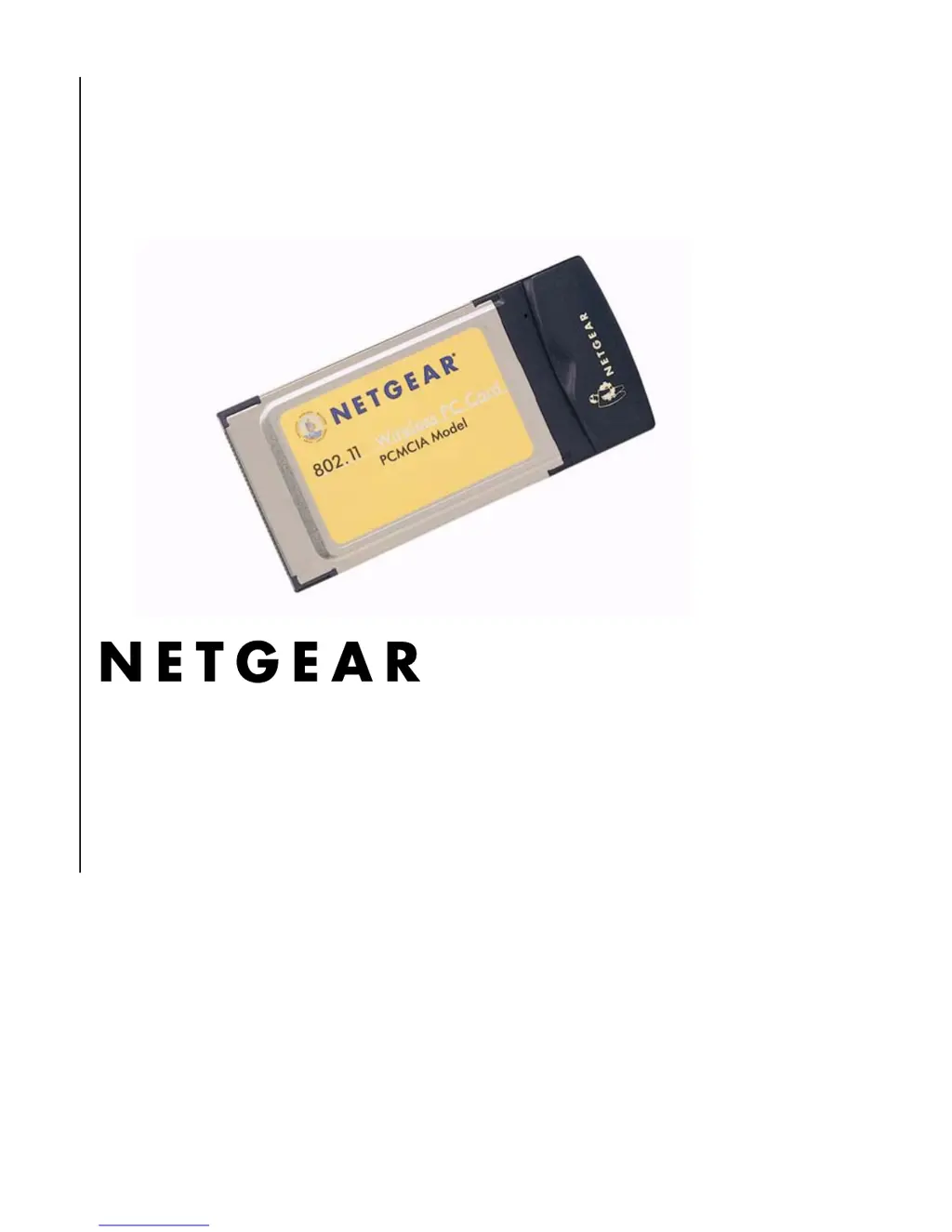
Wireless PC Card

Questions and Answers

Summary

Technical Support and Information

Technical Support Contact Information

Provides phone, email, and web resources for technical assistance.

Statement of Conditions and Copyright

Details the company's rights to make changes and copyright information.

Chapter 1 - Introduction

About the WG511 802.11 g Wireless PC Card

Overview of the WG511 802.11g Wireless PC Card, its mobility, and benefits.

Key Features and Related NETGEAR Products

Lists the primary features of the WG511 and compatible NETGEAR devices.

Whats in the Box?

Itemizes the contents of the WG511 PC Card product package.

PC Card Interfaces and LED Indicator

Describes the PCMCIA/CardBus interfaces and the function of the WG511's LED.

Chapter 2 - Installing the WG511 802.11 g Wireless PC Card

What You Will Need Before You Begin

Outlines prerequisites and guidelines before installing the WG511 PC Card.

Verify System Requirements

Lists the minimum system requirements for installing the WG511 PC Card.

Observe Location and Range Guidelines

Provides advice on optimal placement and factors affecting wireless range.

Two Basic Operating Modes

Explains the two primary modes of operation: Infrastructure and Ad-Hoc.

WG511 Default Wireless Configuration Settings

Details the factory default settings for SSID and Network Mode.

Connecting in Infrastructure Mode

Step-by-step guide for connecting the WG511 to a wireless access point.

Setup Instructions for Windows XP

Detailed steps for installing the WG511 on Windows XP.

Setup Instructions for Windows 98;Me

Detailed steps for installing the WG511 on Windows 98/Me.

Setup Instructions for Windows 2000

Detailed steps for installing the WG511 on Windows 2000.

Connecting in Ad-Hoc Mode

Guide for establishing a direct wireless connection between devices without an access point.

Interpreting the LED on the WG511

Details the meaning of different states of the WG511's LED indicator.

Interpreting System Tray Icon Colors

Describes the status indicated by different colors of the system tray icon.

Troubleshooting Tips

Provides solutions for common problems encountered with the WG511.

Chapter 3 - Protecting Your Wireless Connection

Enabling Basic Wireless Security Features

Introduces methods to enhance wireless network security using WEP and SSID.

Identifying Network Name (SSID) and WEP Settings

Explains how to identify and configure the SSID and WEP encryption parameters.

Setting the Wireless Network Name (SSID)

Step-by-step guide to change the SSID setting for the wireless network.

Configuring WEP Encryption Security

Instructions on setting up WEP encryption strength and passphrases.

Regulatory Compliance and Certification

Manufacturer;Importer Certification

Details certifications, approvals, and compliance statements for the product.

FCC and Canadian Interference Regulations

Explains compliance with FCC and Canadian radio frequency interference regulations.

Netgar WG511 Specifications

General IconGeneral
Device TypeWireless PC Card
Data Transfer Rate54 Mbps
Frequency Band2.4 GHz
Wireless Protocol802.11b, 802.11g
Encryption AlgorithmWEP, WPA, WPA2
StandardsIEEE 802.11b, IEEE 802.11g
Data Rates1, 2, 5.5, 6, 9, 11, 12, 18, 24, 36, 48, 54 Mbps
Operating Systems SupportedWindows 98SE, ME, 2000, XP
Interface TypeCardBus
InterfaceCardBus