17
Using the WG511 to Connect in Ad-Hoc Mode
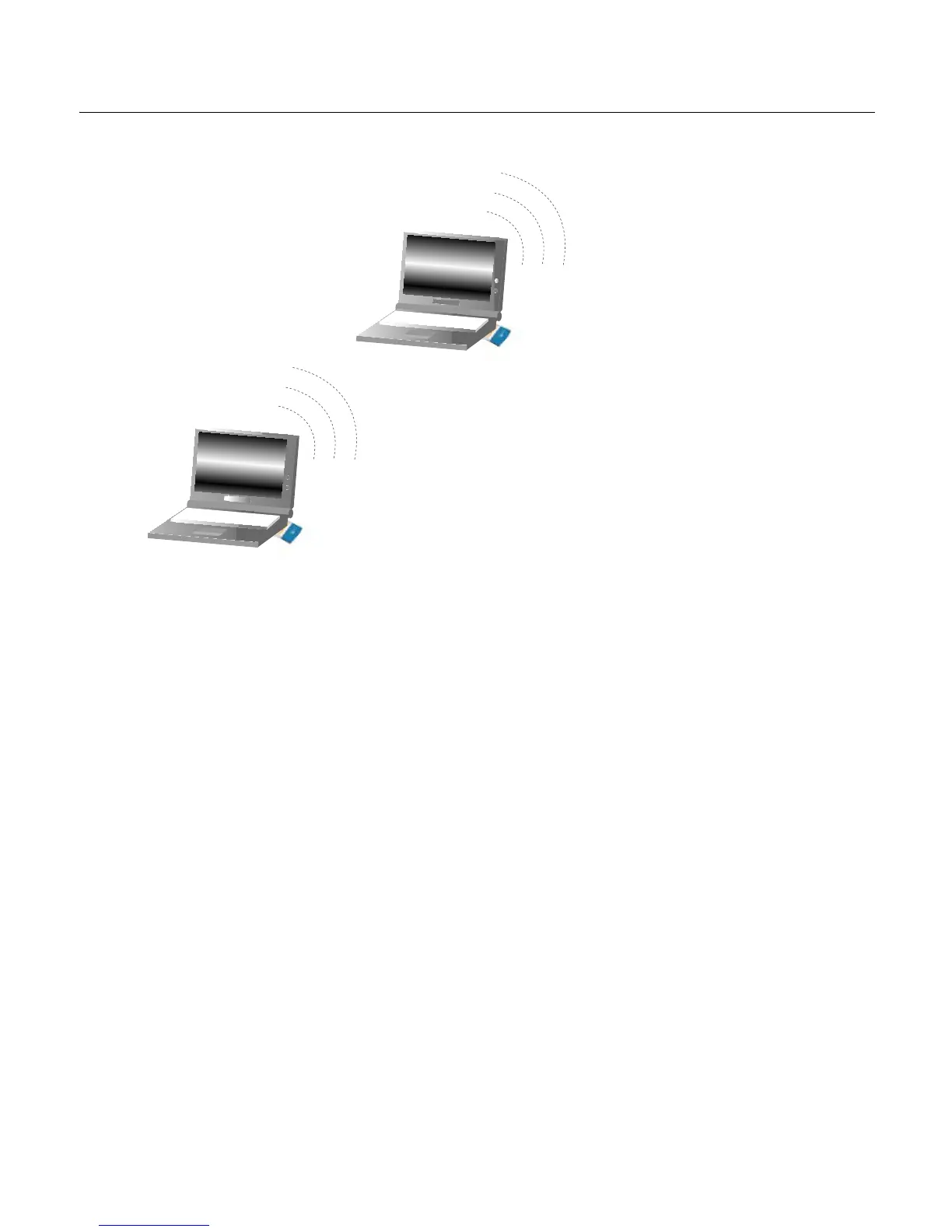
Figure 2-2: NETGEAR WG511 Wireless PC Card in Ad-Hoc Mode
Ad-Hoc Mode is an 802.11 networking framework in which devices or computers
communicate directly with each other, without the use of an access point. For
example, Ad-Hoc Mode is used when two Windows computers are configured
with file and print sharing enabled and you want to exchange files directly
between them. To use the Ad-Hoc mode, install the WG511 following the
instructions above for your version of the Windows operating system. However,
select Ad-Hoc mode instead of Infrastructure mode. Otherwise all the other
settings would be the same. Again, unless both computers are configured to
operate in Ad-Hoc mode, you will not be able to connect.
WG511 Wireless PC Card
in a Notebook Computer
WG511 Wireless PC Card
in a Notebook Computer



 To Next Page